
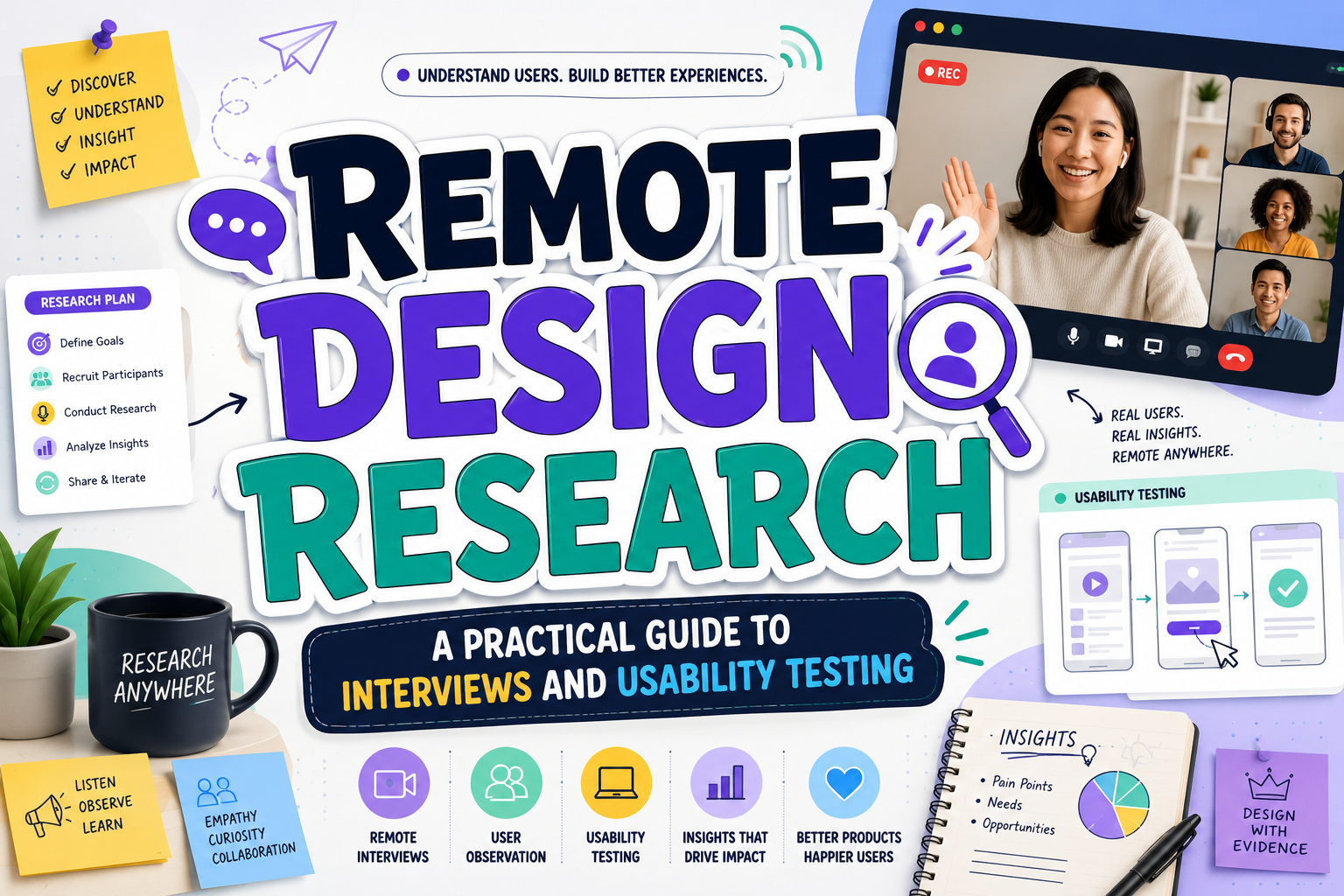
Remote Design Research: How to Understand Users From Anywhere
Effective remote design research begins with a decision, not a video-conferencing platform. Define what the team needs to learn, which users can answer it, and what evidence would change the product direction.
Use interviews for motivations and context, surveys for broader patterns, and usability testing for task performance. Remote testing may be moderated through a live call or unmoderated through tasks completed independently. The two formats provide different levels of speed, scale, and follow-up depth.
What Is Remote Design Research?
Remote design research studies user needs, behaviors, and product interactions when researchers and participants are in different locations. It can be synchronous, such as a live interview, or asynchronous, such as a diary study, survey, or unmoderated test.
It offers geographic reach, flexible scheduling, and access to familiar environments, but technology barriers and reduced physical context can hide important signals. Remote methods are especially useful when participants are geographically dispersed, travel is impractical, or project timelines are limited.
Core Remote Research Methods
Online Interviews
Video or phone interviews explore goals, frustrations, routines, and decisions. Use a semi-structured guide, but leave room for follow-up questions. Ask about recent real experiences rather than hypothetical behavior.
Digital Surveys
Surveys collect patterns from a broader audience. Keep wording neutral and use open responses selectively. They reveal what people report but rarely explain the complete reason behind behavior.
Remote Usability Testing
Moderated testing lets a facilitator observe, probe, and adapt the session. Unmoderated testing is faster and more scalable, but instructions must be especially clear because no facilitator is present.
Virtual Observation and Diary Studies
Screen sharing, remote tours, self-recorded videos, and diary prompts can reveal recurring behavior over time. They are useful when one interview cannot capture routines, changing emotions, or real-world interruptions.
A Practical Remote Research Workflow
1. Define the Question and Recruit Deliberately
Turn a broad objective into a focused question. “Why is onboarding failing?” can become “Which step prevents first-time users from completing setup?” Recruit people who genuinely represent the intended audience rather than relying only on colleagues or convenient participants.
2. Prepare Consent, Technology, and Accessibility
Send consent information before the session, explain what will be recorded, and identify any observers. Research guidance recommends obtaining informed consent before collecting notes, audio, video, or screen recordings and protecting the resulting participant data.
Offer a phone alternative, captions where possible, flexible timing, and low-bandwidth options. Ask participants to test the meeting link, but prepare a backup when technology fails.
3. Pilot and Conduct the Session
Test the guide, prototype links, timing, and recording setup before recruiting the full sample. During usability testing, give realistic tasks rather than step-by-step instructions. Observe before explaining so the team evaluates the product instead of teaching it.
4. Synthesize Through Multiple Sources
Group evidence by recurring behavior, need, barrier, and opportunity. Separate observation from interpretation. Combining interviews, surveys, usability findings, and analytics strengthens confidence because each method reveals a different part of the experience. This mixed-method approach is often called triangulation.
Present Findings So Teams Can Act
Connect evidence with decisions. Include the research question, participant profile, method, recurring patterns, limitations, and recommended next steps.
Use clear visual hierarchy in reports and presentations. A distinctive PutraCetol Studio font can strengthen report covers or section titles, while charts, quotations, and research findings should use a highly readable companion typeface.
Comparison
| Method | Best For | Main Strength | Main Limitation |
|---|---|---|---|
| Remote interview | Motivation and context | Allows detailed probing | Relies partly on self-report |
| Digital survey | Broad patterns | Reaches more participants | Limited explanatory depth |
| Moderated usability test | Understanding task problems | Rich observation and follow-up | Requires scheduling |
| Unmoderated test | Fast behavioral feedback | Scales efficiently | No live clarification |
| Diary study | Behavior over time | Captures routines and change | Requires participant commitment |
| Virtual observation | Workflows and context | Reveals real environments | Camera view may be incomplete |
Common Mistakes
The first mistake is choosing a familiar tool before defining the research problem. Teams may schedule interviews when they actually need usability evidence, or launch a survey when the issue requires deeper contextual understanding. Match the method to the decision and combine methods only when each adds distinct evidence.
Another mistake is treating remote access as automatically inclusive. Participants may have unstable internet, limited devices, accessibility needs, shared rooms, or difficult time zones. Provide alternatives, compensate fairly, minimize unnecessary software installation, and never interpret a technical failure as a user failure.
The final mistake is recording everything without a clear data plan. Research files may contain faces, voices, screens, account information, and sensitive personal details. Collect only what is necessary, document consent, restrict access, define retention periods, and anonymize findings before wider sharing.
Conclusion
Remote design research gives teams a flexible way to understand users across locations, schedules, and real-life contexts. Its quality depends less on the platform than on the research question, participant fit, ethical preparation, and disciplined analysis.
Use interviews for depth, surveys for patterns, usability tests for behavior, and diary or observational methods for context over time. Pilot each study, protect participant privacy, and present findings in a form that supports product decisions.
Use the strengths of digital access while acknowledging what the screen cannot show.
Explore these fonts and many more at PutraCetol.com to build a business identity that looks professional, trustworthy, and memorable.
Additionally, if you want to explore some free typography options, you can check out Putracetol Studio on Dafont. Happy reading and designing!