
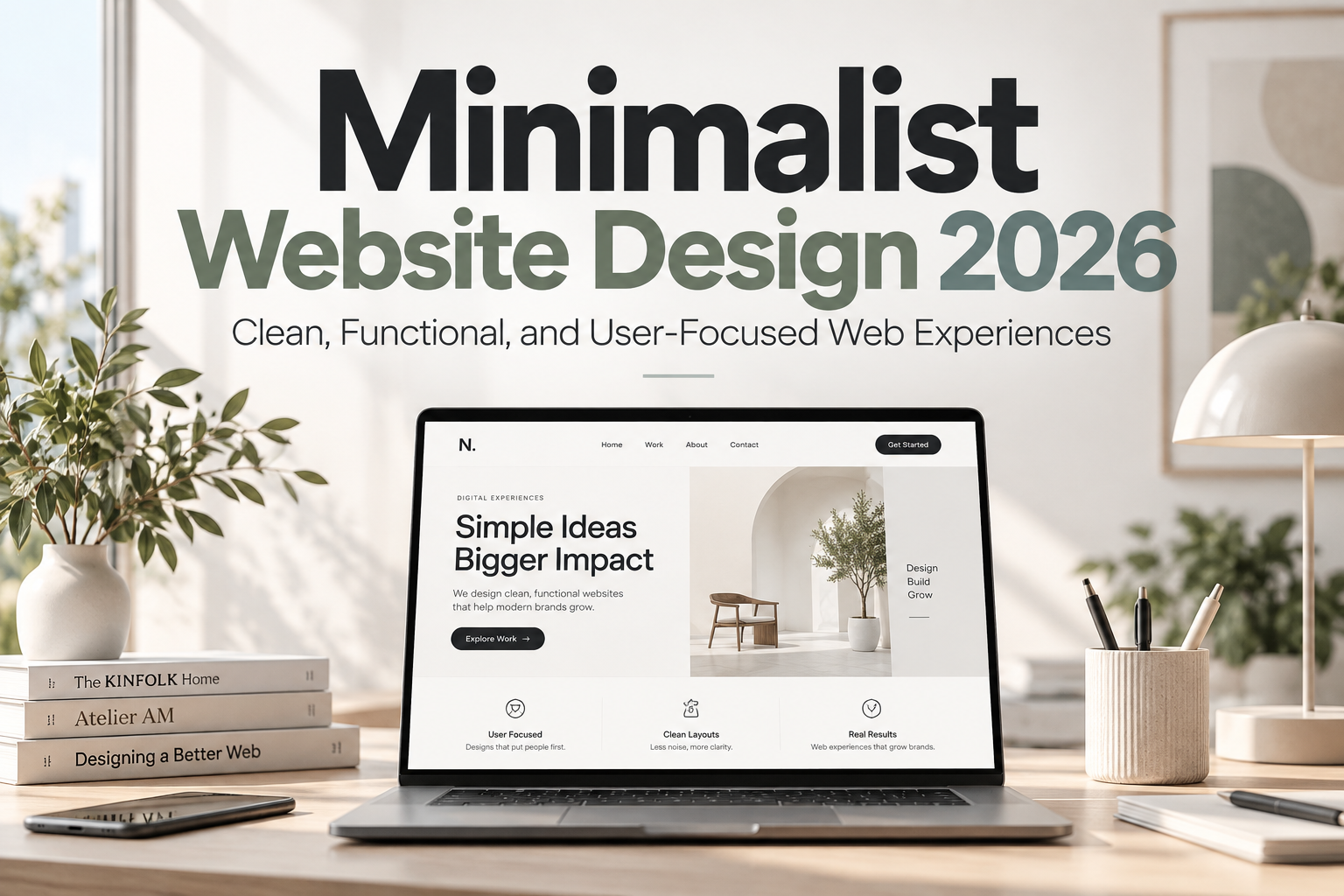
Minimalist Website Design 2026: Designing Less to Communicate More
For years, many websites competed for attention by adding more: larger animations, complex gradients, layered effects, multiple calls to action, oversized menus, video backgrounds, and constantly moving interface elements.
In 2026, a different direction continues to gain relevance.
Minimalist website design 2026 focuses on reducing visual noise so users can understand content, navigate more easily, and identify the most important action without fighting the interface.
Minimalism does not mean making every website white, empty, or visually generic. It means making intentional decisions about what deserves to remain.
A successful minimalist website can still feel expressive, premium, playful, or experimental. The difference is that every element has a purpose.
Initial Suggestion: Start by Removing Before Adding
A useful way to approach minimalism is to begin with the complete website and ask what can be removed without reducing usability or meaning.
Consider the homepage.
Does it really need three promotional banners, six navigation categories, two popups, an autoplay video, multiple sliders, and four different call-to-action buttons?
Probably not.
Instead, identify the page’s primary objective. A portfolio might need visitors to explore selected projects. An ecommerce homepage may need shoppers to discover products. A SaaS website might need people to understand the product and start a trial.
Everything else should support that objective.
Minimalism begins with prioritization.
Use Whitespace as Part of the Layout
Whitespace is one of the strongest tools in minimalist web design.
It separates sections, groups related information, improves scanning, and prevents important content from competing with surrounding elements.
Whitespace does not need to be literally white. Dark websites, colorful brands, and image-heavy portfolios can still use generous empty areas.
For example, a premium product page may place one product image beside a short headline and a single action button rather than surrounding it with multiple badges, banners, and decorative icons.
The empty space gives the product greater visual authority.
Good whitespace creates hierarchy without requiring extra borders, shadows, or containers.
Simplify Navigation
Minimalist websites should make navigation predictable.
Visitors should not have to decode creative terminology to understand where links lead.
Use clear labels such as Products, Services, About, Pricing, Blog, or Contact when those terms match the content.
Complex websites can still remain minimalist by organizing information progressively. Keep the main navigation focused and move secondary options into logical submenus or contextual sections.
Mobile navigation deserves special attention. A clean desktop header can quickly become crowded when compressed onto a smaller screen.
The goal is not to show every available destination immediately. It is to help users reach the right destination with minimal uncertainty.
Make Typography Carry More Visual Responsibility
When decorative elements are reduced, typography becomes more important.
Type size, weight, spacing, line length, and contrast establish much of the visual hierarchy in minimalist interfaces.
A strong hero headline can replace the need for multiple graphics. Clear section headings make long pages easier to scan. Consistent body typography improves reading comfort.
For minimalist branding, designers can combine a distinctive display typeface with a quieter supporting font. Fonts from PutraCetol Studio can be used for hero headings, brand statements, campaign sections, or selected visual accents while maintaining simple, readable typography for longer content.
Avoid using too many typefaces or weights. Two complementary families, or even one well-designed family with several weights, are often enough to create a complete hierarchy.
Restrict the Color Palette
Minimalist design usually benefits from a controlled color system.
This does not mean everything must be black, white, and gray.
A website might use a neutral background, one primary brand color, and one accent color for interactions. Another could build its entire identity around a strong monochromatic palette.
The important factor is consistency.
If every section introduces a different color, gradient, button style, and background treatment, the visual system begins to lose focus.
Reserve high-contrast colors for important actions.
A bright button becomes significantly more effective when it is not competing with five other equally saturated elements.
Reduce Decorative UI Elements
Modern interface design offers many visual effects: glassmorphism, gradients, shadows, blur, 3D graphics, animated cards, scroll effects, and floating elements.
Minimalist design does not prohibit them.
It asks whether they are necessary.
A subtle shadow may help separate a modal from the page. A small gradient may reinforce brand identity. A short transition can explain an interaction.
Problems begin when visual effects become the content.
Use decoration to support hierarchy, depth, or feedback rather than simply demonstrating what CSS or JavaScript can do.
Focus on Content Before Visual Effects
Minimalism makes weak content more obvious.
When there are fewer graphical distractions, visitors pay greater attention to headlines, product descriptions, photography, case studies, and calls to action.
This is an advantage.
A minimalist website encourages teams to improve the information itself rather than hiding unclear communication behind visual spectacle.
A strong homepage might contain a direct headline explaining the value proposition, one short supporting paragraph, a clear call to action, selected proof points, and a few carefully chosen visuals.
The design becomes a framework for communication.
Optimize for Speed and Responsiveness
A simpler visual design can support better performance, but minimalism does not automatically make a website fast.
A page containing only a few elements can still load slowly if it uses enormous images, unnecessary JavaScript, heavy video files, or poorly optimized fonts.
Compress images, use appropriate responsive sizes, limit unnecessary scripts, and evaluate whether animation libraries or background videos genuinely improve the experience.
Test the interface across phones, tablets, laptops, and larger screens.
A good minimalist layout should adapt gracefully rather than simply becoming smaller.
Keep Interactions Clear
Minimalism can sometimes remove too much.
Users still need to recognize links, buttons, form fields, active states, navigation controls, and interactive elements.
A button should look actionable. Selected navigation should remain identifiable. Form errors need visible feedback.
Do not sacrifice usability because a design looks cleaner without those indicators.
Visual simplicity should reduce cognitive effort, not create ambiguity.
Comparison: Extravagant vs. Minimalist Website Design
| Design Area | Overloaded Approach | Minimalist Approach |
|---|---|---|
| Navigation | Many competing options | Focused hierarchy |
| Typography | Several unrelated styles | Consistent type system |
| Colors | Multiple strong colors | Controlled palette |
| Whitespace | Every area filled | Intentional breathing room |
| Animation | Constant movement | Purposeful motion |
| Content | Everything emphasized | Clear priorities |
| CTAs | Multiple competing actions | One primary action |
| Decoration | Effects dominate | Effects support content |
Minimalist design works because it establishes priorities rather than treating every element as equally important.
Common Mistakes
One common mistake is confusing minimalism with emptiness. Removing elements without understanding their function can produce websites that look elegant but provide too little information. Users still need context, navigation, trust signals, product details, and clear actions. Minimalism should simplify communication, not eliminate essential information.
Another mistake is making everything too subtle. Extremely light text, invisible borders, tiny icons, low-contrast buttons, and hidden navigation may look sophisticated in a mockup but reduce usability. Minimal design still requires strong hierarchy and accessible contrast. Simplicity should make important elements easier to identify.
Finally, avoid copying the same minimalist aesthetic for every brand. A law firm, children’s product, luxury hotel, music platform, and technology startup should not automatically look identical. Reduce unnecessary complexity while preserving the personality, audience, and emotional character of the brand.
Conclusion
Minimalist website design 2026 is less about visual emptiness and more about intentionality.
Strong minimalist websites use whitespace, typography, restrained color, focused navigation, clear content, and purposeful interaction to help users understand what matters quickly.
The shift away from excessive digital spectacle does not mean websites need to become boring.
It means designers can place creativity where it creates the most value.
When thoughtful layout, strong content, distinctive typography from PutraCetol Studio, and efficient front-end implementation work together, minimalism can produce digital experiences that feel professional, memorable, and comfortable to use.
Explore these fonts and many more at PutraCetol.com to build a business identity that looks professional, trustworthy, and memorable.
Additionally, if you want to explore some free typography options, you can check out Putracetol Studio on Dafont. Happy reading and designing!