
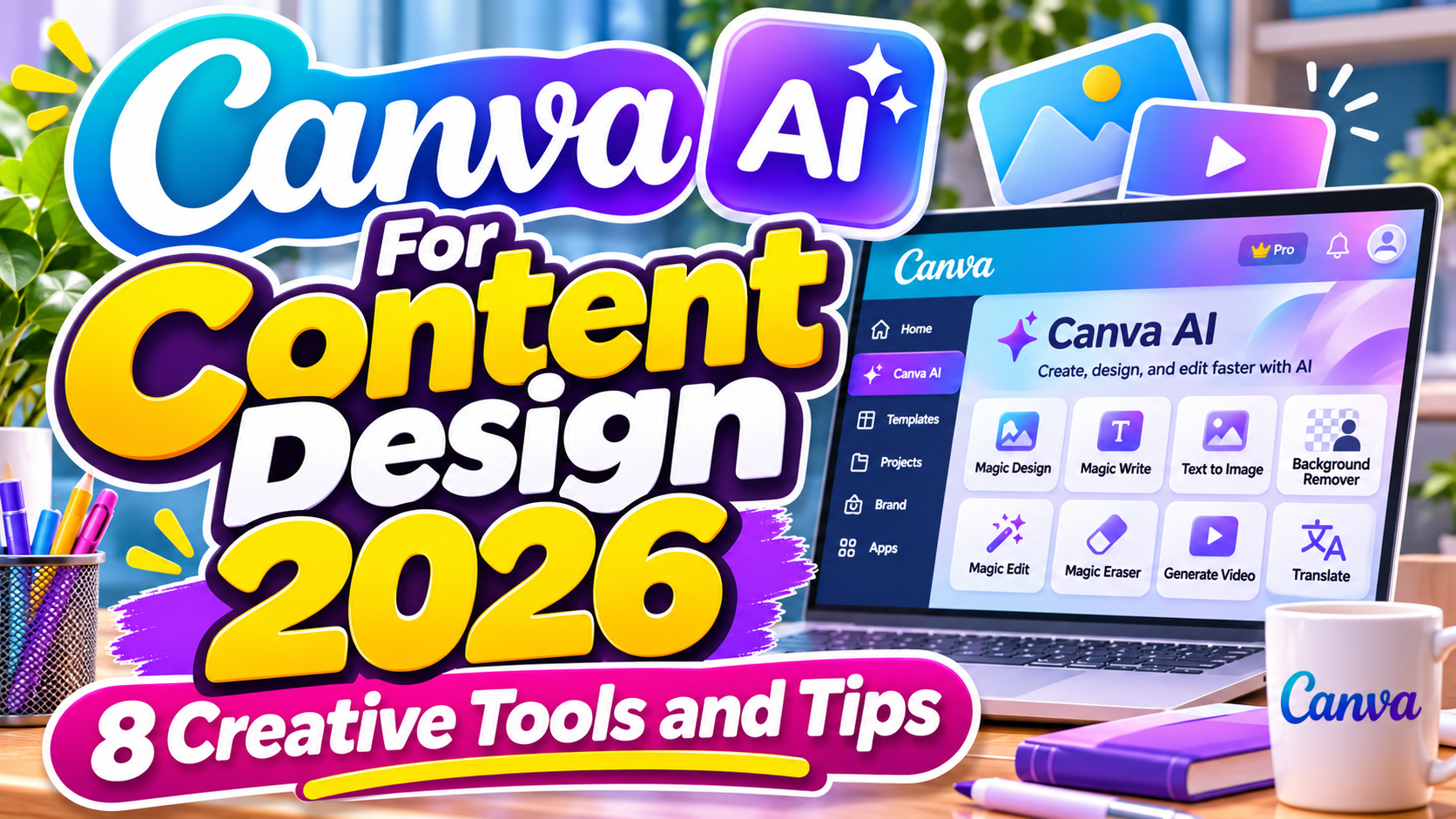
Canva AI For Content Design 2026: 8 Smart Ways to Create Better Visual Content
Creating professional visual content no longer requires advanced design skills or complicated software. Artificial intelligence is making graphic design more accessible, helping businesses, marketers, and creators transform simple ideas into engaging visuals.
Canva AI For Content Design 2026 brings together intelligent design generation, automated editing, creative writing, and multimedia tools within an accessible platform.
Whether you’re preparing Instagram posts, promotional banners, educational presentations, or short videos, Canva’s AI-powered features can help simplify repetitive tasks while providing more opportunities for creative experimentation.
Start With a Clear Creative Brief
Before generating content with Canva AI, define your design objective, target audience, and preferred visual style.
A promotional Instagram post requires a different approach from a corporate presentation or educational infographic.
A useful starting prompt is:
“Create a modern Instagram promotional post for a creative coffee brand, featuring warm colors, bold typography, minimalist illustrations, and a clear call to action.”
Specific instructions help AI produce results closer to your expectations. Always review the generated content and refine its typography, composition, and messaging before publishing.
8 Best Ways to Use Canva AI for Content Design in 2026
1. Generate Creative Designs With Canva AI
Canva AI allows users to describe their ideas through conversational prompts and generate editable visual designs.
With Canva AI 2.0, introduced in 2026, supported users can refine layouts, adjust individual elements, and develop creative concepts through an interactive design process.
For example, a startup founder could request a product launch announcement and then ask AI to adjust the colors, headline, and visual hierarchy.
BEST FOR: Beginners, entrepreneurs, creative teams, and marketing campaigns.
2. Create Social Media Graphics With Magic Design
Magic Design helps transform written descriptions and existing media into customizable design layouts.
Content creators can generate ideas for Instagram posts, Facebook graphics, promotional banners, and YouTube thumbnails.
Instead of manually building every composition, users can explore suggested layouts and personalize them with original images, colors, and branding elements.
BEST FOR: Social media managers, influencers, small businesses, and digital marketers.
3. Write Better Content With Magic Write
Strong design needs compelling written content.
Magic Write supports brainstorming, rewriting, summarizing, and developing written material for creative projects.
A digital marketer might use it to explore advertising headlines, while a teacher could generate an initial outline for educational slides.
AI-generated text still requires proofreading, factual verification, and adjustments to match the intended audience.
BEST FOR: Marketing copy, presentation outlines, promotional messaging, and educational content.
4. Generate Custom Images With Magic Media
Magic Media allows users to create original visual concepts from text descriptions.
Designers can experiment with AI-generated photographs, illustrations, graphics, and supported video or 3D elements.
For example, a children’s educational brand could generate colorful animal illustrations for worksheets or promotional posters.
Detailed prompts describing composition, lighting, colors, and artistic style generally provide better creative direction.
BEST FOR: Illustrations, advertising concepts, educational graphics, and digital artwork.
5. Edit Images With AI-Powered Tools
Canva includes intelligent editing features such as Magic Edit and Background Remover.
Magic Edit can modify selected image areas using descriptive instructions, while Background Remover helps isolate subjects from distracting surroundings.
For example, an online store owner could remove a product’s background before placing it into a promotional layout.
These tools are particularly useful for creating consistent product imagery without extensive manual editing.
BEST FOR: Product photography, e-commerce graphics, advertising banners, and marketing visuals.
6. Create Professional Presentations Faster
Canva AI can generate presentation drafts from a topic, outline, or written description.
A startup team might request a pitch deck structure, while an educator could develop an introductory lesson presentation.
After generation, users can customize slide content, typography, illustrations, and visual hierarchy.
AI-generated presentations should be treated as starting points rather than finished materials, especially when presenting statistics or business information.
BEST FOR: Business presentations, educational slides, pitch decks, and training materials.
7. Produce Short Videos With Canva AI
Video content is increasingly important for social media and digital marketing.
Canva offers different AI-assisted video workflows, including text-prompt video clips and Magic Video, which can assemble uploaded photos and clips into short social videos.
Creators can develop product teasers, promotional reels, or animated visual content without beginning every project from scratch.
The available generation length and editing capabilities depend on the selected tool.
BEST FOR: Instagram Reels, TikTok content, product promotions, and educational videos.
8. Maintain Consistent Branding With Custom Fonts
Professional content creation requires more than attractive AI-generated visuals. Consistent typography, colors, and graphic elements help build brand recognition.
Canva’s Brand Kit supports uploaded font files in OTF, TTF, and WOFF formats on eligible plans, subject to licensing requirements.
Explore creative typefaces at PutraCetol Studio to develop distinctive headlines, product branding, and promotional designs. With the appropriate font coverage, custom typography can help your Canva projects maintain a recognizable visual identity.
BEST FOR: Brand identity design, marketing templates, corporate graphics, and promotional campaigns.
Comparison: Traditional Design vs. Canva AI-Assisted Design
Both approaches offer useful advantages depending on project complexity and creative requirements.
| Design Process | Traditional Design | Canva AI-Assisted Design |
|---|---|---|
| Initial concepts | Manual brainstorming | Prompt-based suggestions |
| Layout creation | Built from scratch | AI-generated starting layouts |
| Image editing | Manual adjustments | AI-assisted editing |
| Content writing | Written manually | AI-generated drafts |
| Presentations | Individual slide creation | AI-assisted slide drafts |
| Brand consistency | Manual style management | Brand Kit and AI assistance |
Which Approach Is Better?
Canva AI is particularly useful for repetitive content production, rapid experimentation, and accessible everyday design.
Traditional design methods remain valuable for detailed creative control, specialized illustration, and highly customized brand identities.
Combining AI assistance with human creativity often provides the most practical balance.
Common Mistakes When Using Canva AI for Content Design
One common mistake is publishing AI-generated designs without reviewing their quality. Although Canva AI can produce attractive layouts, the results may contain inaccurate text, inconsistent imagery, awkward spacing, or visual elements that do not match the intended message. Designers should carefully evaluate typography, readability, color contrast, and composition before exporting their work. Human judgment remains essential for developing professional content that communicates effectively.
Another mistake is relying on generic prompts and using the same visual treatment across every project. Without clear creative direction, AI-generated content may appear repetitive or fail to communicate a recognizable brand identity. Users should describe their audience, desired mood, layout preferences, and branding requirements when developing prompts. It is also important to review commercial usage rights, font licensing, privacy considerations, and plan-specific AI limitations before using generated materials in professional projects.
Conclusion
Canva AI For Content Design 2026 offers practical opportunities to create engaging visual content with greater flexibility and less repetitive manual work.
From social media graphics and AI-generated illustrations to professional presentations and promotional videos, Canva’s creative tools can support designers, marketers, educators, and entrepreneurs.
The best results come from combining intelligent automation with thoughtful creative direction, consistent branding, and careful editing.
For typography that adds personality to your visual projects, explore the creative font collections at PutraCetol Studio and develop memorable designs that reflect your brand’s unique identity.
Explore these fonts and many more at PutraCetol.com to build a business identity that looks professional, trustworthy, and memorable.
Additionally, if you want to explore some free typography options, you can check out Putracetol Studio on Dafont. Happy reading and designing!