
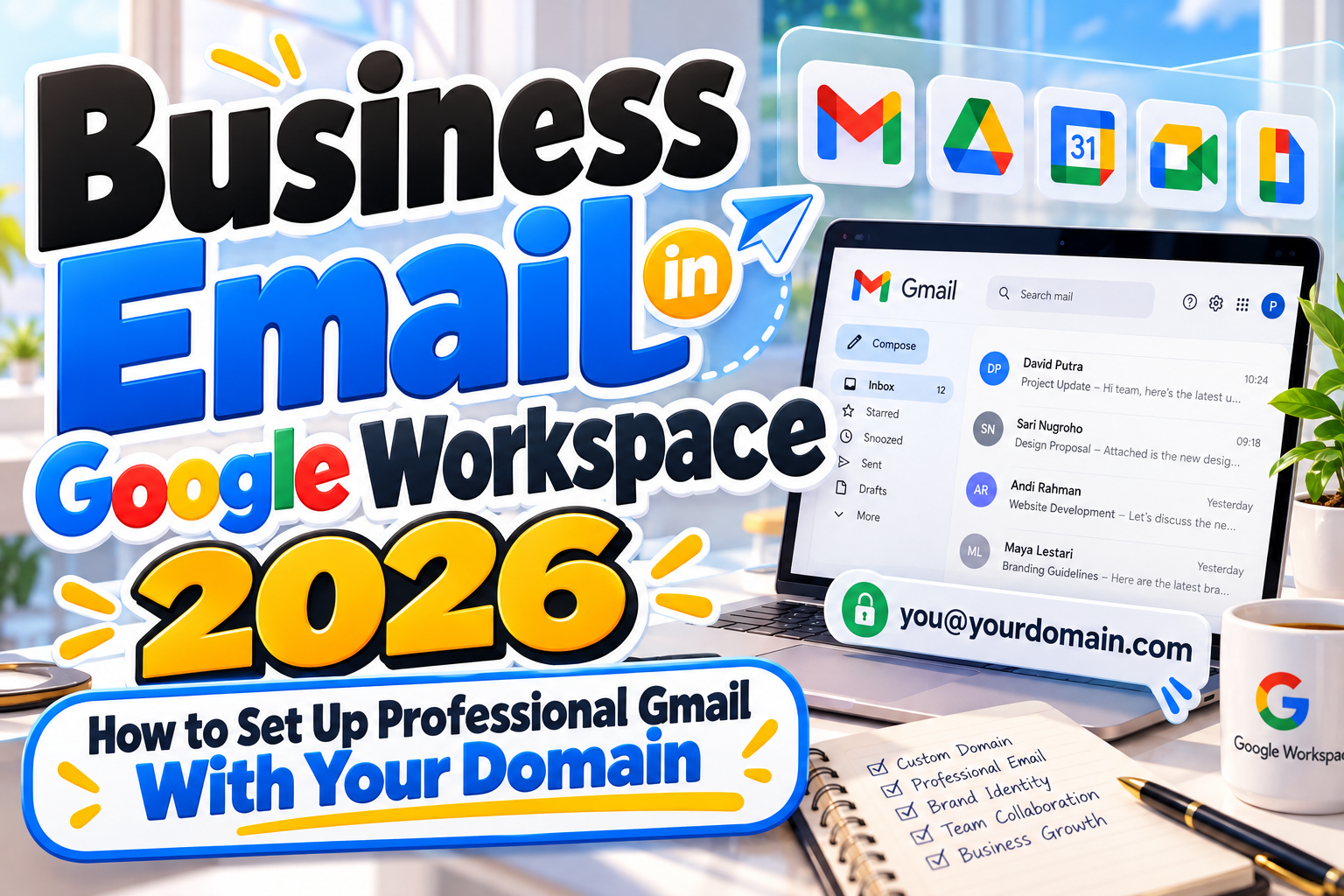
Business Email in Google Workspace 2026: Build a More Professional Communication System
An email address is one of the smallest brand assets a business owns, but customers see it constantly.
Compare yourbrand@gmail.com with hello@yourbrand.com. Both can send messages, but the second immediately connects the communication to a recognizable business domain.
That is the core benefit of business email in Google Workspace 2026. Google Workspace lets organizations use Gmail with their own domain while connecting email to tools such as Drive, Calendar, Meet, Chat, Docs, and other Workspace services. Google currently promotes custom business addresses such as you@your-company.com as a core Gmail for business feature. Google Workspace
For entrepreneurs, freelancers, agencies, and growing teams, this combination provides professional branding without abandoning the familiar Gmail interface.
Initial Suggestion: Choose Your Domain Before Creating Accounts
Start with the domain, not the individual mailbox.
If your website is yourbrand.com, the most straightforward email system is usually based on that same domain:
hello@yourbrand.comsales@yourbrand.comsupport@yourbrand.comname@yourbrand.com
Using the same domain across your website and email strengthens brand consistency and makes addresses easier for customers to recognize.
Before creating dozens of accounts, decide who genuinely needs an individual Workspace user and which addresses can function as aliases or group addresses.
For example, a small team may need anna@brand.com and david@brand.com as individual users while using sales@brand.com and support@brand.com as shared organizational addresses.
Step 1: Sign Up for Google Workspace and Verify the Domain
The first technical step is connecting your business domain to Google Workspace.
During setup, Google asks you to verify that you control the domain. This usually involves adding a verification record to your domain’s DNS settings.
Domain verification is important because it prevents someone else from claiming your company domain and creating email accounts under it.
Once the domain is verified, administrators can create user accounts through the Google Admin console.
Google recommends individual accounts for individual users rather than having multiple employees share one login. Google Help
That approach also makes security, access control, employee onboarding, and account removal much easier to manage.
Step 2: Point Your MX Records to Google
Verifying the domain does not automatically tell the internet where your email should be delivered.
That is the role of MX records.
MX, or Mail Exchange, records tell other mail systems which servers receive email for your domain. Google’s current Workspace setup uses smtp.google.com as the MX destination for newly configured domains, and administrators then activate Gmail from the Admin console. Google notes that DNS changes may take up to 72 hours to propagate fully. Google Help
Because MX configuration affects incoming mail, double-check every DNS entry before deleting an existing mail setup.
If you are migrating from another provider, plan the transition so important messages are not lost during the changeover.
Step 3: Create a Clear Email Address Structure
Business email works best when naming conventions are predictable.
Personal accounts might follow:
firstname@company.com
or
firstname.lastname@company.com
Functional addresses can include:
hello@company.comsales@company.combilling@company.comsupport@company.com
Avoid creating unnecessary full user accounts for every public-facing address.
Google Workspace supports aliases and group-based addresses, making it possible to route addresses such as sales or support without treating each one as a separate employee identity. Google also promotes aliases such as sales@yourcompany as part of its business-email workflow. Google Workspace
A consistent naming convention becomes increasingly important as the organization grows.
Step 4: Set Up SPF, DKIM, and DMARC
Professional branding is valuable, but email authentication is even more important.
Three technologies should be part of a serious business email configuration:
SPF identifies servers authorized to send mail for your domain. Google explains that SPF can help reduce the chance that legitimate outgoing mail is classified as spam. Google Help
DKIM adds a cryptographic signature that receiving mail systems can use to verify that a message was authorized by your domain and was not improperly modified. Google recommends configuring DKIM together with SPF and DMARC. Google Help
DMARC builds on SPF and DKIM and lets domain owners define how authentication failures should be handled. Google recommends rolling DMARC out gradually, beginning with monitoring before moving toward quarantine or rejection policies. Google Help
These records are particularly important if your domain also sends mail through marketing software, CRM systems, ecommerce platforms, or support tools.
Every legitimate sender should be included correctly in your authentication strategy.
Step 5: Strengthen Account Security
Email is frequently the gateway to the rest of a company’s digital infrastructure.
If someone gains access to an administrator’s email account, they may also gain access to password resets, financial documents, Drive files, internal conversations, and customer information.
Enable 2-Step Verification for users, especially administrators. Google is already enforcing 2SV for Workspace administrator accounts and describes it as an additional barrier against stolen passwords. Google Help
Workspace administrators can also use features such as security keys or passkeys, depending on organizational policy.
Avoid sharing passwords between team members. If several employees need access to the same business function, use delegation, aliases, groups, or appropriate shared workflows instead.
Step 6: Standardize Your Business Email Branding
A professional address should also look professional after the message is opened.
Create a consistent signature containing essential information such as:
name,
role,
company,
website,
and relevant contact details.
Avoid oversized logos, excessive social icons, multiple fonts, or huge legal blocks unless they are genuinely required.
Typography should follow the broader brand system. The font used on your website, promotional graphics, proposals, and other branded material helps customers recognize the same business across multiple touchpoints.
For companies refining that wider identity, distinctive commercial fonts from PutraCetol Studio can support websites, presentations, marketing graphics, and other brand assets surrounding the email experience, while the actual email body should remain highly readable and compatible across clients.
Step 7: Connect Email With the Rest of Google Workspace
The value of Workspace extends beyond the inbox.
Gmail can integrate with Meet, Chat, Calendar, Drive, and other Workspace tools, allowing teams to move from an email conversation to a meeting, shared document, or scheduled event without building separate workflows. Google Workspace
Google has also continued introducing Gemini capabilities into business Gmail, including AI-assisted writing and business-oriented inbox assistance during 2026. Google Workspace
These tools can improve efficiency, but businesses should still review AI-generated messages before sending them, especially when discussing pricing, legal terms, customer complaints, or confidential information.
Comparison: Personal Gmail vs. Google Workspace Business Email
| Area | Personal Gmail | Google Workspace |
|---|---|---|
| Email address | name@gmail.com | name@yourcompany.com |
| Brand identity | Limited | Strong custom-domain branding |
| Administration | Individual account | Centralized Admin console |
| Team management | Basic | Users, groups, aliases, policies |
| Collaboration | Google services available | Organization-focused integration |
| Security controls | User-managed | Centralized organizational controls |
| Best use | Personal communication | Professional business operations |
Personal Gmail can be perfectly adequate for individual use, but Workspace is more suitable when an email system needs to represent and support an organization.
Common Mistakes
A common mistake is setting up the domain and MX records but ignoring email authentication. Messages may technically send and receive correctly while the domain remains more vulnerable to spoofing or inconsistent deliverability. Configure SPF, DKIM, and DMARC carefully, especially when multiple third-party services send mail on behalf of your business.
Another mistake is creating shared passwords for addresses such as support or sales. This makes it difficult to know who accessed the account and creates security problems when employees leave. Use individual identities and appropriate aliases, groups, delegation, or workflow tools instead.
Finally, do not let naming and branding become chaotic as the company grows. Addresses such as marketingteam02@company.com, inconsistent signatures, and outdated employee accounts make the organization appear less disciplined. Define conventions early and periodically review users, aliases, permissions, and forwarding rules.
Conclusion
Setting up business email in Google Workspace 2026 is more than replacing gmail.com with your company domain.
A professional configuration requires domain verification, correct MX records, structured user accounts, email authentication, strong account security, consistent branding, and thoughtful administration.
When these pieces work together, email becomes part of a broader business system rather than just another communication channel.
Your domain builds recognition, Gmail provides a familiar interface, Workspace supports collaboration, and consistent visual branding reinforces the professional identity customers see across your website, marketing materials, and every message you send.
Explore these fonts and many more at PutraCetol.com to build a business identity that looks professional, trustworthy, and memorable.
Additionally, if you want to explore some free typography options, you can check out Putracetol Studio on Dafont. Happy reading and designing!