
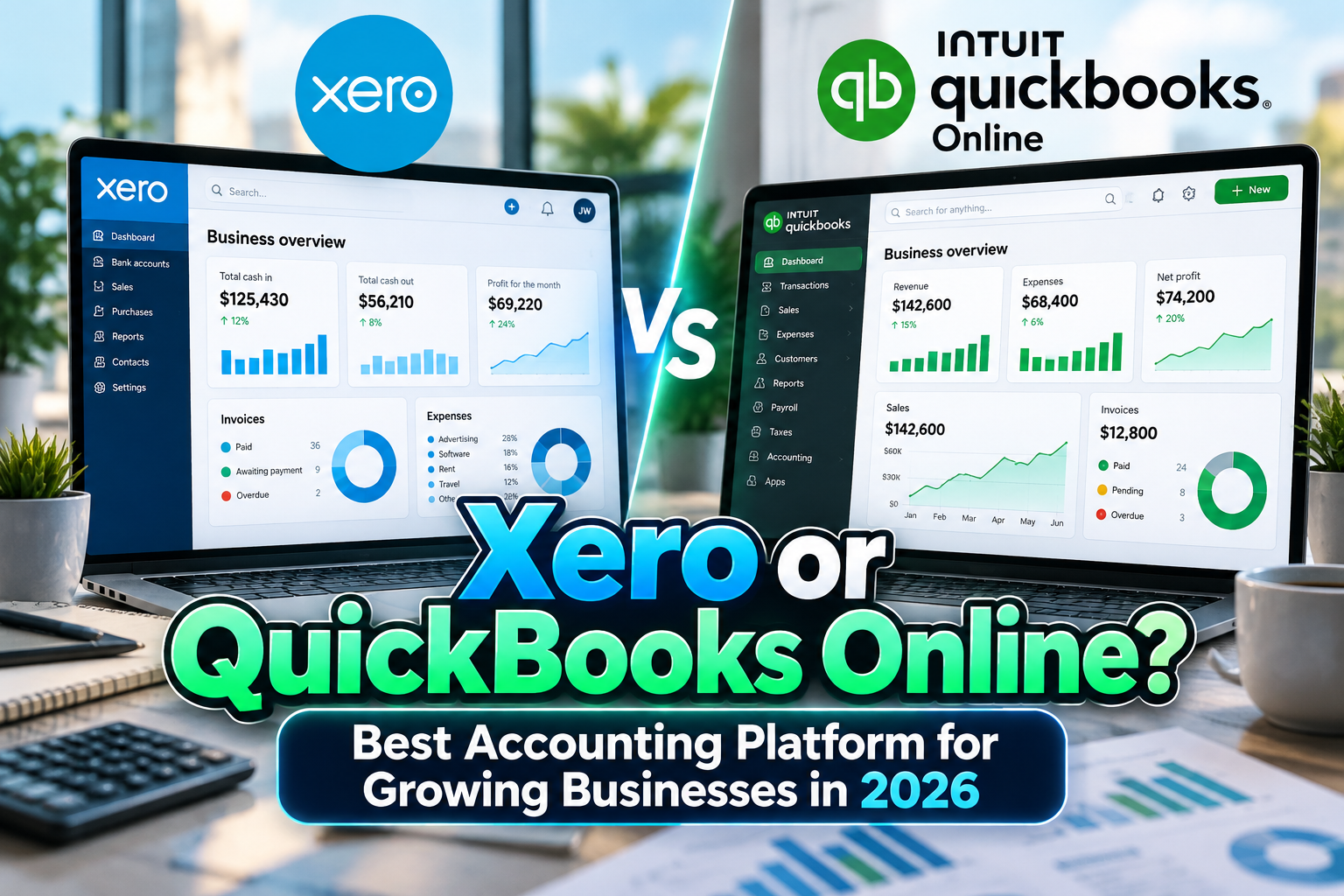
Xero vs QuickBooks Comparison 2026: Which Accounting Platform Is Right for You?
Xero and QuickBooks Online solve many of the same accounting problems, yet they approach business finance differently.
Both platforms can manage invoices, expenses, bank transactions, financial reporting, sales tax, bills, and integrations. The real question is which workflow fits your company, accountant, number of users, and growth plans.
For this Xero vs QuickBooks comparison 2026, one distinction is especially important: Xero emphasizes collaborative cloud accounting with unlimited users across its business plans, while QuickBooks Online uses plan-based user limits and provides increasingly sophisticated accounting, inventory, reporting, and AI functionality as businesses move into higher tiers. Xero
Neither platform is universally better. The stronger choice depends on how your finance operation actually works.
Initial Suggestion: Ask Your Accountant Before Migrating
Before comparing feature lists, speak with the accountant or bookkeeper who will work inside the software.
If your accountant already manages dozens of clients through QuickBooks Online, switching to Xero purely because of one feature may introduce unnecessary friction. The opposite can also be true for accounting firms built around Xero.
Then create a short list of requirements:
How many people need access? Do you sell inventory? Do you track project profitability? Do you need payroll? Will you operate in multiple currencies? Which CRM, ecommerce, expense, and payment systems must connect?
Testing both products with realistic transactions is more useful than choosing from screenshots.
Xero: Best for Collaboration and Flexible User Access
Xero’s strongest structural advantage is user access.
Its U.S. business plans include unlimited users rather than charging according to seat count. Role-based permissions allow companies to give different employees access to appropriate financial areas without paying for a higher subscription simply because more people need to collaborate. Xero
Xero also offers bank feeds and reconciliation, invoicing, bill management, reporting, purchase orders, fixed assets, inventory, document storage, payments, and more than 1,000 connected applications. Its Established tier adds features such as multi-currency accounting, project time and cost tracking, expenses, advanced analytics, and longer cash-flow forecasting. Xero
Xero has also been expanding automation through JAX, its AI financial assistant, including automatic transaction reconciliation on eligible plans.
BEST FOR: Collaborative finance teams, businesses with many users, accountants managing multiple stakeholders, and growing companies that value cloud-first integrations.
QuickBooks Online: Best for Feature Depth and U.S. Small-Business Accounting
QuickBooks Online remains particularly strong for U.S.-focused small and medium businesses.
Simple Start handles fundamental accounting tasks such as income and expense tracking, bank connections, invoices, sales tax, 1099 contractors, and financial reports. Essentials expands the system with bill management and time tracking, while Plus adds inventory, budgeting, class/location tracking, and project profitability. QuickBooks
QuickBooks has also expanded its Intuit Intelligence features in 2026, including AI-assisted expense organization, bookkeeping automation, financial insights, anomaly detection, and more advanced capabilities on higher plans. QuickBooks
Its biggest limitation relative to Xero for collaborative teams is user count. Simple Start supports one billable user, Essentials three, Plus five, and Advanced 25. QuickBooks
BEST FOR: U.S. small businesses, companies wanting deeper native accounting functionality, inventory-based businesses, and organizations already working with QuickBooks accountants.
Xero vs QuickBooks Pricing in 2026
Pricing deserves careful comparison because both companies run promotional discounts.
As of October 2026, Xero’s standard U.S. pricing is $27/month for Early, $59 for Growing, and $97 for Established following its October 1 price adjustment. Early is deliberately restricted to 20 invoices and five bills, making Growing the more realistic comparison for many operating businesses. Xero
QuickBooks Online currently lists U.S. standard prices of approximately $38 for Simple Start, $85 for Essentials, $140 for Plus, and $340 for Advanced, before temporary introductory discounts. QuickBooks
Price alone is misleading, however. Xero’s unlimited-user structure can become increasingly valuable as the finance team expands, while QuickBooks may justify a higher tier when businesses need specific native capabilities.
Always check current pricing immediately before subscribing because promotions and list prices can change.
Invoicing and Accounts Receivable
Both platforms are strong for everyday invoicing.
Xero can create and send online invoices, automate reminders, accept electronic payments, and synchronize bank activity for reconciliation. With the exception of the Early plan’s 20-invoice limit, higher Xero plans offer unrestricted invoicing. Xero
QuickBooks similarly supports customized invoices, payment links, reminders, transaction status tracking, and automatic bookkeeping around received payments. QuickBooks
For a basic service business, either is capable. The decision is more likely to be influenced by the surrounding accounting workflow than invoicing alone.
Bank Reconciliation and Automation
Xero has historically made reconciliation one of its central workflows.
Its current JAX system can categorize and automatically reconcile transactions when confidence is high, while keeping users able to inspect and correct decisions. Automatic reconciliation is available on Growing and Established plans. Xero
QuickBooks also automates transaction categorization and matching and has introduced AI-driven reconciliation capabilities in its higher tiers.
Both can substantially reduce manual bookkeeping, but automation should still be reviewed. Accounting software can suggest a category; the business remains responsible for ensuring financial records are correct.
Inventory and Project Tracking
For businesses selling physical products, QuickBooks Plus deserves particular attention because it includes inventory tracking alongside project profitability. Quantities can update as products are purchased and sold, while project reporting helps businesses evaluate job-level performance. QuickBooks
Xero includes basic inventory capabilities across its plans, while more sophisticated inventory requirements can be addressed through Inventory Plus or third-party integrations. Project time and cost tracking becomes available in the Established plan. Xero
For simple stock tracking, either can work. Complex manufacturing or warehouse environments will generally require specialized inventory software regardless of which accounting platform sits underneath.
Payroll and Integrations
Payroll illustrates another philosophical difference.
Xero’s U.S. payroll is powered by Gusto as an optional add-on, while QuickBooks offers its own QuickBooks Payroll products that integrate with the accounting environment. Xero currently lists its Gusto-powered payroll option at $36 per month plus $6 per employee or contractor. Xero
Xero’s ecosystem includes more than 1,000 connected applications, giving businesses considerable flexibility to assemble specialized workflows. Xero
QuickBooks also supports a broad ecosystem of apps and has the advantage of deep integration across Intuit’s financial products.
Xero vs QuickBooks Comparison Table
| Category | Xero | QuickBooks Online |
|---|---|---|
| Starting U.S. list price | $27/month | $38/month |
| Users | Unlimited | 1 to 25 by plan |
| Invoicing | Strong | Strong |
| Bank reconciliation | Excellent | Excellent |
| Inventory | Basic + optional expansion | Strong on Plus/Advanced |
| Project tracking | Established | Plus/Advanced |
| Payroll | Gusto integration | QuickBooks Payroll |
| Multi-user collaboration | Excellent | Plan-dependent |
| Best fit | Collaborative/growing teams | U.S. SMB accounting |
Common Mistakes
A common mistake is choosing solely by subscription price. A cheaper plan may become expensive once payroll, inventory, apps, or additional functionality are added. Calculate the entire accounting stack for at least the next two or three years rather than comparing only introductory monthly prices.
Another mistake is ignoring user requirements. A company with eight managers, an external accountant, a finance administrator, and department-level approvers may value Xero’s unlimited-user model very differently from a two-person company. Conversely, businesses requiring QuickBooks-specific workflows may find those features more important than seat economics.
Finally, do not migrate without testing integrations and historical data. Bank feeds, payroll, ecommerce transactions, inventory balances, chart-of-account mappings, invoices, and reporting periods should all be validated before the old system is retired.
Conclusion
In the Xero vs QuickBooks comparison 2026, Xero is particularly compelling for collaboration, unlimited users, app flexibility, and cloud-centric finance teams. QuickBooks Online stands out for its mature U.S. small-business accounting ecosystem, deeper plan-based functionality, inventory capabilities, and close connection with Intuit services.
For small teams already embedded in the U.S. accounting ecosystem, QuickBooks may be the more familiar choice. For growing businesses where many employees and advisors require financial access, Xero’s unlimited-user model is difficult to ignore.
Whichever platform you choose, accounting software is only part of a professional business presence. Companies can also build consistent invoices, presentations, websites, reports, and marketing materials with distinctive typography from PutraCetol Studio, creating a stronger visual identity around the financial systems operating behind the business.
Explore these fonts and many more at PutraCetol.com to build a business identity that looks professional, trustworthy, and memorable.
Additionally, if you want to explore some free typography options, you can check out Putracetol Studio on Dafont. Happy reading and designing!