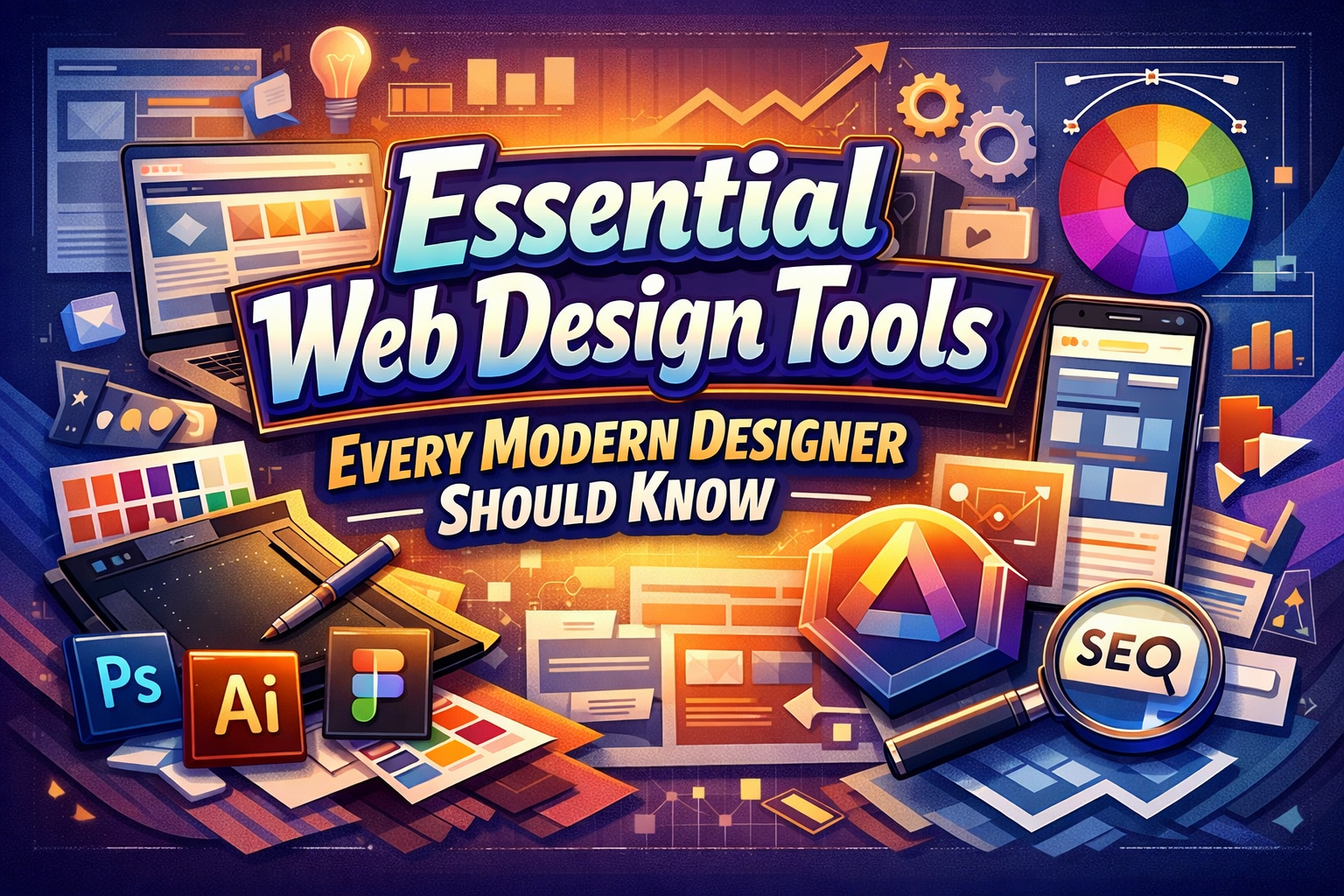
Essential Web Design Tools for Modern Designers
In today’s digital-first world, web design is no longer just about making websites look good. It is about creating fast, responsive, user-centered experiences that support business goals, brand identity, and long-term growth. As expectations rise and timelines shrink, modern designers must rely on the right set of tools to stay efficient, collaborative, and competitive.
According to insights from Putracetol Creative, choosing the right web design tools can dramatically impact how quickly ideas move from concept to launch. The right software stack helps designers collaborate smoothly, test ideas early, and deliver websites that perform well across devices and platforms.
This article explores seven essential web design tools that every modern designer should understand, use, or at least consider integrating into their workflow.
Why Web Design Tools Matter More Than Ever
Web design has evolved into a multidisciplinary process. Designers are no longer isolated visual creators; they collaborate with developers, marketers, content strategists, and product teams. This shift has made speed, collaboration, and flexibility essential.
Modern web design tools help designers:
- Reduce friction between design and development
- Collaborate in real time with remote teams
- Test layouts, interactions, and user flows early
- Deliver consistent experiences across devices
Without the right tools, even the most talented designers risk falling behind in an industry that moves fast and rewards efficiency.
1. Figma
Figma has become one of the most influential tools in modern web design, largely because it is browser-based and collaboration-first. Teams can work simultaneously on the same file, making feedback and iteration almost instant.
Why designers love Figma:
- Real-time collaboration across teams and locations
- Cloud-based access without heavy installations
- Strong support for UI systems and design libraries
- Smooth handoff between designers and developers
For agencies and large teams, Figma reduces version chaos and keeps everyone aligned. It is especially powerful for projects that require constant iteration and stakeholder involvement.
2. Adobe XD
Adobe XD is designed specifically for UI/UX design and interactive prototyping. It fits naturally into the Adobe ecosystem, making it a strong choice for designers who already rely on Photoshop and Illustrator.
Key strengths:
- Interactive prototypes with transitions and animations
- Clear visualization of user flows and interactions
- Integration with other Adobe Creative Cloud tools
Adobe XD shines when projects demand structured user journeys and detailed interaction testing. It helps teams validate ideas before committing to development, saving both time and cost.
3. Webflow
Webflow bridges the gap between design and development. It allows designers to build fully functional websites visually, without writing code, while still producing clean HTML and CSS.
Why Webflow stands out:
- No-code visual development with professional results
- Built-in CMS for scalable content management
- Strong control over responsive layouts
Webflow is ideal for freelancers and agencies that want to deliver custom websites quickly without relying heavily on developers. It also empowers designers to think more holistically about structure, performance, and content.
4. Framer
Framer started as a prototyping tool but has evolved into a platform known for high-level interactivity and animation. It is perfect for designers who want to push boundaries and create dynamic digital experiences.
Best use cases:
- Animated landing pages
- Interactive product showcases
- Experimental UI concepts
Framer is especially popular among designers working in startups, tech products, and marketing campaigns where motion and interaction play a major role in storytelling.
5. Sketch
Sketch is a vector-based design tool exclusive to macOS. It remains a favorite among many UI/UX designers thanks to its robust plugin ecosystem and mature workflow.
Key advantages:
- Lightweight and fast on Mac systems
- Extensive plugin support
- Strong community and design resources
While it does not offer browser-based collaboration like Figma, Sketch remains powerful for designers deeply embedded in the macOS ecosystem.
6. Canva
Canva is not a replacement for professional UI tools, but it plays an important supporting role. It is designed for speed and accessibility, making it ideal for quick visual assets.
When to use Canva:
- Social media visuals
- Simple banners and presentations
- Marketing support materials
For designers working with marketers, SMEs, or content creators, Canva helps maintain brand consistency without slowing down the main design workflow.
7. WordPress + Elementor
WordPress remains the most widely used CMS in the world, and Elementor has become one of its most popular visual builders. Together, they offer flexibility, scalability, and accessibility.
Why this combination works:
- Drag-and-drop page building without coding
- Huge ecosystem of plugins and themes
- Suitable for blogs, business websites, and e-commerce
This setup is especially valuable for small to medium businesses that need control, flexibility, and long-term scalability without heavy technical overhead.
How to Choose the Right Web Design Tools
There is no single “best” tool for every designer. The right choice depends on:
- Team size and collaboration needs
- Project complexity
- Technical skills
- Budget and timeline
Practical guidance:
- Large teams & agencies → Figma
- Rapid prototyping → Adobe XD
- No-code custom sites → Webflow
- Motion-heavy experiences → Framer
- Mac-focused workflows → Sketch
- Fast marketing visuals → Canva
- Flexible CMS projects → WordPress + Elementor
Many designers use multiple tools together, combining strengths rather than relying on a single platform.
Strategic Benefits of Using the Right Tools
Using the right web design tools delivers benefits beyond efficiency:
- Faster time-to-market
- Better collaboration and fewer misunderstandings
- Higher-quality user experiences
- Stronger alignment between design, content, and business goals
From a strategic perspective, tools shape not only how designers work, but how brands show up online.
Conclusion: Tools as Enablers, Not Replacements
Web design tools do not replace creativity, strategy, or experience. They amplify them. When chosen wisely, these tools free designers to focus on problem-solving, storytelling, and delivering meaningful digital experiences.
As highlighted by Putracetol Creative, modern designers succeed not by mastering every tool, but by understanding which tool serves which purpose. With the right toolkit, designers can work faster, collaborate better, and build websites that truly perform in today’s digital landscape.
For more insights into design, branding, and digital strategy, visit Putracetol.com.
Thank you for taking the time to read this article. If you are looking for more great articles, feel free to visit Putracetol Blog
Additionally, if you want to explore some free typography options, you can check out Putracetol Studio on Dafont. Happy reading and designing!