
AI Design Principles 2026: 5 Essential Guidelines for Human-Centered Digital Products
Artificial intelligence is changing how people interact with digital products. From intelligent assistants and personalized recommendations to automated design tools, AI introduces new possibilities for creating faster, more intuitive experiences.
However, successful AI integration requires more than sophisticated algorithms.
The AI design principles 2026 emphasize building experiences that prioritize human needs, transparency, reliability, continuous improvement, and responsible technology use.
For UI/UX designers, developers, and product teams, these principles provide a practical foundation for creating AI-powered products that people can understand, control, and trust.
What Are AI Design Principles?
AI design principles are guidelines that help teams integrate artificial intelligence into products while maintaining usability, transparency, and human control.
Unlike conventional interfaces, AI-powered experiences often involve probabilistic outputs, changing behavior, and occasional uncertainty.
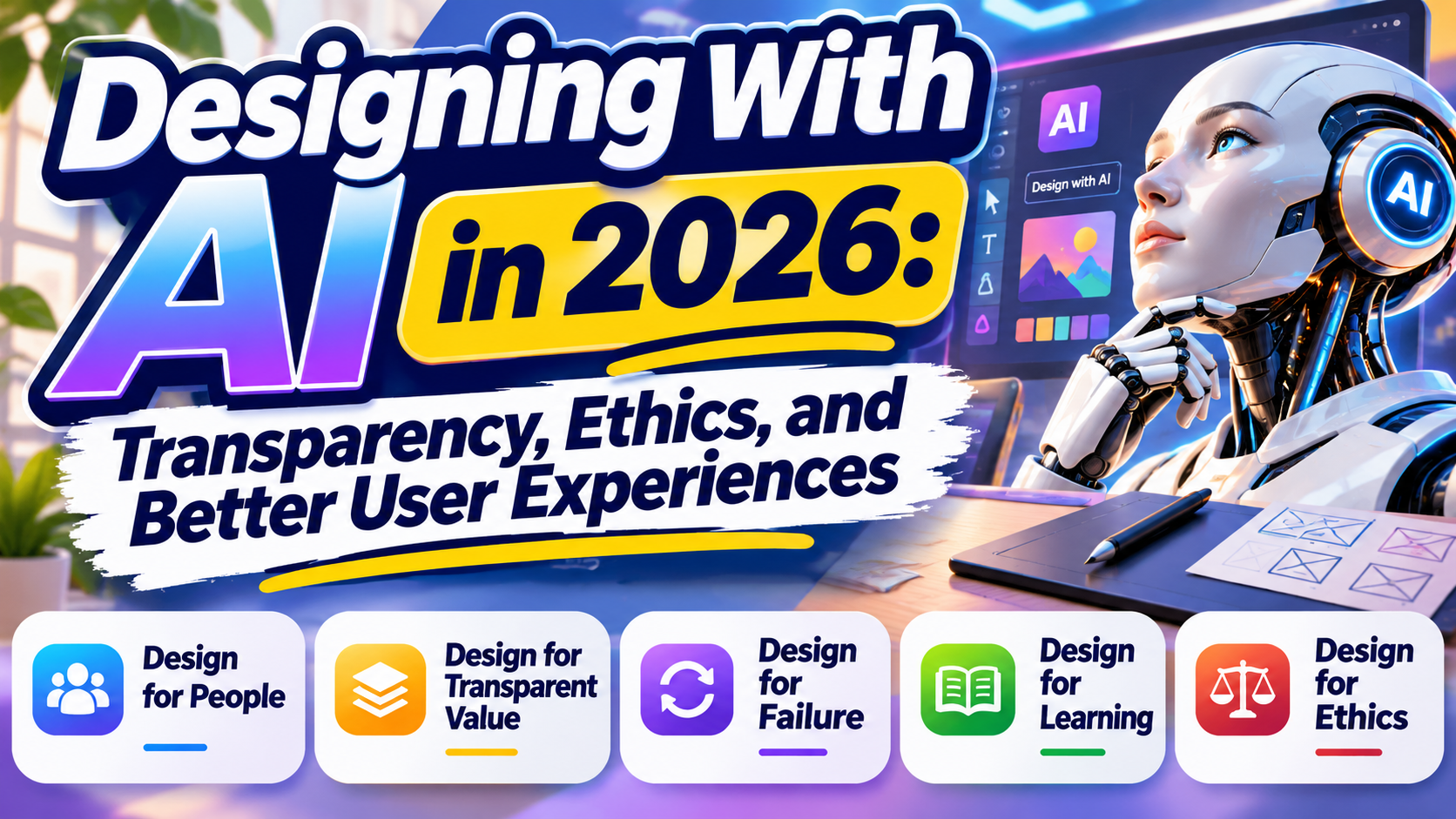
A useful five-part framework focuses on Design for People, Design for Transparent Value, Design for Failure, Design for Learning, and Design for Ethics.
These principles complement established human-centered AI guidance, including Google’s People + AI Guidebook and Microsoft’s Human-AI Interaction Guidelines.
Start With Real User Problems
Before adding AI to an application, identify the task users need help completing.
For example, an AI writing assistant should improve drafting and editing rather than introduce unnecessary features that complicate the experience.
Conduct user research, define measurable goals, and evaluate whether AI offers meaningful advantages over conventional solutions.
A successful AI product should simplify important tasks while allowing users to remain in control.
5 Essential AI Design Principles for 2026
1. Design for People: Put Human Needs First
Human-centered design begins with understanding user expectations, behaviors, and limitations.
AI should support people rather than force them to adapt to complicated technological systems.
For example, an AI-powered financial dashboard could summarize spending patterns while allowing users to inspect individual transactions.
Provide familiar navigation, accessible controls, and straightforward explanations.
Avoid replacing essential user decisions with automated actions that cannot be reviewed.
KEY BENEFITS: Better usability, stronger user confidence, and meaningful assistance.
BEST FOR: Productivity applications, financial platforms, educational tools, and business software.
2. Design for Transparent Value: Explain What AI Provides
Users should understand why an AI feature exists and how it benefits them.
Communicate capabilities clearly, disclose AI involvement, and explain relevant limitations.
For example, an AI image editor should distinguish generated content from original photography when that distinction matters to users.
Show previews before applying significant changes and make important settings understandable.
Visual hierarchy also supports transparency. Clear labels, readable typography, and consistent interface patterns help people recognize AI-generated information.
For product branding and promotional graphics, designers can explore distinctive fonts at PutraCetol Studio while keeping essential interface text accessible.
KEY BENEFITS: Clear expectations, informed decisions, and appropriate user trust.
BEST FOR: AI assistants, image generators, recommendation systems, and creative applications.
3. Design for Failure: Prepare for Imperfect AI Results
AI systems can generate inaccurate answers, misunderstand instructions, or produce inconsistent outputs.
Instead of assuming every response will succeed, design interfaces that help users identify problems and recover.
For example, an AI customer support assistant should provide a clear escalation option when it cannot resolve an issue.
Include correction tools, undo options, understandable error messages, and appropriate human review.
High-impact actions should require confirmation when necessary.
KEY BENEFITS: Safer interactions, easier error recovery, and improved reliability.
BEST FOR: Customer service platforms, healthcare tools, financial applications, and automated workflows.
4. Design for Learning: Support Feedback and Improvement
Effective AI products should help users understand their capabilities while enabling continuous product improvement.
Provide onboarding guidance, helpful examples, and opportunities to correct unsatisfactory results.
For example, an AI design generator could allow users to adjust colors, modify layouts, and provide feedback about generated compositions.
Product teams can analyze feedback patterns to identify usability problems and improve future releases.
However, applications should explain whether feedback is saved or used to improve AI models rather than implying that every correction automatically trains the system.
KEY BENEFITS: Better product improvement, easier learning, and greater creative control.
BEST FOR: Generative AI platforms, educational applications, design software, and productivity tools.
5. Design for Ethics: Protect Users and Reduce Harm
Ethical AI design considers privacy, fairness, accessibility, security, and accountability throughout development.
Organizations should examine how data is collected, processed, stored, and shared.
For example, an AI recruitment platform should be evaluated for potentially discriminatory outcomes before influencing hiring decisions.
Use appropriate safeguards, evaluate performance across relevant user groups, and document important limitations.
Human oversight remains essential when AI decisions could significantly affect individuals.
KEY BENEFITS: Reduced risk, stronger data protection, inclusive experiences, and responsible innovation.
BEST FOR: Enterprise AI, recruitment platforms, healthcare applications, and public services.
Comparison: Traditional UX Design vs. AI-Centered UX Design
Although traditional and AI-powered products share fundamental usability goals, AI introduces additional design responsibilities.
| Design Aspect | Traditional UX | AI-Centered UX |
|---|---|---|
| User interaction | Mostly predictable | May involve uncertain outputs |
| Transparency | Explains functions | Explains AI capabilities and limitations |
| Error handling | Conventional error states | Incorrect outputs and recovery paths |
| Personalization | Usually rule-based | May adapt through AI models |
| User control | Direct interface actions | Review, correction, and oversight |
| Ethical concerns | Privacy and accessibility | Additional fairness and AI risks |
How to Apply These Principles in Product Development
Begin with user research and clearly defined AI use cases.
Prototype interfaces that communicate capabilities, show uncertainty appropriately, and support correction.
Test realistic scenarios, including incorrect recommendations and unexpected system behavior.
Evaluate both task completion and whether users understand the system’s limitations.
Common Mistakes When Designing AI-Powered Products
One common mistake is adding AI features simply because they appear innovative. Although automation can improve productivity, unnecessary AI functionality may introduce confusion, unpredictable results, and additional interaction steps. Designers should evaluate whether AI genuinely improves the user’s task and provide clear explanations of its capabilities. Hiding uncertainty or presenting generated information as unquestionably accurate can also encourage inappropriate trust. Successful AI experiences communicate value while allowing users to verify important results.
Another mistake is neglecting failure recovery, accessibility, and ethical considerations during early development. Teams sometimes focus heavily on attractive interfaces while overlooking incorrect outputs, biased recommendations, privacy risks, or inadequate human oversight. These problems can reduce user confidence and create significant operational concerns. Responsible product design requires realistic testing, accessible interactions, understandable feedback mechanisms, and clear accountability. Ethical considerations should influence initial product decisions rather than becoming an afterthought before launch.
Conclusion
The AI design principles 2026 provide a practical foundation for developing digital products that balance technological innovation with human needs.
Design for People prioritizes usability, Transparent Value encourages clarity, Failure supports recovery, Learning promotes improvement, and Ethics establishes responsible practices.
Together, these five principles help designers create AI experiences that are understandable, adaptable, and trustworthy.
For creative teams developing AI products and promotional materials, explore professional typography at PutraCetol Studio to complement thoughtful digital design with memorable visual communication.
Explore these fonts and many more at PutraCetol.com to build a business identity that looks professional, trustworthy, and memorable.
Additionally, if you want to explore some free typography options, you can check out Putracetol Studio on Dafont. Happy reading and designing!