
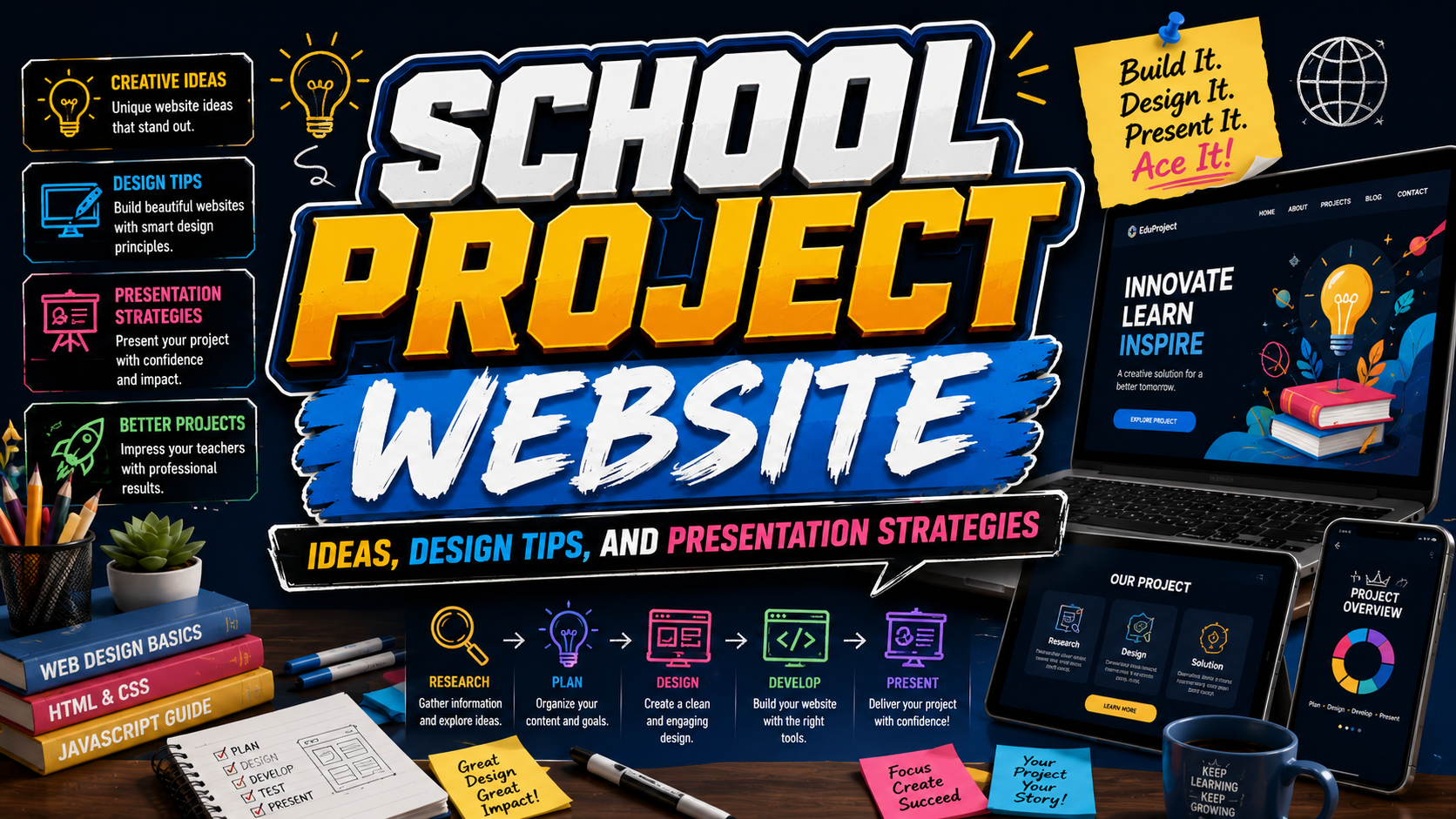
Creating a website is one of the most effective ways to present a school project in today’s digital world. Instead of relying solely on posters, slides, or printed reports, students can showcase their research, creativity, and technical skills through an interactive online experience. A well-designed project website allows information to be organized clearly while making it easier for teachers, classmates, and parents to access the work anytime and from anywhere.
Learning how to make a website for a school project also helps students develop valuable skills in web design, content organization, digital communication, and creative problem-solving. Whether the project focuses on science, history, literature, environmental studies, art, or technology, a website can transform traditional assignments into engaging presentations that stand out.
The good news is that creating a school project website no longer requires advanced coding knowledge. Modern website builders provide templates, drag-and-drop editors, and easy customization options that make website creation accessible to students of all ages.
Initial Suggestion
Before building your website, focus on planning your project structure.
Choose a Clear Project Topic
Examples include:
- Science experiments
- Historical events
- Environmental awareness
- School research projects
- Art portfolios
- Technology presentations
A focused topic makes content organization much easier.
Gather Your Resources
Collect:
- Research materials
- Images
- Videos
- Charts
- References
- Citations
Organizing resources early helps streamline the website-building process.
Plan Your Content Structure
A simple structure often includes:
- Home Page
- About the Project
- Research Findings
- Gallery
- References
- Contact or Feedback Section
Focus on Simplicity
For school projects, clarity is often more important than complex design.
Comparison
Popular Website Building Options for School Projects
| Platform Type | Difficulty | Coding Required | Best For |
|---|---|---|---|
| Website Builder | Easy | No | Beginners |
| Google Sites | Very Easy | No | School Projects |
| Wix Templates | Easy | No | Creative Projects |
| WordPress | Medium | Optional | Advanced Students |
| Custom HTML Site | Hard | Yes | Web Development Projects |
Step 1: Select a Website Builder
The easiest way to make a website for a school project is to use a beginner-friendly website builder.
Look for features such as:
- Drag-and-drop editing
- Ready-made templates
- Mobile responsiveness
- Easy publishing
- Free hosting options
Many modern website builders allow students to create professional-looking websites without writing code.
Why Website Builders Are Ideal
Benefits include:
- Faster setup
- Easier editing
- Professional layouts
- Minimal technical skills required
Step 2: Choose a Template
Templates provide a starting design structure.
Choose a template that matches your project topic.
Examples:
Educational Projects
Clean layouts with clear navigation.
Science Projects
Data-focused designs with room for charts and images.
Art Projects
Portfolio-style layouts with large visual galleries.
History Projects
Content-rich templates with timeline sections.
Templates save time while creating a professional appearance.
Step 3: Plan Your Website Layout
A simple navigation structure improves usability.
Recommended pages:
Home Page
Introduce the project and explain its purpose.
About Page
Provide background information.
Project Content
Present research findings, experiments, or project results.
Gallery
Include photos, videos, illustrations, or diagrams.
References
Cite sources and supporting materials.
Organized navigation helps visitors understand the project more easily.
Step 4: Create Engaging Content
Content is the most important part of a school project website.
Use Clear Headings
Break information into sections.
Add Visual Elements
Include:
- Photos
- Infographics
- Videos
- Charts
- Illustrations
Write for Your Audience
Use language that classmates and teachers can easily understand.
Good content makes your website both educational and enjoyable.
Step 5: Design Your Website
Good design improves readability and engagement.
Use Consistent Colors
Choose a simple color palette.
Select Readable Fonts
Avoid decorative fonts for body text.
Add White Space
Spacing improves visual comfort.
Keep Navigation Simple
Visitors should find information within a few clicks.
A clean design helps highlight your project content rather than distracting from it.
Step 6: Add Multimedia Features
Interactive elements make projects more engaging.
Examples:
- Video presentations
- Slideshows
- Audio recordings
- Interactive maps
- Embedded documents
Multimedia can help explain complex topics more effectively than text alone.
Step 7: Test Your Website
Before publishing, review every page carefully.
Check:
- Navigation links
- Mobile compatibility
- Grammar and spelling
- Image quality
- Loading speed
Testing helps ensure a smooth experience for visitors.
Step 8: Publish and Share
Once everything is complete:
- Publish the website
- Share the link with teachers
- Present it during class
- Include it in digital portfolios
A website allows your project to remain accessible long after the assignment is submitted.
Benefits of Creating a School Project Website
Develop Digital Skills
Students learn:
- Website design
- Content creation
- Organization
- Digital communication
Improve Presentation Quality
Websites often look more professional than traditional posters.
Encourage Creativity
Students can combine text, images, videos, and interactive features.
Build Future Portfolio Material
School project websites can become part of a personal academic portfolio.
Common Mistake
One of the biggest mistakes students make when creating a school project website is focusing too much on visual effects and not enough on content. Fancy animations, excessive colors, and complicated layouts may initially look impressive, but they can distract visitors from the actual purpose of the project. Teachers and evaluators are typically more interested in the quality of the research, organization of information, and clarity of presentation. A simple, well-structured website with strong content often performs better than a visually overloaded design. The goal should always be effective communication rather than decoration.
Another common mistake is poor organization. Many students upload information without creating a logical structure, making it difficult for visitors to navigate the website. Missing menus, unclear page titles, and inconsistent layouts can frustrate users and reduce the effectiveness of the presentation. Planning the website structure before building it helps create a more professional and user-friendly experience. A clear hierarchy of pages and content sections ensures visitors can quickly find the information they need.
Students also frequently overlook testing before submission. Broken links, missing images, spelling errors, and mobile display issues can negatively affect the overall impression of the project. Taking time to review the website on multiple devices and asking classmates or teachers for feedback before publishing can help identify problems early. A polished website demonstrates attention to detail and professionalism, both of which can contribute to a stronger final evaluation.
Conclusion
Learning how to make a website for a school project is an excellent way to combine academic learning with practical digital skills. A well-designed website allows students to present information in a creative, organized, and engaging format while building experience in web design, content creation, and online communication.
By choosing the right platform, organizing content effectively, using strong visuals, and maintaining a simple user-friendly design, students can create project websites that stand out and leave a lasting impression. Whether the project focuses on science, history, art, technology, or any other subject, a website provides a modern and professional way to share ideas and demonstrate knowledge.
Explore these fonts and many more at PutraCetol.com to build a business identity that looks professional, trustworthy, and memorable.
Additionally, if you want to explore some free typography options, you can check out Putracetol Studio on Dafont. Happy reading and designing!