

Mobile UI Design Guide: Creating User-Friendly and Engaging App Interfaces
Designing a mobile application is no longer just about functionality. Today, users expect apps to be intuitive, visually appealing, and easy to navigate. A poorly designed interface can lead to frustration, while a well-crafted one can significantly improve engagement and retention.
This mobile UI design guide explores practical strategies to help designers create interfaces that are simple, consistent, and user-focused. From layout and typography to color usage and workflow, this guide covers everything you need to build better mobile experiences.
Why Mobile UI Design Matters
Mobile UI design plays a crucial role in how users interact with your app. Since mobile screens are limited in size, every design decision must be intentional.
Enhances User Experience
A clean and intuitive interface allows users to complete tasks quickly and efficiently.
Simplifies Navigation
Well-structured UI helps users find what they need without confusion.
Improves User Retention
Apps that are easy to use and visually appealing encourage users to return.
Core Principles of Mobile UI Design
Strong mobile UI design is built on a few essential principles.
Clarity and Simplicity
Avoid clutter. Every element should serve a purpose. Users should understand the interface without needing instructions.
Consistency
Use consistent colors, typography, and components throughout the app. This creates familiarity and reduces cognitive load.
User-Centered Design
Design with the user in mind. Understand their needs, behaviors, and expectations.
Visual Hierarchy
Guide the user’s attention using size, color, and spacing. Important elements should stand out clearly.
Layout Tips for Mobile UI
Layout is the foundation of any interface. A well-structured layout improves both usability and aesthetics.
Use a Grid System
Grids help maintain alignment and consistency across screens. They create a balanced and organized layout.
Maintain Balanced Spacing
Proper spacing improves readability and prevents the interface from feeling crowded.
Design for Thumb Interaction
Most users navigate apps with their thumbs. Place key actions within easy reach, especially in the lower half of the screen.
Typography in Mobile UI Design
Typography is one of the most important aspects of mobile UI. It directly affects readability and user comfort.
Choose Readable Fonts
Fonts should be clear and legible on small screens. Avoid overly decorative styles for body text.
Apply Size Hierarchy
Use different font sizes to distinguish headings, subheadings, and body text.
Limit Font Variations
Stick to one or two font families to maintain consistency.
Recommended Fonts for Mobile UI
Typography can also define your app’s personality. Here are five font styles that work well for different app types:
Project of Code Display Sans – Technical and Modern
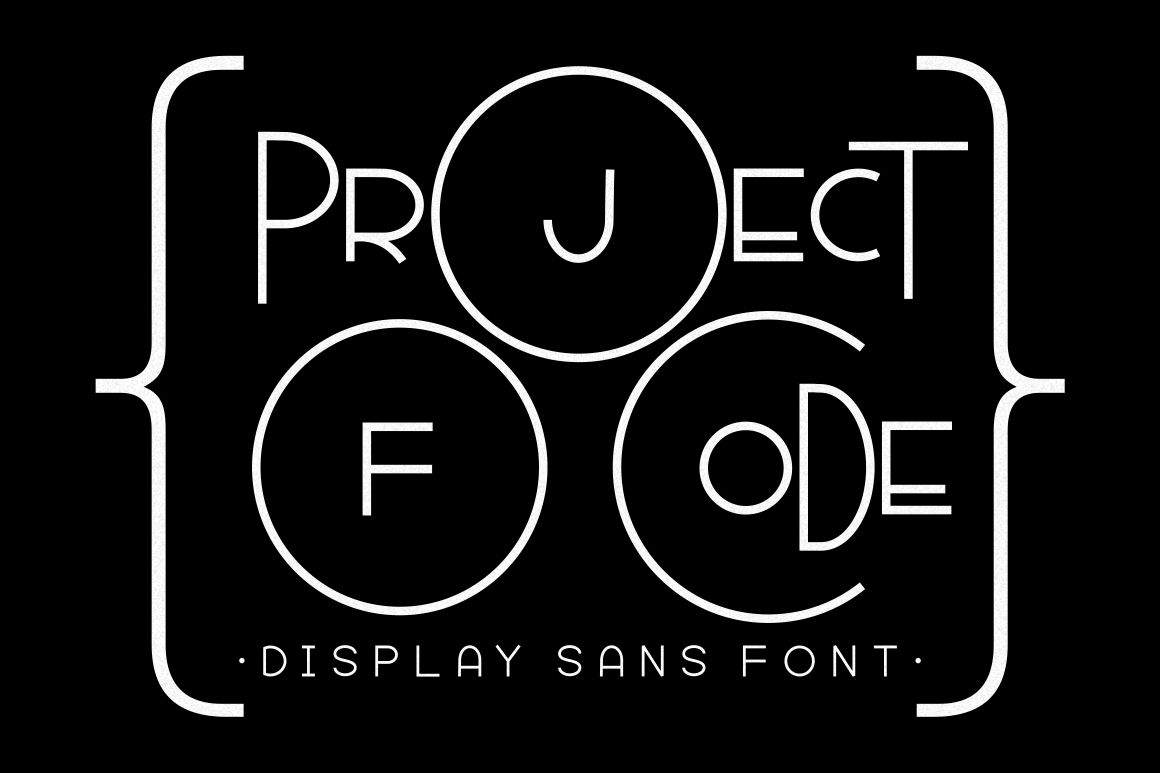
A clean, structured font that fits tech-focused applications.
Best for:
- Coding apps
- Developer tools
- Tech platforms
Conventri Modern – Elegant and Flexible
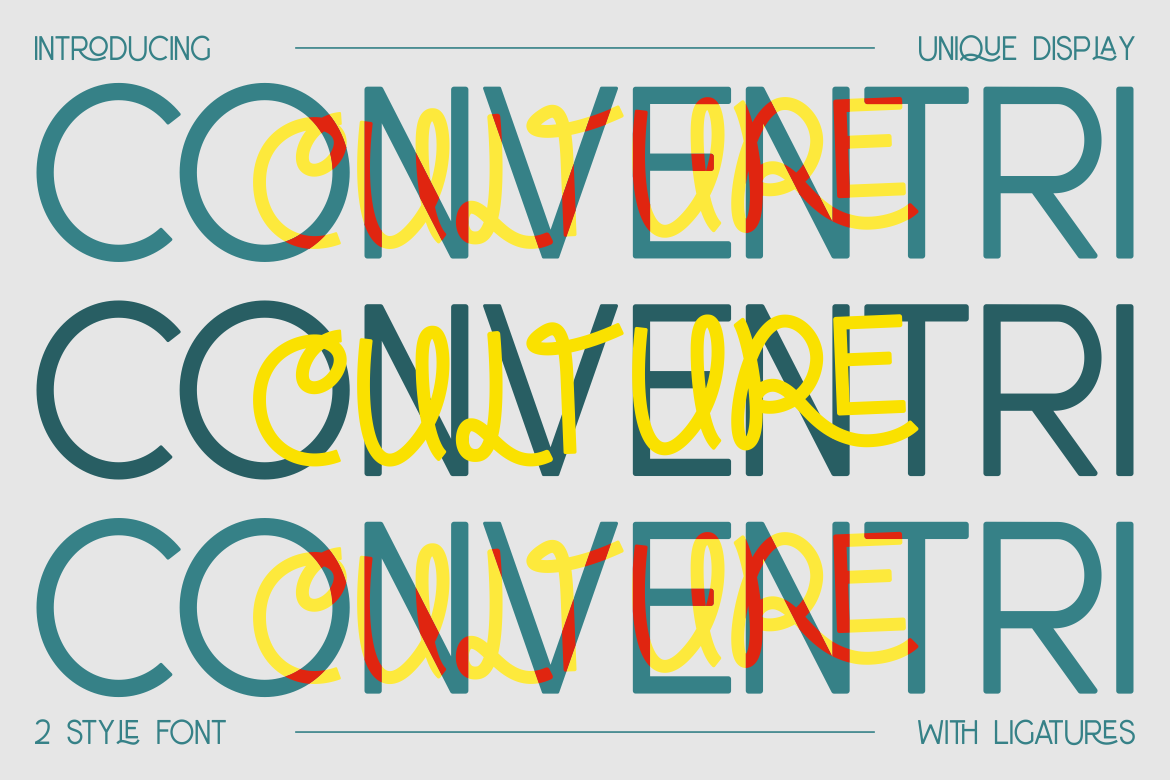
This font balances readability with a modern aesthetic.
Best for:
- Lifestyle apps
- Creative platforms
- Content-driven apps
Orange Street Rounded Sans – Friendly and Approachable
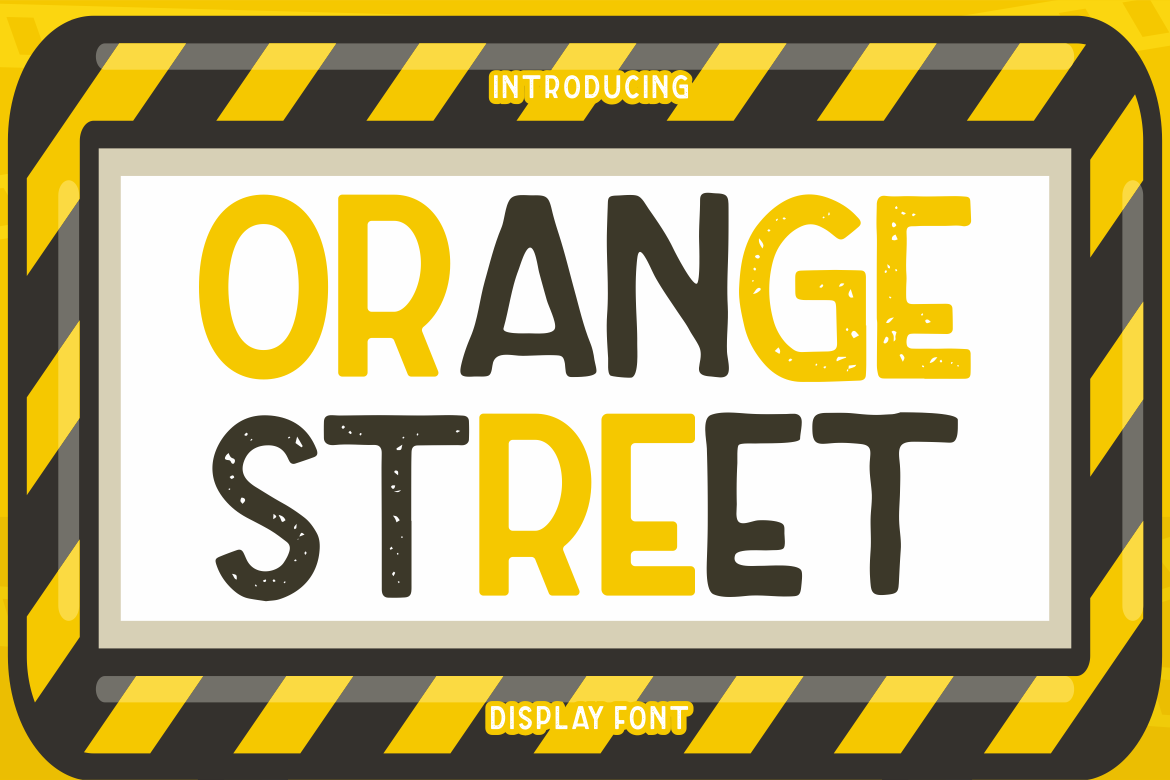
Rounded edges create a warm and welcoming feel.
Best for:
- Social apps
- Parenting platforms
- Community-based apps
Hello Eisya – Playful and Expressive

A script-style font that adds personality to casual interfaces.
Best for:
- Diary apps
- Personal journals
- Creative tools
Rolever Modern Sans Serif – Clean and Professional

A versatile font with a professional tone.
Best for:
- Business apps
- Educational platforms
- Productivity tools
Quick Summary Table
| Font | Characteristics | Best Use |
|---|---|---|
| Project of Code Display Sans | Modern, technical | Tech, coding apps |
| Conventri Modern | Elegant, contemporary | Lifestyle, creative apps |
| Orange Street Rounded Sans | Friendly, rounded | Social, parenting apps |
| Hello Eisya | Playful, expressive | Diary, casual apps |
| Rolever Modern Sans Serif | Clean, professional | Business, education apps |
Color Usage in Mobile UI
Color is essential for both aesthetics and usability.
Stick to Brand Palettes
Use a consistent color scheme that reflects your brand identity.
Use Strong Contrast
Ensure text and UI elements are easy to read against the background.
Highlight Key Actions
Use accent colors to draw attention to important buttons or actions.
Essential Mobile UI Components
Every mobile app should include core UI elements that are intuitive and functional.
Clear, Tappable Buttons
Buttons should be large enough for easy interaction.
Simple Navigation
Use familiar patterns like bottom navigation bars or hamburger menus.
Easy-to-Fill Forms
Keep forms short and straightforward to reduce friction.
Mobile UI Design Workflow
A structured workflow ensures better results and fewer usability issues.
1. Research User Needs
Understand your target audience and their behavior.
2. Create Wireframes
Start with basic layouts to define structure and flow.
3. Design UI Components
Apply colors, typography, and visual elements.
4. Conduct Usability Testing
Test your design with real users to identify issues.
5. Refine and Improve
Iterate based on feedback and performance data.
Common Mistakes in Mobile UI Design
Avoid these pitfalls to create better user experiences:
Overcrowded Interfaces
Too many elements can overwhelm users.
Inconsistent Design
Switching styles or patterns confuses users.
Poor Readability
Small text or low contrast reduces usability.
Ignoring User Feedback
Design should evolve based on real user behavior.
Why Simplicity Wins in Mobile UI
Mobile users want speed and clarity. Simple interfaces:
- Load faster
- Reduce confusion
- Improve usability
- Enhance overall experience
This is why minimal and clean designs dominate modern apps.
Final Thoughts
A well-designed mobile interface is not just visually appealing, it’s functional, intuitive, and user-focused. By following the principles outlined in this mobile UI design guide, you can create apps that are both engaging and easy to use.
Typography, layout, and color all play a crucial role in shaping the user experience. With the right approach and tools, including carefully selected fonts from platforms like Putracetol.com , you can design mobile interfaces that stand out in today’s competitive digital landscape.
Additionally, if you want to explore some free typography options, you can check out Putracetol Studio on Dafont. Happy reading and designing!