
Funny Cartoon AI Prompts 2026: Make the Joke Visible
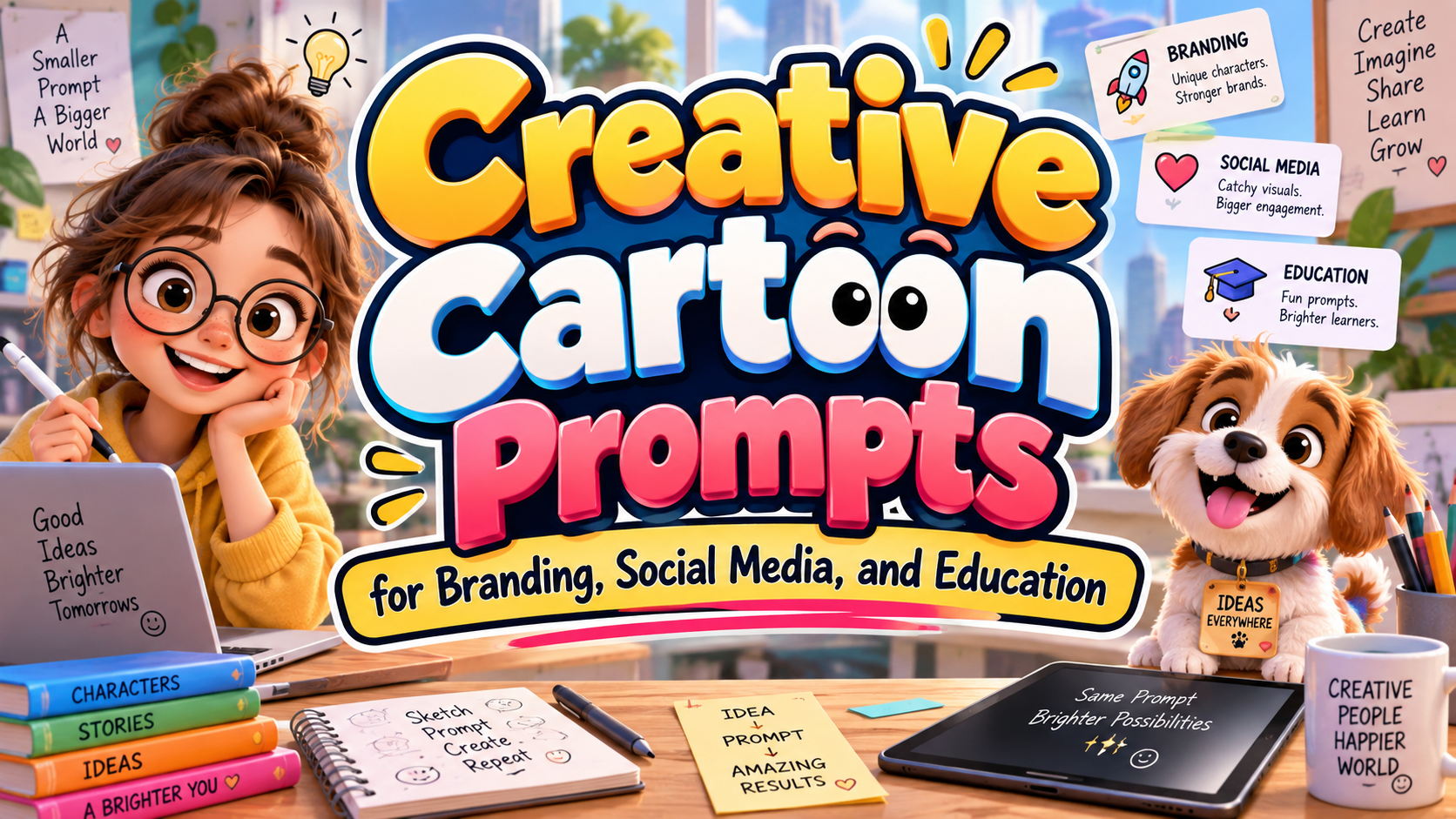
Describe the Joke, Not Just the Style
For creators exploring funny cartoon AI prompts 2026, start with a situation that is amusing before any illustration is generated. “A funny cartoon cat” leaves the joke undefined. A productivity coach who is a cat sleeping through its own workshop gives the image a recognizable contradiction.
Adobe’s 2026 creative forecast includes “Surreal Silliness,” highlighting imaginative, humorous departures from reality. Treat that direction as creative permission, not a promise that every strange image will entertain your audience.
Build a Reusable Cartoon Prompt
A cartoon prompt describes the subject, action, setting, and visual treatment you want an image generator to interpret. Adobe recommends direct, specific descriptions and refining the wording when results miss the intended idea.
Try this formula:
Character + unexpected situation + reaction + illustration style + composition
Choose one main visual gag. Name the expression rather than requesting “more humor”: raised eyebrows, an embarrassed grin, or proud confidence despite obvious failure.
Specify thick outlines, flat colors, paper texture, or clay-like surfaces. Add framing instructions such as “single panel,” “full character visible,” and “simple background.” These are creative directions, not guaranteed controls across every model.
Eight Original Funny Cartoon AI Prompts
Use these as starting briefs. Leave lettering out of the generated image and add captions afterward.
1. The Productivity Coach
A smug cat in a business blazer sleeping on its presentation remote while exhausted employees wait, colorful editorial cartoon, simple meeting room, exaggerated expressions.
2. The Overenthusiastic Barista
A tiny dragon proudly presenting one perfectly toasted marshmallow beside a completely scorched coffee machine, sheepish grin, rounded cartoon shapes, warm café colors.
3. Multitasking Gone Wrong
An octopus office worker holding coffee mugs with every arm while a telephone rings unanswered, increasingly worried eyes, clean comic outlines, uncluttered desk.
4. The Cactus Hug
An enthusiastic cactus opening its arms toward a nervous balloon, the cactus wrapped in bubble wrap as a thoughtful precaution, pastel cartoon, clear silhouettes.
5. Digital Detox
A small robot attempting meditation while notification-shaped bubbles swarm around its head, determined expression, soft geometric forms, calm background contrasting with chaotic icons.
6. Gift-Wrapping Trouble
A determined dinosaur with tiny arms trapped in an enormous ribbon while wrapping a miniature gift, playful proportions, festive colors, single-panel storybook illustration.
7. The Bakery Workout
A croissant proudly lifting butter dumbbells that melt onto its shoes, sudden shocked expression, warm bakery palette, hand-drawn outlines, simple countertop setting.
8. Reversed Responsibilities
A cheerful houseplant watering a sleepy human slumped beside a sunny window, surprised human expression, cozy domestic cartoon, textured brushes, gentle visual humor.
Refine the Image Without Losing the Joke
Change One Decision at a Time
Generate alternatives, then revise the expression, framing, or prop placement separately. Ask viewers what they notice first. When they need a lengthy explanation, simplify the scene instead of adding another joke.
Adobe’s prompting guidance recommends experimenting with prompts and settings, followed by manual refinement in an editor. Keep that final editing stage in your workflow.
Build a Consistent Character
Create a reference sheet showing the character’s silhouette, colors, outfit, and expressions. Where supported, reuse approved reference images. Firefly’s style-reference controls can guide visual appearance, but inspect character identity and proportions separately rather than assuming they will remain identical.
Turn Cartoons Into Branded Content
For an illustrative bakery campaign, reuse the croissant character in three situations: morning preparation, a product launch, and closing time. Keep its appearance consistent while changing the joke.
PutraCetol Studio offers playful, handwritten, retro, and bold display typography. Explore those directions for campaign headlines and comic captions. Add text as editable lettering, leave space around speech bubbles, and use a simpler companion for product information.
Comparison
| Humor Approach | Creative Starting Point | Suggested Use |
|---|---|---|
| Role reversal | A plant caring for a person | Lifestyle content |
| Everyday frustration | An overwhelmed multitasker | Workplace posts |
| Scale mismatch | A dinosaur wrapping a tiny gift | Family campaigns |
| Unexpected consequence | Melting butter dumbbells | Food branding |
Common Mistakes
The first mistake is confusing randomness with humor. An unusual animal wearing sunglasses may look appealing without telling a joke. Establish an expectation, introduce a contradiction, and make the reaction visible. Keep backgrounds secondary so the audience can understand the situation quickly.
Another mistake is approving attractive output without inspection. Check hands, limbs, props, expressions, and visual continuity. For commercial projects, review platform terms and permissions for reference material. Prefer original characters and humor about situations rather than stereotypes or humiliation.
Conclusion
Strong funny cartoon AI prompts 2026 begin with a clear comic idea, not a pile of style keywords. Direct the character, contradiction, expression, and composition, then refine the result with human judgment.
Use these prompts for experiments, campaign concepts, or classroom exercises. Combine the finished cartoons with thoughtful PutraCetol Studio typography to create playful visuals with a recognizable voice.
Explore these fonts and many more at PutraCetol.com to build a business identity that looks professional, trustworthy, and memorable.
Additionally, if you want to explore some free typography options, you can check out Putracetol Studio on Dafont. Happy reading and designing!