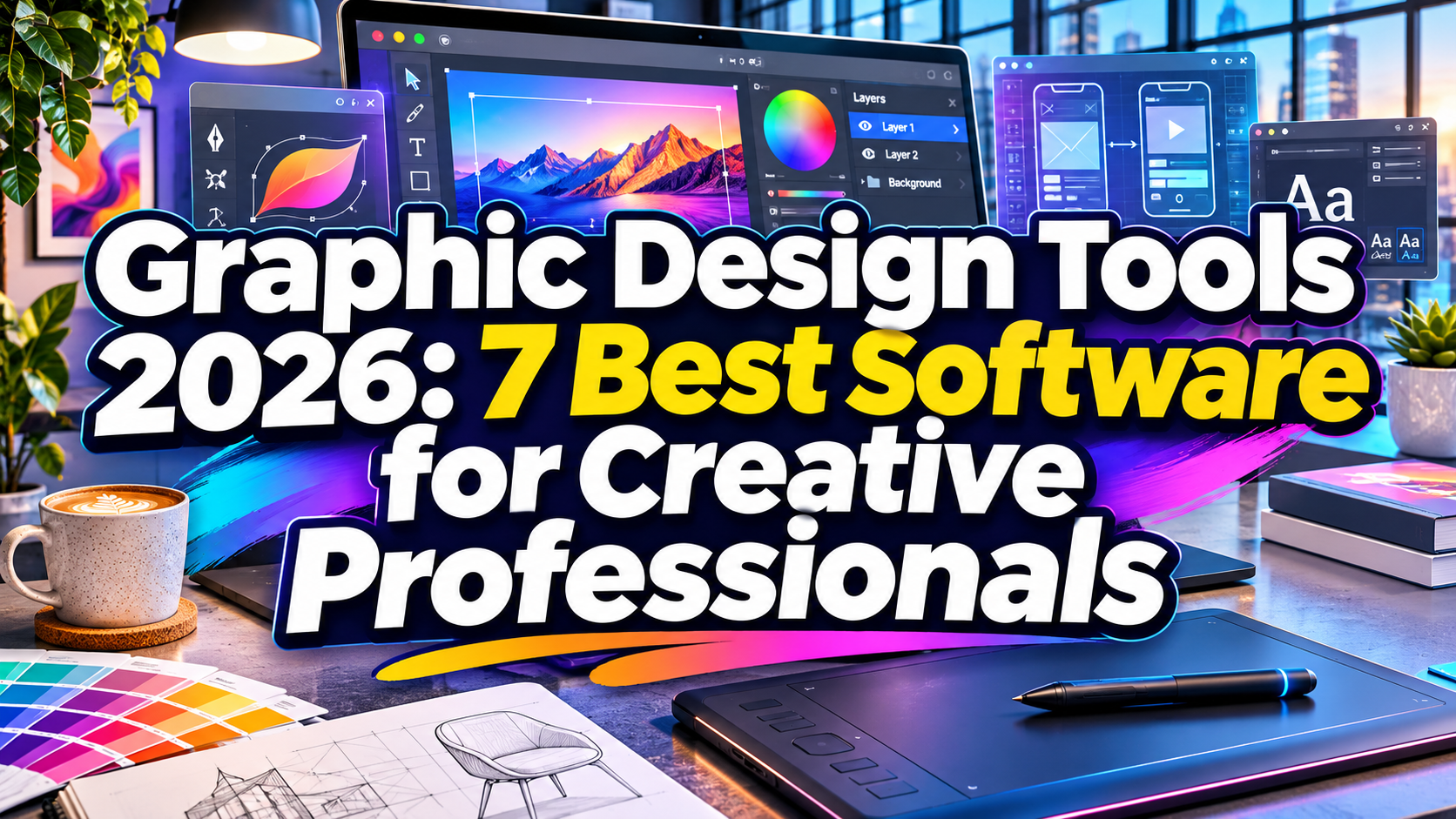
Graphic Design Tools 2026: 7 Best Platforms for Modern Creative Projects
Graphic design continues to evolve as artificial intelligence, collaborative software, and accessible digital platforms transform creative production.
The best graphic design tools 2026 help professionals develop memorable visual identities, create engaging marketing materials, and produce high-quality artwork with greater flexibility.
From professional vector applications to beginner-friendly editors, today’s creative software supports different skills, budgets, and design objectives.
Whether you’re building brand identities, creating social media content, or developing digital interfaces, choosing the right tools can make your creative process more productive and enjoyable.
Match Your Software to Your Design Goals
Before choosing graphic design software, identify which projects dominate your workflow.
Brand designers need accurate vector editing, while photographers require advanced image manipulation. UI/UX designers prioritize interactive prototypes, and marketers often benefit from customizable templates.
Consider file compatibility, collaboration, learning difficulty, and subscription costs.
A practical approach is to combine two complementary tools rather than investing in multiple applications that perform nearly identical tasks.
7 Best Graphic Design Tools for 2026
1. Adobe Photoshop – Best for Photo Editing and Visual Compositing
Adobe Photoshop remains a powerful choice for photography, image manipulation, and commercial graphic design. Its layered editing system supports advanced retouching, masking, color correction, and detailed compositions. Generative Fill also allows designers to modify selected image areas using AI-assisted instructions. Photoshop is particularly useful for projects combining realistic photography with creative advertising concepts.
PROS: Professional retouching, advanced layers, AI-assisted editing, precise compositing.
BEST FOR: Advertising designers, photographers, digital artists, and creative agencies.
2. Adobe Illustrator – Best for Professional Vector Design
Adobe Illustrator specializes in scalable vector graphics, making it suitable for artwork that must remain sharp across different sizes. Its drawing tools support logos, icons, custom lettering, packaging illustrations, and complex geometric compositions. Features such as Global Edits and vector generation tools provide additional flexibility during creative development. Illustrator is especially valuable when designers require accurate shapes and editable production files.
PROS: Scalable artwork, precise vector controls, professional typography, flexible editing.
BEST FOR: Logo designers, branding studios, illustrators, and packaging professionals.
3. Canva – Best for Social Media and Marketing Content
Canva offers an approachable design environment with customizable templates, stock assets, and integrated creative tools. Its Visual Suite supports presentations, social media graphics, videos, documents, and website content. AI-assisted features provide additional options for generating and editing visual materials. Canva is particularly useful for businesses that need frequent promotional content without extensive technical training.
PROS: Accessible interface, extensive templates, collaboration tools, integrated AI features.
BEST FOR: Entrepreneurs, marketers, content creators, and social media managers.
4. Figma – Best for UI/UX and Collaborative Design
Figma provides a collaborative environment for designing websites, mobile applications, and digital products. Its interface design tools support reusable components, design systems, and interactive prototypes. Figma Draw adds illustration capabilities, including brushes, textures, and vector editing. This combination helps teams create consistent digital experiences while sharing feedback throughout development.
PROS: Real-time collaboration, interactive prototyping, design systems, vector illustration.
BEST FOR: UI/UX designers, product teams, startups, and web designers.
5. Affinity – Best for Free Professional Design
The redesigned Affinity combines vector illustration, photo editing, and page layout capabilities within one application. Introduced as a free professional design platform, it offers an attractive option for creators seeking advanced tools without a traditional subscription. Its customizable workspace supports different creative tasks, from visual identities to publication layouts. Some integrated Canva AI features require an eligible subscription.
PROS: Free core editing tools, integrated design capabilities, customizable workspace.
BEST FOR: Freelancers, students, independent designers, and small businesses.
6. Krita – Best for Free Digital Painting
Krita is a free, open-source painting application developed for illustrators and digital artists. Its creative environment emphasizes brushes, layered artwork, painting techniques, and expressive drawing. Artists can develop character illustrations, concept artwork, and detailed visual compositions without purchasing expensive software. Krita is particularly appealing to creators who prefer drawing-based workflows.
PROS: Free and open-source, extensive painting tools, flexible brushes, layered editing.
BEST FOR: Digital painters, character designers, illustrators, and students.
7. Penpot – Best for Open-Source UI/UX Design
Penpot is an open-source design and prototyping platform focused on collaboration between designers and developers. It supports interface layouts, reusable components, interactive prototypes, and design systems. Its approach to open standards helps teams connect design decisions with practical development requirements. Penpot also offers self-hosting options for organizations seeking additional infrastructure control.
PROS: Open-source platform, collaborative prototyping, design systems, self-hosting options.
BEST FOR: Product designers, development teams, technology startups, and agencies.
Comparison: Which Graphic Design Tool Is Best?
Each application provides different advantages depending on your creative requirements.
| Design Tool | Main Strength | Best Application |
|---|---|---|
| Photoshop | Raster editing | Photography and advertising |
| Illustrator | Vector graphics | Logos and packaging |
| Canva | Templates and visual content | Marketing and social media |
| Figma | Collaborative interface design | Websites and applications |
| Affinity | Integrated professional editing | Branding and publishing |
| Krita | Digital painting | Illustration and concept art |
| Penpot | Open-source UI/UX design | Product design and prototyping |
How to Build a Better Graphic Design Workflow
Start with a clear creative brief, establish visual references, and select software based on the required output.
For example, develop a logo in Illustrator or Affinity, prepare promotional photography in Photoshop, and create social media variations in Canva.
Typography also influences the professionalism of your results. Explore distinctive fonts at PutraCetol Studio to give logos, packaging, headlines, and advertising materials a recognizable visual personality.
Common Mistakes When Choosing Graphic Design Tools
One common mistake is assuming that professional results require the most expensive software. Although premium applications provide advanced capabilities, free platforms can produce excellent work when used appropriately. Designers should evaluate actual project requirements rather than selecting software based entirely on popularity. File compatibility, export quality, hardware requirements, and collaboration features also deserve attention. Learning essential design principles, including typography, composition, spacing, and color, often contributes more to visual quality than constantly switching applications.
Another mistake is relying excessively on templates or AI-generated visuals without establishing a consistent creative direction. Ready-made layouts can accelerate production, but unmodified designs may appear generic and weaken brand recognition. Designers should customize typography, imagery, colors, and visual hierarchy according to the intended audience. Commercial projects also require careful attention to licensing, especially when using stock photography, fonts, illustrations, and third-party assets. Maintaining editable source files and organized project folders makes future revisions easier.
Conclusion
The best graphic design tools for 2026 offer different approaches to professional creativity.
Photoshop and Illustrator support advanced visual production, while Canva simplifies everyday marketing design. Figma and Penpot provide collaborative interface workflows, Affinity offers accessible professional editing, and Krita supports expressive digital illustration.
The ideal software depends on your experience, budget, and creative priorities.
Combine the right applications with thoughtful design decisions and explore professional typography at PutraCetol Studio to develop compelling visuals and memorable brand identities.
Explore these fonts and many more at PutraCetol.com to build a business identity that looks professional, trustworthy, and memorable.
Additionally, if you want to explore some free typography options, you can check out Putracetol Studio on Dafont. Happy reading and designing!