
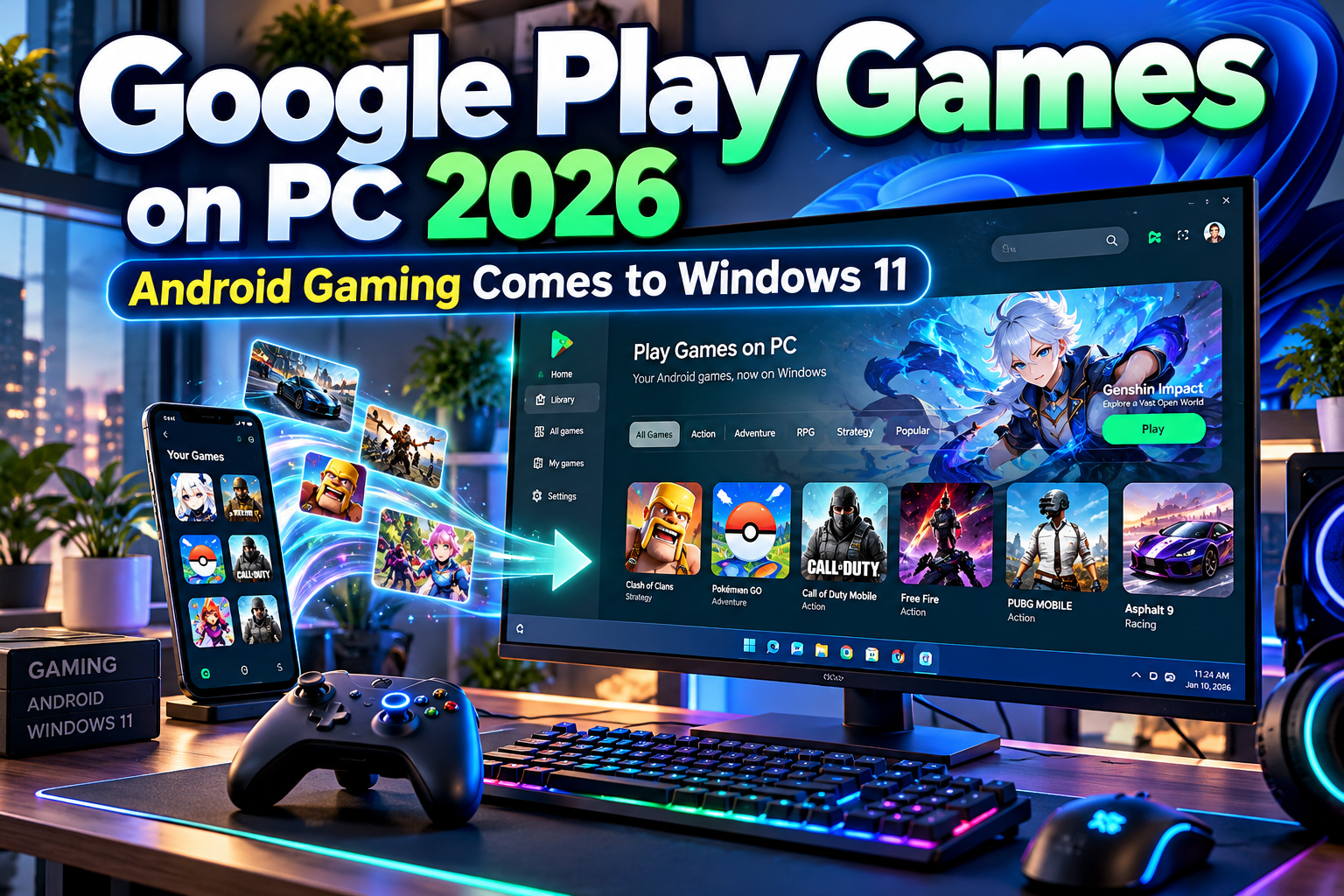
Android Games on Windows 11 With Google Play 2026: Mobile Gaming Moves to the PC
The line between mobile and PC gaming continues to become less important.
A game that starts on an Android phone can now continue on a Windows computer with a larger display, keyboard and mouse input, and stronger hardware. For developers, the same shift creates an opportunity to reach PC players without treating mobile and desktop audiences as completely separate markets.
The technology behind Android games on Windows 11 with Google Play 2026 is Google Play Games on PC, Google’s official Windows platform for supported Android and native PC games.
One clarification is important: Google Play Games on PC does not make every Android application available on Windows. It focuses primarily on games that Google and developers have made compatible with the PC environment. Google currently classifies titles using compatibility labels such as Optimal, Playable, Untested, Unsupported, and Unavailable. Google Help
Initial Suggestion: Check Compatibility Before Installing
Before expecting a mobile game to work on Windows 11, check its Google Play Games on PC listing.
An Optimal title has been specifically optimized by its developer for Windows. A Playable game has been tested by Google and must be stable, run at 30 FPS or better, and support keyboard and/or mouse input. Untested games may still run, but Google does not guarantee their experience. Google Help
Windows 11 works with the service, although it is worth noting that Google’s minimum operating-system requirement currently starts at Windows 10 version 2004, so the platform is not exclusive to Windows 11. Google Help
How Google Play Games on Windows 11 Works
Google Play Games on PC provides an official Windows client rather than requiring users to install a conventional third-party Android emulator.
After installation, players sign in with a personal Google Account and browse supported games from Google’s PC catalog. Google says the experience can provide improved graphics, keyboard and mouse controls, synchronized progress, and access to Play Points across supported devices. Google Help
Installation is straightforward: download Google Play Games on PC from Google’s official site, run the installer, and follow the setup process. Hardware virtualization must be enabled, and Windows may request activation of the Windows Hypervisor Platform. Google Help
This underlying virtualization technology allows Android-oriented games to operate inside a Windows environment while maintaining Google’s distribution and account ecosystem.
Windows 11 System Requirements
Google’s current minimum requirements are reasonably accessible for modern PCs.
A compatible system needs at least 8 GB of RAM, an SSD with 10 GB of available storage, four physical CPU cores, Intel UHD Graphics 630 or comparable graphics, hardware virtualization, and a Windows administrator account.
For better gameplay, Google recommends a gaming-class GPU such as the NVIDIA GeForce MX450 and eight logical CPU cores. Google Help
These are platform requirements rather than performance guarantees for every title. Graphically intensive games may still require stronger hardware.
Google also displays performance warnings for games that may not run well on a particular PC.
Cross-Device Progress Is a Major Advantage
One of the most useful features of this ecosystem is continuity between devices.
Games marked as synchronized across devices can save progress so users can start playing on Windows and continue later on an Android phone or tablet. Google Help
However, this should not be interpreted as an automatic feature for every game.
Google’s developer guidance requires or encourages cross-platform cloud-save implementations so players can move between PC, Android, and even iOS without losing progression. Developers are responsible for building appropriate account and save infrastructure. Android Developers
For players, look for the cross-device synchronization label rather than assuming a title supports it.
Keyboard and Mouse Make Mobile Games Feel Different
Touchscreen interfaces were originally designed around tapping, swiping, pinching, and dragging.
PC gaming requires a different input model.
Google Play Games on PC supports keyboard and mouse controls, and Google has continued improving control customization. A June 2026 update added a Zoom control that lets the mouse wheel simulate pinch-to-zoom behavior in supported games. Google Help
That can make strategy games, RPGs, builders, and other touchscreen-heavy titles more comfortable on desktop hardware.
Developers can also integrate Google’s Input SDK and optimize control mappings specifically for the PC experience. Android Developers
The result should feel more like a proper desktop game and less like a touchscreen app awkwardly running inside a window.
Google Play Pass Is Expanding Onto PC
Google strengthened the ecosystem further in 2026 by integrating Google Play Pass with Google Play Games on PC.
Existing Play Pass subscriptions can now work on PC at no additional subscription cost for eligible titles. Google says the PC experience includes a library of more than 500 Play Pass titles, including PC-optimized games, while supported cloud saves can synchronize progress and unlocked content between devices. Google Help
A July 2026 update added a dedicated Play Pass destination and search filters inside the PC client, making eligible games easier to discover. Google Help
This makes cross-platform gaming more attractive for players already invested in Google’s subscription ecosystem.
Opportunities for Android Game Developers
Google Play Games on PC is not only a convenience for players. It creates a new distribution surface for developers.
Google’s current developer documentation allows mobile Android games to be distributed through the PC environment when they meet compatibility requirements. Developers can also publish native PC games through Google Play Games using Google’s PC SDK. Android Developers
Android developers should consider keyboard and mouse support, large-screen layouts, graphics configuration, x86-64 compatibility, cross-device saves, and Windows-specific testing. Google recommends x86-64 support for optimized PC compatibility. Android Developers
The larger screen also changes branding opportunities. Game logos, launch graphics, promotional banners, streaming overlays, store artwork, and community campaigns become more important as a mobile title reaches desktop audiences. Developers can use distinctive display typography from PutraCetol Studio for those broader visual-branding assets while keeping in-game interface text optimized for usability.
Comparison: Android Phone vs. Google Play Games on Windows 11
| Area | Android Phone | Windows 11 PC |
|---|---|---|
| Main input | Touchscreen | Keyboard and mouse |
| Display | Small and portable | Larger screen |
| Performance | Mobile hardware | Potentially stronger PC hardware |
| Progress | Mobile account | Can sync on supported games |
| Game availability | Full Android catalog | Compatible PC catalog |
| Controls | Touch gestures | PC-oriented mappings |
| Play Pass | Supported | Supported eligible PC titles |
Neither platform replaces the other. The advantage is being able to choose the most convenient device.
Common Mistakes
A common mistake is assuming Google Play Games on PC means the complete Google Play Android catalog is available on Windows 11. It is not. Compatibility varies by game, developer support, hardware, and region. Always check Google’s compatibility badge before expecting the same experience available on a phone.
Another mistake is ignoring virtualization. Google Play Games on PC may require Windows Hypervisor Platform and CPU virtualization to be enabled. Other emulator software can also behave differently after the hypervisor is enabled, so users with existing emulator setups should check compatibility before changing system settings. Google Help
Finally, do not assume every game automatically synchronizes progress. Cloud saves depend on individual game implementation. Confirm cross-device support before moving between mobile and PC, especially before reinstalling a game or changing accounts.
Conclusion
Android games on Windows 11 with Google Play 2026 demonstrate how quickly mobile and desktop gaming are converging.
Google Play Games on PC provides an official route for supported Android titles to reach Windows, with keyboard and mouse controls, stronger hardware potential, cross-device saves, Play Points, and expanding Play Pass integration.
For players, the benefit is flexibility. For developers, it represents another platform where an existing Android game can reach new audiences.
The future of gaming increasingly looks less like choosing between mobile and PC and more like carrying the same game experience across whichever screen is most convenient.
Explore these fonts and many more at PutraCetol.com to build a business identity that looks professional, trustworthy, and memorable.
Additionally, if you want to explore some free typography options, you can check out Putracetol Studio on Dafont. Happy reading and designing!