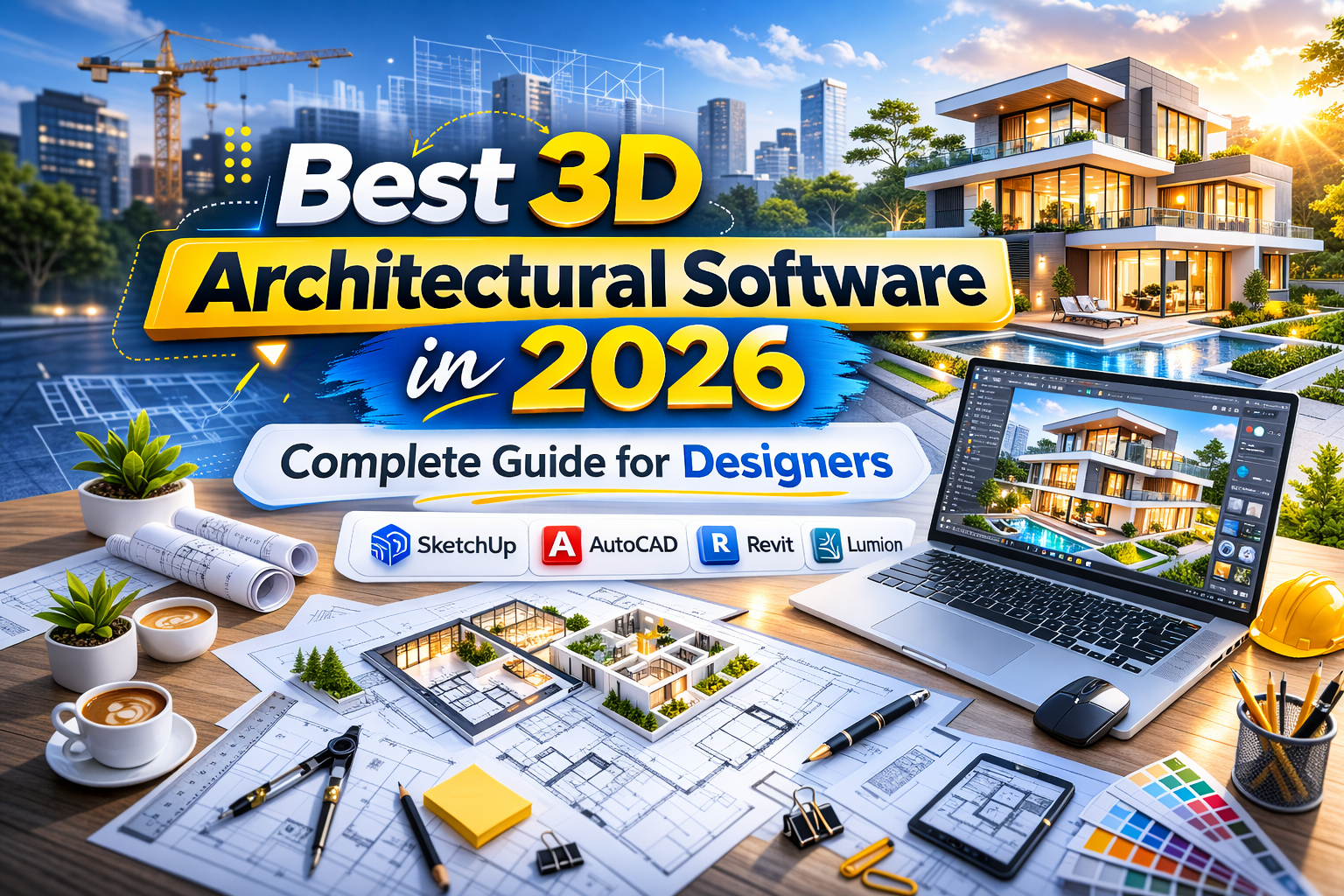
Best 3D Architectural Software in 2026
The architecture and visualization industry has evolved rapidly. In 2026, design workflows are no longer linear. Studios rely on a combination of tools to move from concept to final presentation efficiently.
Choosing the right 3D architectural software is not just about features. It is about how well each tool fits into a broader pipeline. Some software excels in early ideation, while others are built for precision, rendering, or real-time interaction.
In this guide, we will explore the most important architectural software, compare their strengths, and explain how to build an efficient workflow that balances creativity and technical accuracy.
Why Software Choice Matters in Modern Architecture
Architectural projects today demand:
- High visual quality
- Accurate documentation
- Fast iteration cycles
- Seamless collaboration
- Real-time client presentations
No single software can handle all these requirements perfectly. That is why modern studios adopt a hybrid approach.
Understanding each tool’s role allows designers to:
- Work faster
- Reduce errors
- Improve client communication
- Deliver higher-quality visuals
Let’s break down the key software used in 2026.
Core 3D Architectural Software
1. Autodesk Revit
Best for: Complex projects and technical documentation
Revit is a BIM (Building Information Modeling) platform designed for precision and scalability. It is widely used for large-scale projects such as hospitals, commercial buildings, and campuses.
Key Strengths:
- Parametric modeling
- Accurate construction documentation
- Multi-discipline collaboration
- Data-driven workflows
Revit is not focused on visual creativity alone. It is built for structure, accuracy, and long-term project management.
2. SketchUp
Best for: Concept design and quick visualization
SketchUp remains one of the most accessible tools in architecture. It is known for its intuitive interface and fast modeling capabilities.
Key Strengths:
- Easy learning curve
- Rapid prototyping
- Ideal for client presentations
- Large plugin ecosystem
SketchUp is perfect for early-stage exploration where speed matters more than technical depth.
3. Autodesk 3ds Max
Best for: Photorealistic rendering and marketing visuals
3ds Max is an industry standard for high-end visualization. It excels in creating detailed textures, lighting setups, and cinematic environments.
Key Strengths:
- Advanced rendering capabilities
- Integration with V-Ray and Corona
- Detailed material control
- Realistic lighting simulation
For architectural marketing images, 3ds Max is often the final step in the pipeline.
4. Blender
Best for: Cost-efficient, flexible production
Blender has grown into a powerful alternative to paid software. With render engines like Cycles and Eevee, it delivers high-quality results without licensing costs.
Key Strengths:
- Free and open-source
- Strong community support
- Advanced rendering engines
- Continuous updates
Blender is ideal for freelancers and studios looking to reduce costs while maintaining quality.
5. Unreal Engine
Best for: Interactive walkthroughs and immersive presentations
Unreal Engine brings real-time rendering into architectural workflows. It allows clients to explore spaces interactively.
Key Strengths:
- Real-time visualization
- High-performance graphics
- VR and AR integration
- Interactive environments
For projects requiring immersive presentations, Unreal Engine is unmatched.
Software Comparison Table
| Software | Primary Use | Cost | Rendering Quality | Learning Curve | Best For |
|---|---|---|---|---|---|
| Revit | BIM & documentation | High | Moderate | Medium | Large projects |
| SketchUp | Concept modeling | Low | Basic (with plugins) | Easy | Early design |
| 3ds Max | Photoreal rendering | High | Very high | Advanced | Marketing visuals |
| Blender | General 3D & rendering | Free | High | Medium | Cost efficiency |
| Unreal Engine | Real-time interaction | Free | Very high | Advanced | Walkthroughs |
Key Workflow Factors in 2026
1. Render Engine Pipeline
The quality of your final output depends heavily on your render engine.
Popular options include:
- V-Ray (realism and lighting accuracy)
- Enscape (real-time rendering for quick previews)
- Cycles (Blender’s physically-based renderer)
Choosing the right engine ensures consistency across projects.
2. Interoperability
Modern workflows depend on smooth data exchange between tools.
Common file formats include:
- FBX
- OBJ
- USD
These formats allow models to move between software without losing structure or detail.
For example:
- SketchUp → 3ds Max → Unreal Engine
- Revit → Blender → rendering
Interoperability reduces rework and increases efficiency.
3. Scalability
Different projects require different tools.
- Small projects → SketchUp or Blender
- Large-scale developments → Revit
- Marketing visuals → 3ds Max
- Interactive demos → Unreal Engine
Matching software to project scale prevents unnecessary complexity.
Recommended Hybrid Workflow
Instead of relying on a single tool, modern studios build flexible pipelines.
Example Workflow:
- Concept Design → SketchUp
- Technical Development → Revit
- Visualization → 3ds Max or Blender
- Presentation → Unreal Engine
This approach balances speed, accuracy, and visual quality.
Tips for Building an Efficient Software Stack
1. Combine Tools Strategically
Use each software for what it does best. Avoid forcing one tool to handle everything.
2. Consider Client Needs
If clients require immersive presentations, integrate Unreal Engine early in the pipeline.
3. Invest in Render Engines
Rendering quality often matters more than modeling complexity. Choose engines that align with your goals.
4. Maintain Flexibility
A flexible workflow allows you to adapt to different project types and client expectations.
Branding and Presentation in Architecture
Beyond modeling and rendering, presentation plays a crucial role.
Typography, layout, and visual identity affect how projects are perceived. Fonts such as:
- Neuratic Sans
- Monokill Display
- Space Rodeo Display
- Glamour Absolute Modern Serif
- Future Millenial
from Putracetol can enhance architectural boards, presentations, and marketing materials.
Strong design presentation increases client confidence and project value.
SEO and Digital Presence for Architecture Studios
In 2026, architectural firms must also think about online visibility.
Using high-quality visuals combined with SEO strategies can:
- Attract new clients
- Showcase portfolio projects
- Improve search rankings
Embedding rendered images, walkthrough videos, and optimized content helps increase engagement and reach.
Conclusion
The landscape of 3D architectural software in 2026 is defined by specialization. No single tool dominates every stage of the workflow.
Instead, software falls into two main categories:
- Concept-first tools: SketchUp, Blender
- Production-first tools: Revit, 3ds Max
With Unreal Engine bridging the gap into interactive experiences, the most effective studios build hybrid pipelines that combine multiple tools.
By focusing on interoperability, scalability, and strong rendering workflows, designers can maintain creative flexibility while meeting the demands of modern architecture.
For more inspiration, creative resources, and practical design tips,visit Putracetol.com and explore creative resources that can elevate your next web project.
Thank you for taking the time to read this article. If you are looking for more great articles, feel free to visit Putracetol Blog
Additionally, if you want to explore some free typography options, you can check out Putracetol Studio on Dafont. Happy reading and designing!
In the end, great architecture is not just designed. It is communicated effectively.