
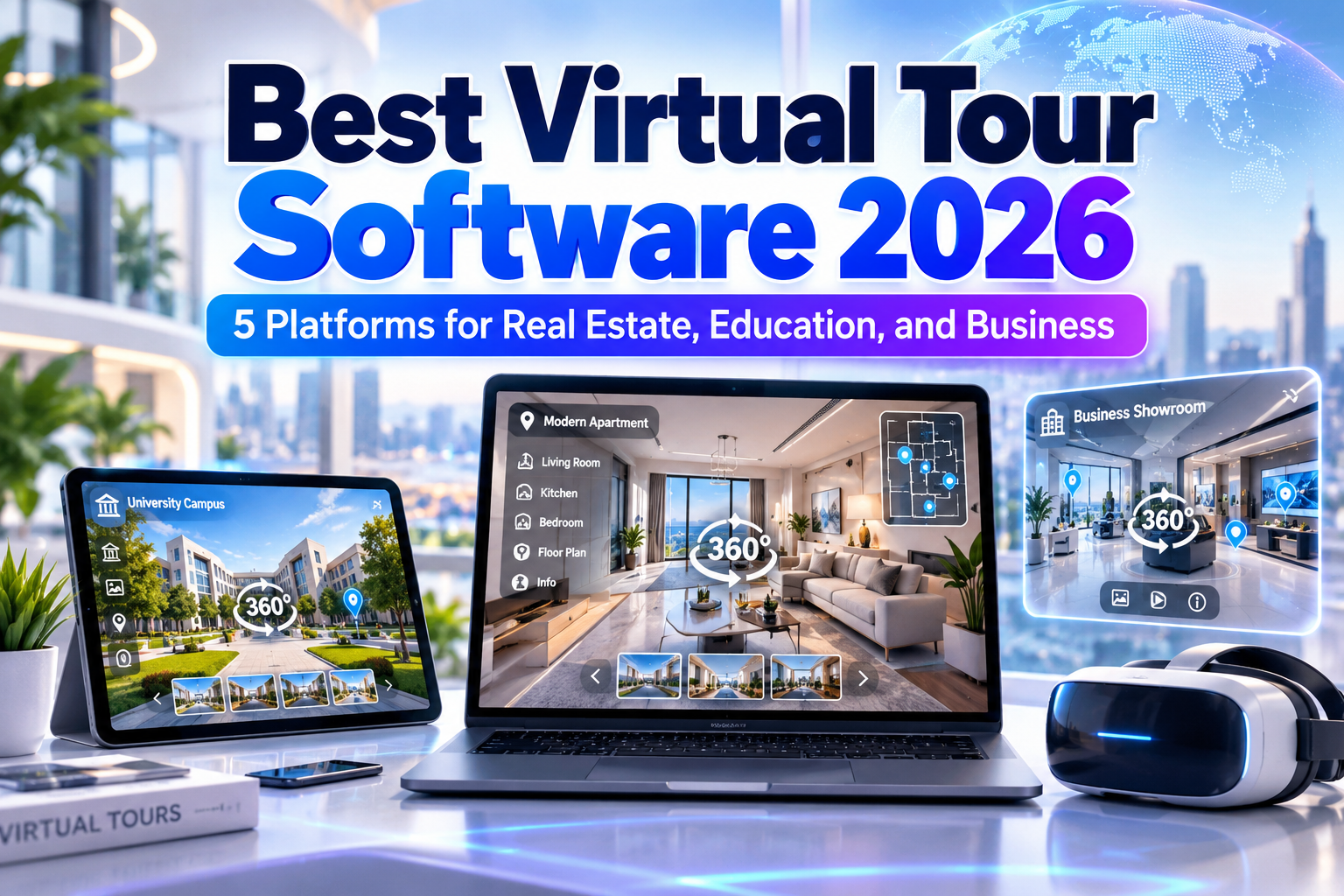
Best Virtual Tour Software 2026: 5 Platforms for Immersive Digital Experiences
Virtual tours have evolved far beyond simple collections of panoramic photographs.
Modern platforms can connect 360-degree scenes, build 3D digital twins, display floor plans, add interactive hotspots, embed videos and audio, measure physical spaces, provide VR experiences, and even integrate scanned 3D environments.
That makes the best virtual tour software 2026 useful across real estate, architecture, tourism, museums, education, event venues, retail, corporate training, and property management.
The right platform depends on what you want visitors to experience. A real estate agent may prioritize fast property capture, while a museum might need multimedia hotspots and storytelling. A training organization may require quizzes, conditional interactions, and offline access.
Initial Suggestion: Choose Between 360 Tours and Digital Twins First
Before comparing software, decide how much spatial realism your project requires.
A conventional 360 virtual tour connects panoramic photographs through hotspots. It is relatively lightweight and works well for property listings, hotels, galleries, schools, and tourism.
A 3D digital twin captures more spatial information and can provide realistic navigation, measurements, building documentation, and other operational data.
For a property advertisement, either approach may work. For architecture, construction, facilities management, or site documentation, the additional spatial information of a digital twin can be significantly more valuable.
Recommended Virtual Tour Software for 2026
1. Matterport: Best for 3D Digital Twins and Property Visualization
Matterport is one of the strongest options when a project requires more than panoramic navigation.
Its platform creates immersive 3D digital twins from supported cameras or even mobile devices. Users can add Mattertags with annotations and media, generate guided tours, create schematic floor plans, measure spaces remotely, and share digital twins across devices. Matterport also provides downloadable assets for use in third-party workflows. Matterport
This makes it particularly valuable when virtual tours also need to support property documentation or operational decisions.
PROS: 3D digital twins, measurements, floor plans, guided tours, property-oriented workflow.
BEST FOR: Real estate, architecture, construction, facilities, hospitality.
2. Kuula: Best for Easy 360 Virtual Tours
Kuula provides a simpler route into interactive 360 publishing.
Users can upload panoramic or conventional images, connect scenes, add custom hotspots, include text, audio and video cards, use floor plans, customize branding, and share tours through links or website embeds. Kuula works with major 360 cameras and supports VR viewing through Meta Quest and compatible mobile setups. Kuula
Its browser-based approach makes it particularly appealing to photographers and small businesses that want professional results without a complicated production pipeline.
PROS: Easy workflow, broad camera support, web embedding, hotspots, VR compatibility.
BEST FOR: Photographers, real estate agents, galleries, schools, tourism, small businesses.
3. 3DVista Virtual Tour Pro: Best for Advanced Interactive Experiences
3DVista is considerably more ambitious than a basic panorama builder.
Virtual Tour Pro supports panoramas, 360 video, audio, floor plans, customizable interfaces, hotspots, embedded web content, VR, offline publishing, and live guided tours. Educational users can build quizzes, scoring systems, discovery activities, and LMS-connected training experiences. 3DVista
The platform also supports 3D models and, in its current generation, Gaussian Splatting, allowing creators to combine high-fidelity scanned scenes with conventional interactive-tour content. 3DVista
PROS: Deep interactivity, offline export, e-learning features, 3D models, advanced VR.
BEST FOR: Training, universities, museums, industrial tours, complex branded experiences.
4. CloudPano: Best for Real Estate and Fast Client Delivery
CloudPano emphasizes speed.
Creators can upload 360 images, establish starting views, connect scenes through hotspots, add branding, and publish an interactive experience without coding. Tours can be viewed through desktop and mobile browsers and shared through a single link or embedded directly into a website. CloudPano
The platform also offers white-label options, custom domains, interactive floor plans, and business-oriented functionality, making it practical for agencies producing multiple property tours for clients. CloudPano
PROS: Fast setup, real estate focus, white labeling, website embedding, simple sharing.
BEST FOR: Property agents, photographers, vacation rentals, dealerships, marketing agencies.
5. Pano2VR: Best for Maximum Customization and Self-Controlled Publishing
Pano2VR is a powerful choice for creators who want detailed control over how tours are built and published.
The software accepts panoramic imagery, 360 video, gigapixel images, 3D models, and Gaussian Splats. Its Skin Editor can create custom navigation, maps, galleries, information panels, buttons, and branded interfaces. Projects can be exported as HTML5 and hosted on the creator’s own server instead of depending entirely on a hosted-tour ecosystem. ggnome.com
Pano2VR 8 arrived in 2026 with 3D-model and Gaussian Splat support, while the later 8.1 beta introduced additional 3D workflows, AI-assisted skin building, subtitles, measurement tools, and other improvements. ggnome.com
PROS: Deep customization, self-hosting, 3D support, WebXR, powerful interface design.
BEST FOR: Professional photographers, developers, museums, tourism projects, custom web experiences.
Comparison: Best Virtual Tour Software 2026
| Platform | Strongest Advantage | Best For |
|---|---|---|
| Matterport | 3D digital twins | Property and facilities |
| Kuula | Easy 360 publishing | Photographers and SMBs |
| 3DVista | Advanced interactivity | Training and education |
| CloudPano | Fast client delivery | Real estate |
| Pano2VR | Customization and control | Professional productions |
Matterport is strongest when spatial data matters, while Kuula and CloudPano are easier for conventional 360 tours. 3DVista offers exceptional interactive storytelling, and Pano2VR gives experienced creators extensive publishing control.
Use Branding to Make Virtual Tours Feel Professional
A virtual tour should not feel disconnected from the organization presenting it.
Use consistent logos, colors, hotspot styles, interface elements, photography, and typography across the tour and the surrounding website.
A hotel, for example, might use elegant typography for room names and navigation, while a technology facility could use cleaner geometric lettering.
For promotional banners, tour landing pages, presentation covers, and branded visual assets, creators can explore distinctive fonts from PutraCetol Studio while keeping navigational text simple and readable.
Common Mistakes
One common mistake is choosing a platform purely because it supports VR. Most visitors will still experience a virtual tour through a phone or desktop browser, so navigation, loading speed, mobile responsiveness, and clear hotspots usually matter more than headset support alone.
Another mistake is filling every panorama with interactive content. Too many videos, pop-ups, icons, sound effects, and navigation points can make exploration confusing. Use hotspots only when they provide useful information or move the visitor naturally through the environment.
Finally, do not ignore image quality and capture planning. Software cannot fully compensate for poor panorama alignment, inconsistent exposure, blurry photographs, or badly positioned cameras. Plan the walking path and capture locations before shooting, then use the software to enhance an already coherent spatial story.
Conclusion
The best virtual tour software 2026 depends on the type of experience you want to build.
Matterport excels at digital twins, Kuula makes 360 publishing approachable, 3DVista supports highly interactive storytelling and training, CloudPano simplifies real estate production, and Pano2VR offers exceptional customization and publishing control.
Rather than choosing the platform with the longest feature list, match the software to your audience, capture method, level of interactivity, hosting requirements, and business workflow.
With good photography, thoughtful navigation, and consistent branding, a virtual tour can become much more than a property walkthrough. It can become an immersive digital experience that informs, sells, educates, and inspires.
Explore these fonts and many more at PutraCetol.com to build a business identity that looks professional, trustworthy, and memorable.
Additionally, if you want to explore some free typography options, you can check out Putracetol Studio on Dafont. Happy reading and designing!