
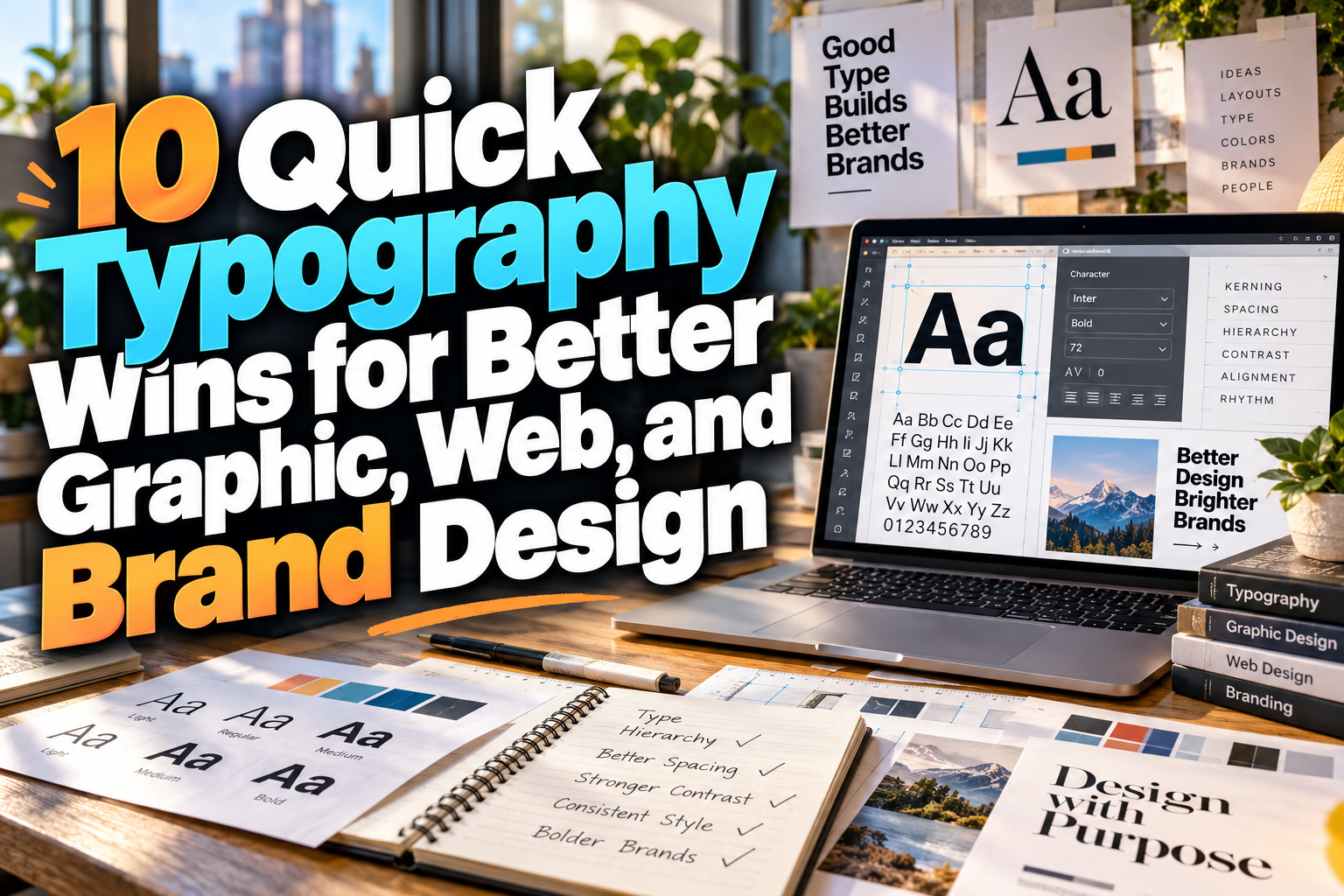
Quick Typography Wins 2026: Small Changes That Instantly Improve Design
Typography can make an average layout feel professional without requiring a complete redesign.
A headline may already use a good font, but poor spacing weakens it. A website may contain excellent content, yet overly long lines make it uncomfortable to read. A social graphic might use several attractive typefaces while still feeling visually chaotic because everything competes for attention.
That is why quick typography wins 2026 are so useful.
Instead of replacing an entire design system, small adjustments to size, spacing, alignment, contrast, and hierarchy can immediately improve how information feels and functions.
These techniques are useful for professional designers, business owners creating their own graphics, marketing teams, students, and UI/UX designers who need better results without adding unnecessary complexity.
Initial Suggestion: Fix Hierarchy Before Changing Fonts
When typography feels wrong, designers often assume they need a different typeface.
Sometimes the actual problem is hierarchy.
Before searching for another font, identify the most important message on the page. It should visually dominate. Supporting information should clearly appear secondary, while body copy should feel comfortable and neutral.
For example, a promotional graphic might use:
50% OFF as the dominant element,
Weekend Sale as the secondary message,
and the date and website as supporting information.
Changing size and weight may solve the design before you touch the font selection at all.
1. Reduce the Number of Font Families
One of the fastest typography improvements is simply removing fonts.
Using four or five unrelated typefaces in one layout usually creates unnecessary visual competition.
For most designs, one or two font families are enough.
A practical system might use one expressive display font for headlines and a clean sans serif for supporting text. Another approach is to use a single family with several weights such as Regular, Medium, Semibold, and Bold.
Consistency makes the design feel intentional.
If you want more personality, explore distinctive display fonts from PutraCetol Studio for headlines, logos, campaign graphics, and branded sections, then pair them with a quieter typeface for longer information.
2. Improve Line Spacing
Text often feels difficult to read because the lines are too close together.
Increasing line spacing slightly can make paragraphs immediately more comfortable.
Body copy generally needs more breathing room than headlines. Large headlines can use tighter line spacing because the letters are already highly visible, while paragraphs need enough vertical separation for the eye to move easily from one line to the next.
Avoid using one line-height value everywhere.
Different text sizes need different spacing relationships.
3. Shorten Long Lines of Text
Extremely wide text blocks make reading tiring.
When a paragraph stretches across an entire desktop monitor, the eye has to travel too far before returning to the next line.
A narrower text column usually feels more controlled and easier to scan.
This is especially important for blogs, landing pages, documentation, newsletters, and long-form websites.
If the page feels empty after narrowing the text, do not immediately make the paragraph wider again. Use whitespace, images, pull quotes, or supporting content to structure the page instead.
4. Increase Contrast Between Levels
Typography hierarchy becomes stronger when text levels are clearly different.
A common mistake is making the headline 36px and the subheading 32px while using nearly identical weights. The difference is technically there, but visually it may be too subtle.
Create more contrast.
Try a larger jump in size, different weight, uppercase treatment, color, or spacing.
For example:
Headline: 64px Bold
Subheading: 28px Medium
Body: 18px Regular
The exact values depend on the layout, but the principle remains the same: users should not have to guess which element matters most.
5. Fix Letter Spacing Carefully
Tracking can dramatically change the personality of typography.
Uppercase headlines often benefit from slightly increased letter spacing, especially in elegant, corporate, or minimalist branding.
Heavy display fonts may look stronger with tighter spacing.
Body text usually needs more restraint. Excessive tracking can make sentences feel disconnected, while overly tight spacing reduces legibility.
Do not apply one tracking value across every style.
Treat spacing as part of the font’s visual personality.
6. Stop Center-Aligning Everything
Centered text is useful for short titles, invitations, hero sections, and selected promotional layouts.
It becomes difficult to read when applied to long paragraphs.
Left alignment gives the eye a predictable starting point and usually works better for articles, product descriptions, instructions, interfaces, and reports.
A quick fix for an awkward layout is often changing three centered paragraphs into one clean left-aligned text block.
Use centered alignment intentionally rather than as a default.
7. Use Bold More Selectively
When everything is bold, nothing feels important.
Designers sometimes make headings, subheadings, labels, buttons, and body text heavy because they want everything to appear strong.
The result is visual fatigue.
Reserve bold weights for elements that genuinely need emphasis.
Regular and medium weights create contrast that allows bold typography to work harder when it appears.
This principle is particularly useful in dashboards and mobile interfaces, where too much bold text can make every component compete for attention.
8. Give Headlines More Space
A strong headline needs room around it.
If a title touches images, buttons, borders, and paragraph text too closely, its visual authority disappears.
Adding whitespace above and below the heading is one of the fastest ways to improve hierarchy without changing the font or size.
Spacing also helps establish relationships.
Elements placed close together appear connected, while larger gaps communicate a new section or topic.
Typography is therefore not only about letters. It is also about the space surrounding them.
9. Test Typography at Real Output Size
A poster viewed at 100% zoom on a monitor is not the same as a poster viewed from several meters away.
Likewise, a mobile interface should be evaluated on an actual phone rather than only inside a large design canvas.
Always test typography in realistic conditions.
Reduce social graphics to thumbnail size. Print packaging samples. Step away from signage. Open the website on smaller devices.
Many readability problems become obvious only when the design leaves the editing environment.
10. Create a Small Type Scale
Instead of selecting font sizes randomly, define a simple type scale.
For example:
| Role | Example Size | Purpose |
|---|---|---|
| Hero | 64 px | Main message |
| H1 | 48 px | Page title |
| H2 | 32 px | Major section |
| H3 | 24 px | Subsection |
| Body | 18 px | Main reading |
| Small | 14 px | Secondary details |
The values can change according to the project, but using a consistent scale makes layouts easier to build and maintain.
Comparison: Weak Typography vs. Quick Fixes
| Problem | Quick Typography Win |
|---|---|
| Too many fonts | Reduce to 1–2 families |
| Dense paragraphs | Increase line spacing |
| Long text lines | Narrow the text column |
| Weak hierarchy | Increase size/weight contrast |
| Awkward capitals | Adjust tracking |
| Hard-to-read paragraphs | Use left alignment |
| Everything feels heavy | Reduce bold usage |
| Crowded headlines | Add whitespace |
| Inconsistent sizing | Create a type scale |
These are simple changes, but together they can significantly improve a design.
Common Mistakes
One common mistake is treating typography as the final decorative layer. In reality, typography often determines the layout itself. Headlines influence spacing, text width determines column structure, and font weight affects visual balance. Typography should be considered early rather than added after every other element is finished.
Another mistake is using trendy typography without considering readability. Extremely condensed fonts, experimental letterforms, unusual ligatures, or decorative scripts can create excellent branding moments but may become frustrating when applied to paragraphs, navigation, forms, or small mobile text. Use expressive fonts where personality matters and simpler typography where users need to read or act quickly.
Finally, avoid adjusting everything simultaneously. If a design feels wrong, change one variable at a time. Fix hierarchy first, then spacing, then alignment, then font pairing if necessary. This makes it easier to identify which adjustment actually improves the composition.
Conclusion
The best quick typography wins 2026 are not complicated.
Reduce unnecessary font families, strengthen hierarchy, improve line spacing, shorten text width, refine tracking, use alignment intentionally, and create a consistent type scale.
These small decisions can transform branding, web pages, posters, presentations, social graphics, and interfaces without requiring a complete redesign.
For more expressive brand moments, designers can explore fonts from PutraCetol Studio and combine them with disciplined spacing and hierarchy.
Good typography is rarely about adding more.
Very often, it is about making fewer decisions more deliberately.
Explore these fonts and many more at PutraCetol.com to build a business identity that looks professional, trustworthy, and memorable.
Additionally, if you want to explore some free typography options, you can check out Putracetol Studio on Dafont. Happy reading and designing!