
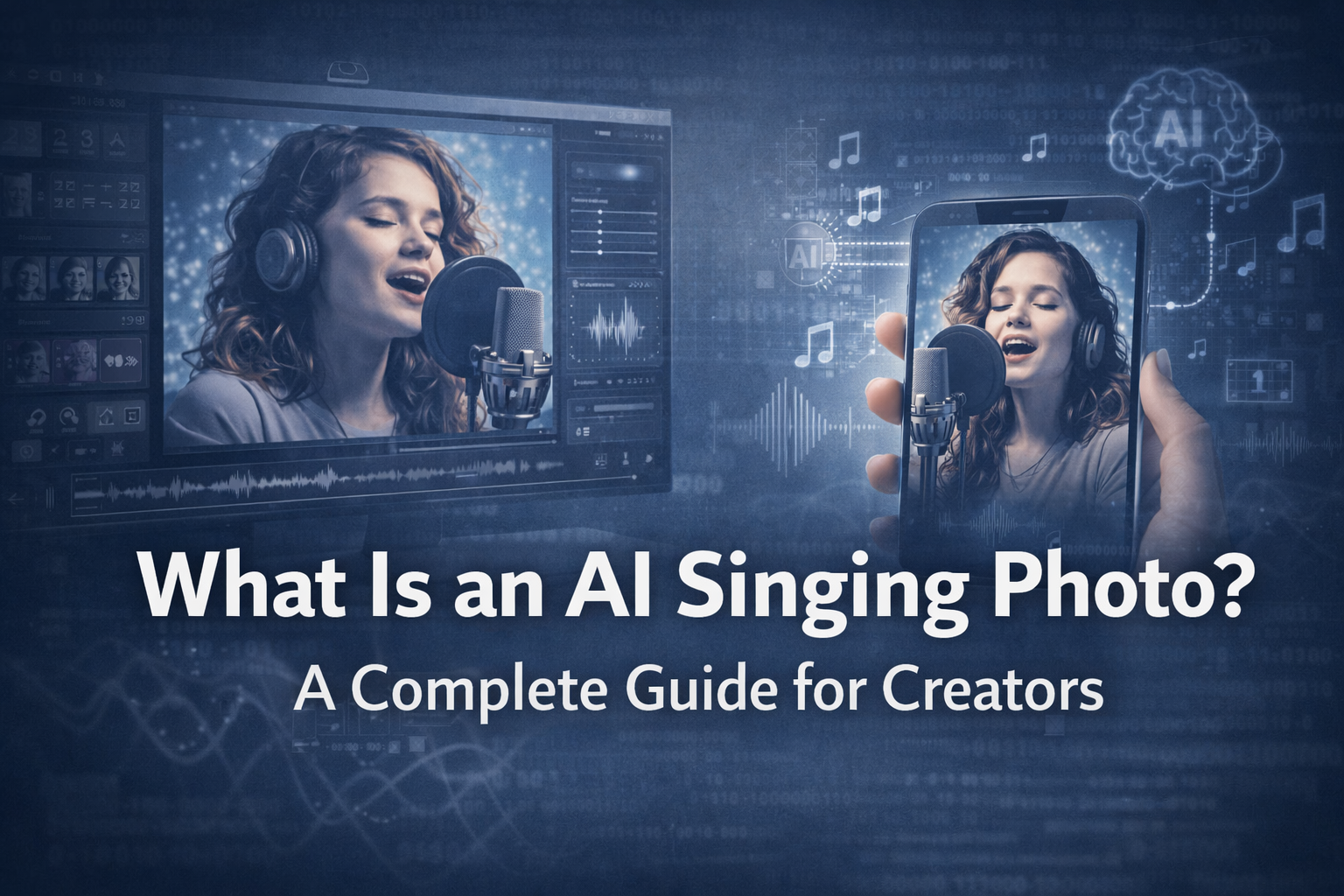
What Is an AI Singing Photo? A Complete Guide
In today’s fast-moving digital landscape, content needs to capture attention instantly. Static images are no longer enough. Audiences expect movement, emotion, and interactivity. This is where the AI singing photo comes in.
An AI singing photo transforms a still image into a dynamic video where the subject appears to sing along with audio. It blends artificial intelligence, facial animation, and audio analysis to create engaging visual content without requiring advanced animation skills.
In this article, we will explore what an AI singing photo is, how it works, its benefits, and how you can create one effectively.
What Is an AI Singing Photo?
An AI singing photo is a technology-driven animation where a static image is brought to life using lip-sync and facial motion.
The AI analyzes an audio file, such as a song or voice recording, and maps it onto a face in a photo. The result is a realistic animation where:
- The mouth moves in sync with speech or singing
- The head may tilt or move slightly
- Facial expressions adjust to match tone and rhythm
This creates the illusion that the person in the photo is actually singing.
Unlike traditional animation, which requires manual frame-by-frame work, AI automates the entire process.
How AI Singing Photo Technology Works
The process behind an AI singing photo involves several layers of analysis and synthesis.
1. Audio Analysis
The AI examines the audio file to detect:
- Rhythm and timing
- Volume and intensity
- Phonemes (speech sounds)
- Syllable patterns
This helps determine how the mouth should move.
2. Facial Mapping
The system identifies key facial landmarks in the image, including:
- Lips
- Jawline
- Eyes
- Nose
- Head orientation
These points act as anchors for animation.
3. Motion Generation
Based on audio and facial data, the AI generates:
- Lip movements synchronized with sound
- Subtle head motion
- Micro-expressions
4. Rendering and Output
The final step combines everything into a short video that looks natural and expressive.
All of this happens in seconds or minutes, depending on the tool used.
Why AI Singing Photos Are Popular
The rise of short-form video platforms has made engaging content more valuable than ever. AI singing photos stand out because they combine novelty with simplicity.
Here’s why they are gaining traction:
- They are visually surprising
- They require minimal production effort
- They work well across multiple platforms
- They are highly shareable
Content that feels interactive and entertaining tends to perform better on platforms like TikTok, Instagram Reels, and YouTube Shorts.
Key Benefits of AI Singing Photos
1. Social Media & Marketing
AI singing photos are perfect for capturing attention in crowded feeds.
Brands can use them to:
- Promote products creatively
- Create memorable ads
- Increase engagement rates
A static campaign becomes dynamic with minimal effort.
2. Education & Storytelling
Educators and content creators can make lessons more engaging by adding voice and motion to visuals.
For example:
- Historical figures can “speak”
- Characters can narrate stories
- Concepts become easier to understand
This improves retention and engagement.
3. Personal Greetings
AI singing photos are ideal for personalized content such as:
- Birthday wishes
- Invitations
- Holiday greetings
Instead of sending a static image, you can send a memorable animated message.
4. Content Creation Efficiency
For creators, speed matters.
AI tools allow:
- Rapid content generation
- Multiple variations from one photo
- Consistent output without complex editing
This makes it easier to maintain posting schedules.
5. Reviving Memories
Old photos can be brought back to life through animation.
However, this should always be done ethically:
- Ensure permission is granted
- Avoid sensitive or inappropriate use
- Respect personal and cultural boundaries
Used responsibly, this feature can create powerful emotional experiences.
Step-by-Step: How to Create an AI Singing Photo
Creating an AI singing photo is straightforward when you follow the right process.
Step 1: Upload a Photo
Choose a high-quality image with:
- Clear facial features
- Front-facing position
- Good lighting
Avoid photos where the face is partially covered.
Step 2: Upload Audio
Select clean audio such as:
- A song clip
- A voice recording
Ensure minimal background noise for better accuracy.
Step 3: Adjust Settings
Most tools allow customization, including:
- Singing style (natural or dramatic)
- Pose scale (head movement intensity)
- Lip scale (mouth movement size)
Start with subtle settings for realistic results.
Step 4: Generate and Preview
Once processed, review the animation.
Check for:
- Lip sync accuracy
- Natural motion
- Visual clarity
Make adjustments if needed.
Step 5: Export and Share
Export the final video and optimize it for your platform.
Short clips (5–15 seconds) usually perform best on social media.
Tips for Better AI Singing Photo Results
To get the most realistic and engaging output:
- Use high-resolution images
- Ensure the mouth is fully visible
- Choose audio with clear vocals
- Avoid excessive movement settings
- Adjust one parameter at a time
Small refinements often make a big difference.
Common Issues and How to Fix Them
Even with advanced AI, some issues may occur.
Mouth Not Synced
- Use cleaner audio
- Choose a clearer image
Lip Movement Too Small or Large
- Adjust lip scale settings
Face Looks Blurry or Distorted
- Use higher-quality images
- Reduce pose scale
Audio Out of Sync After Export
- Keep clips short
- Use standard frame rates
Troubleshooting is usually quick and straightforward.
Branding and Visual Enhancement
To make AI singing content stand out, strong visual design is essential.
Typography can enhance your video thumbnails, captions, and promotional graphics. Fonts such as:
- Neuratic Sans
- Monokill Display
- Space Rodeo Display
- Future Millenial
- Glamour Absolute Modern Serif
from Putracetol can help create bold, eye-catching visuals that complement animated content.

Good visuals increase click-through rates and engagement.
SEO and Content Strategy
AI singing photos are not just creative tools. They can support your SEO strategy.
Here’s how:
- Embed videos in blog content to increase dwell time
- Use keyword-rich titles and descriptions
- Share across multiple platforms for traffic generation
- Combine visuals with written content for better indexing
Search engines favor multimedia-rich pages that keep users engaged.
Ethical Considerations
As with any AI technology, responsible use is critical.
Always:
- Obtain permission before using someone’s photo
- Avoid misleading or harmful content
- Respect privacy and copyright
Ethical use builds trust and protects your reputation.
Conclusion
The AI singing photo is a powerful and accessible tool for modern content creation. It transforms static images into engaging, expressive videos that capture attention and enhance storytelling.
From social media marketing to education and personal greetings, the possibilities are wide-ranging. With the right combination of clear photos, clean audio, and thoughtful adjustments, you can create content that feels both natural and impactful.
As digital content continues to evolve, tools like AI singing photo generators offer a practical way to stay creative without increasing production complexity.
For more inspiration, creative resources, and practical design tips,visit Putracetol.com and explore creative resources that can elevate your next web project.
Thank you for taking the time to read this article. If you are looking for more great articles, feel free to visit Putracetol Blog
Additionally, if you want to explore some free typography options, you can check out Putracetol Studio on Dafont. Happy reading and designing!
Creativity is no longer limited by tools. It is defined by how you use them.