
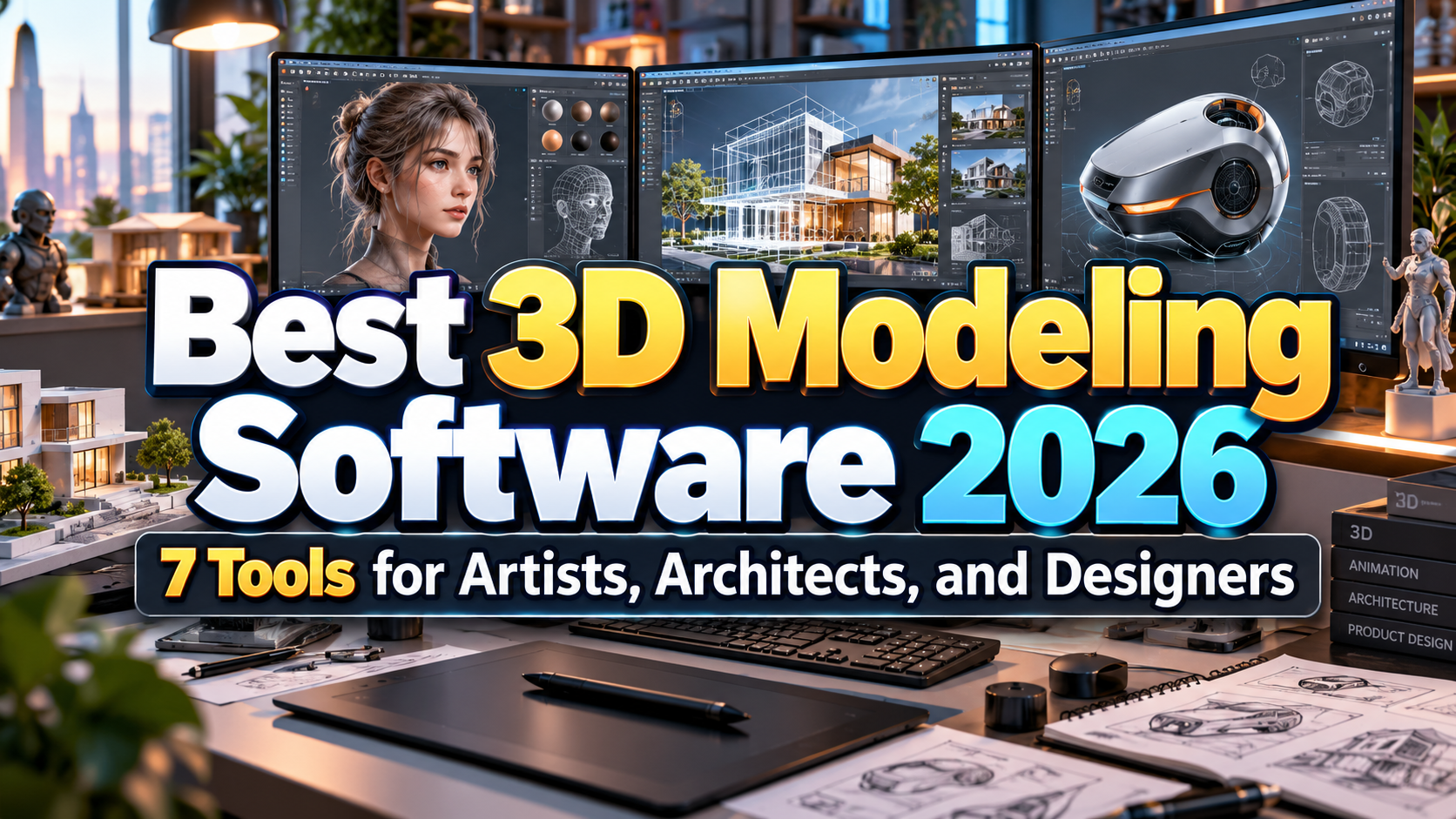
Best 3D Modeling Software 2026: Choosing the Right Tool for Your Workflow
3D design now touches far more industries than animation and visual effects.
The Architects visualize buildings before construction. Product designers develop prototypes digitally. Game studios create characters and environments, marketers produce photorealistic product images, and graphic designers increasingly combine typography with 3D objects for advertising and social campaigns.
That makes choosing the best 3D modeling software 2026 less about finding one universal winner and more about matching software to a specific production pipeline.
A character animator needs different tools from an architect. An industrial designer needs dimensional precision, while a motion designer may value procedural modeling and rapid animation more highly.
The best choice is therefore the application that minimizes friction between modeling, revision, rendering, and final delivery.
Initial Suggestion: Choose the Workflow Before the Software
Before downloading several applications, identify what you actually want to produce.
If your goal is animated characters, prioritize rigging and animation. For architecture, accurate dimensions, CAD imports, documentation, and fast visualization matter more. Product designers should consider parametric modeling and manufacturing workflows, while game artists need topology, UV, sculpting, and engine-friendly exports.
Also investigate the software used by collaborators or employers.
Learning Blender can provide an excellent general 3D foundation, but a studio built around Maya may still expect Maya proficiency. Similarly, knowing SketchUp may be more immediately useful in an architecture office than mastering a character-animation package.
Recommended 3D Modeling Software for 2026
1. Blender: Best Overall Value
Blender remains one of the most complete ways to enter professional 3D without a software subscription. It is free and open source and covers modeling, sculpting, rigging, animation, simulation, rendering, compositing, motion tracking, and even video editing within one application. docs.blender.org
The Blender 4.5 LTS remains supported until July 2027 and includes full Vulkan support, expanded Geometry Nodes capabilities, and significant Grease Pencil improvements for mixed 2D/3D production. blender.org
PROS: Free, complete pipeline, large community, procedural workflows, strong rendering and animation.
BEST FOR: Freelancers, students, indie studios, game assets, animation, visualization, general 3D work.
2. Autodesk Maya: Best for Character Animation and VFX
Maya remains particularly relevant to film, animation, and high-end character pipelines.
Its toolset combines polygon and NURBS modeling with UV editing, sculpting, rigging, keyframe animation, simulation, and production-oriented workflows. Maya 2026 introduced additional modeling improvements and updates for rigging and character animation, while Autodesk’s current Maya generation also continues expanding machine-learning-assisted deformation and motion tools. Autodesk Help
The learning curve is substantial, but that depth is valuable in studio environments where modeling must integrate with complex rigs, animation, effects, and production pipelines.
PROS: Advanced character animation, professional rigging, VFX integration, established studio workflows.
BEST FOR: Film, television, animation studios, character artists, game cinematics.
3. Cinema 4D: Best for Motion Graphics
Cinema 4D is especially attractive to designers moving from 2D graphics into three-dimensional motion.
Its MoGraph system makes cloning, procedural arrangements, animated text, and abstract effects relatively approachable without requiring every movement to be created manually with keyframes. maxon.net
Its modeling environment also includes procedural tools, strong Boolean workflows, symmetry, spline systems, UV-preserving edits, and volume modeling. maxon.net
PROS: Excellent motion graphics workflow, procedural tools, designer-friendly environment.
BEST FOR: Motion designers, advertising, broadcast graphics, 3D typography, product campaigns.
4. Autodesk 3ds Max: Best for Detailed Visualization
3ds Max remains strong for hard-surface modeling, architectural visualization, game assets, environments, and product visualization.
Its modeling toolkit includes Smart Extrude, Boolean operations, retopology, and a flexible Modifier Stack. It also integrates Arnold for rendering and supports extensive third-party plugins. Autodesk
The 2026 release introduced OpenPBR as its default material and delivered improvements across modifiers, retopology, USD, animation, and Arnold integration. Autodesk Help
PROS: Powerful hard-surface modeling, modifier workflow, rendering, large plugin ecosystem.
BEST FOR: Architectural visualization, environments, games, product renders, professional 3D generalists.
5. ZBrush: Best for Digital Sculpting
ZBrush approaches 3D modeling more like working with digital clay.
Its brush-driven environment is designed for high-detail characters, creatures, organic objects, collectibles, and concept models. Maxon’s current feature set includes extensive sculpting brushes, remeshing, polygon modeling, PolyPaint, UV tools, and workflows for moving completed models into animation, rendering, or 3D-printing pipelines. maxon.net
It is usually strongest as a specialized tool alongside another 3D package rather than as the only application in a large production pipeline.
PROS: Exceptional sculpting, very high detail, strong remeshing, organic modeling freedom.
BEST FOR: Characters, creatures, collectibles, game assets, concept sculpting.
6. SketchUp: Best for Fast Architectural Modeling
SketchUp is appealing because it makes spatial modeling feel comparatively direct.
Its architectural workflow supports rapid concept creation, visualization, and presentations, while LayOut converts 3D models into linked 2D plans, elevations, sections, and documentation. SketchUp
The SketchUp for Web also provides much of the core modeling functionality through a browser, including templates, measurement units, imports, images, and geolocation tools. SketchUp Help
PROS: Easy to learn, fast concept modeling, architectural workflow, web option.
BEST FOR: Architects, interior designers, landscape concepts, students, quick spatial visualization.
7. Autodesk Fusion: Best for Product Design and Manufacturing
Fusion belongs to a different branch of 3D modeling: CAD and manufacturing.
Instead of focusing primarily on artistic meshes, Fusion integrates design and manufacturing workflows. Autodesk describes it as unified CAD/CAM software capable of importing more than 50 file formats, modifying existing geometry, generating design iterations, producing toolpaths, and supporting collaboration throughout product development. Autodesk
PROS: Parametric CAD, engineering precision, CAM integration, collaborative product development.
BEST FOR: Industrial design, mechanical parts, prototypes, CNC manufacturing, product engineering.
Comparison: Best 3D Modeling Software 2026
| Software | Main Strength | Best For |
|---|---|---|
| Blender | Complete free 3D pipeline | Generalists and indie creators |
| Maya | Animation and VFX | Film and characters |
| Cinema 4D | Motion graphics | Designers and advertising |
| 3ds Max | Hard-surface visualization | Architecture and games |
| ZBrush | Digital sculpting | Characters and creatures |
| SketchUp | Fast spatial modeling | Architecture and interiors |
| Fusion | CAD/CAM precision | Product engineering |
Building Stronger Visual Branding With 3D
Three-dimensional design increasingly overlaps with branding.
A logo can become a dimensional animation. Packaging can be visualized before production, while product launches can use 3D typography, virtual environments, and photorealistic renders instead of traditional photography.
Designers can combine these workflows with distinctive fonts from PutraCetol Studio for 3D titles, product presentations, campaign graphics, motion branding, packaging mockups, and promotional artwork.
The important principle is consistency. A sophisticated 3D render still needs typography, colors, composition, and brand hierarchy that feel intentional.
Common Mistakes
A common mistake is searching for one application that is “best at everything.” Blender can handle an enormous range of tasks, but specialized tools such as ZBrush, Maya, or Fusion may provide more efficient workflows for sculpting, character production, or engineering. Professional pipelines often combine multiple applications rather than forcing every task into one program.
Another mistake is choosing software according to impressive rendering demos rather than modeling requirements. Rendering quality can often be handled by different render engines, while the daily modeling, revision, file-exchange, and collaboration workflow has a much greater impact on productivity.
Finally, do not underestimate hardware and learning costs. Free software is not automatically inexpensive if complex scenes require stronger GPUs or months of training. Test the software with a realistic project before committing to a full production workflow.
Conclusion
The best 3D modeling software 2026 depends entirely on what you want to create.
Blender offers exceptional all-around value, Maya excels in character animation, Cinema 4D dominates motion-oriented workflows, 3ds Max is powerful for visualization, ZBrush specializes in sculpting, SketchUp simplifies architectural modeling, and Fusion connects precise product design with manufacturing.
Instead of asking which program has the most features, choose the one that gets your idea from concept to finished output with the least friction.
Explore these fonts and many more at PutraCetol.com to build a business identity that looks professional, trustworthy, and memorable.
Additionally, if you want to explore some free typography options, you can check out Putracetol Studio on Dafont. Happy reading and designing!