
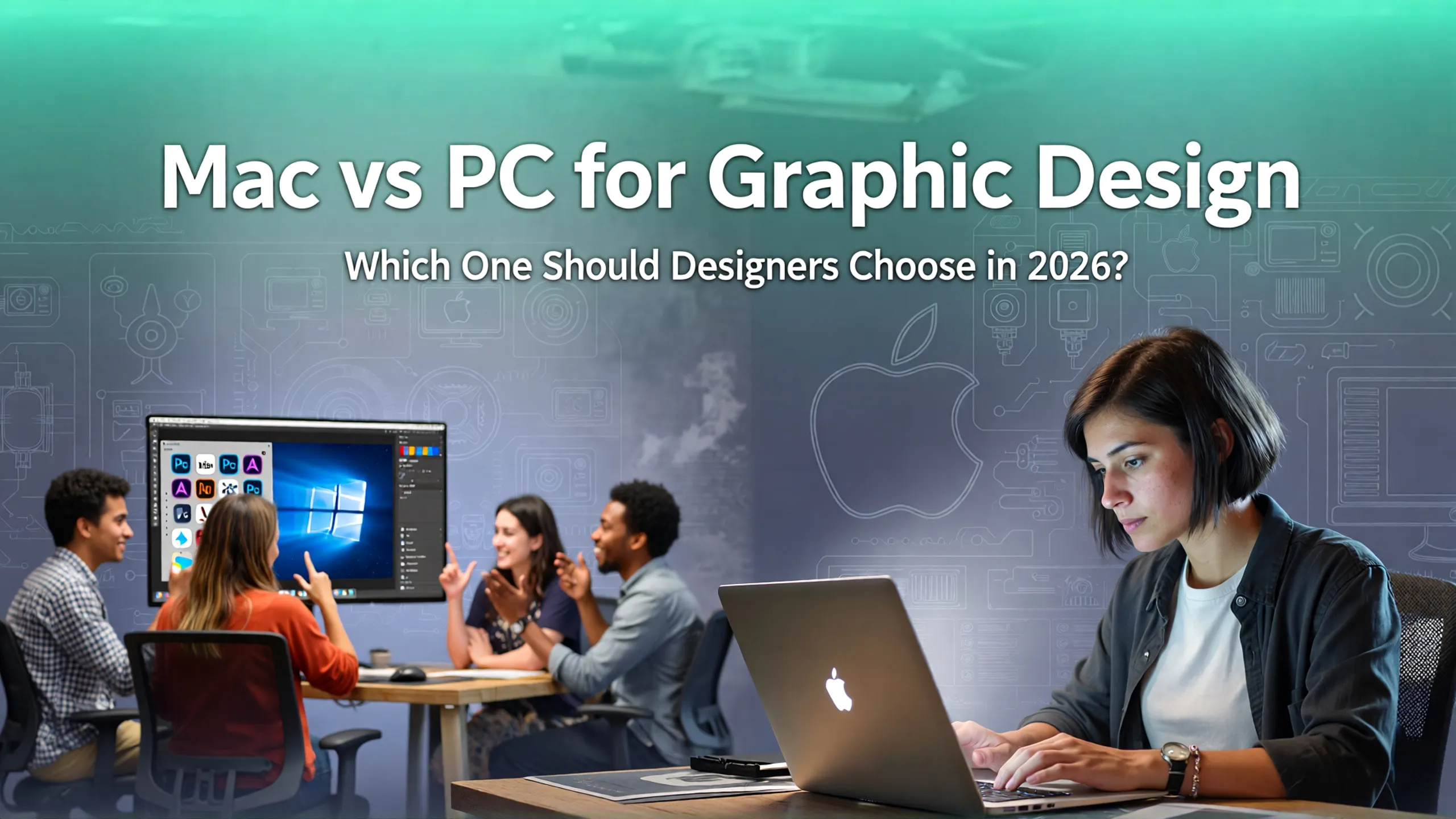
Mac vs PC for Graphic Design: Which One Is Better for Modern Designers?
Introduction: A Debate That Never Really Ends
Ask any group of designers whether Mac or PC is better for graphic design, and you will quickly find strong opinions on both sides. For decades, Apple devices have been associated with creative professionals, while PCs have gained a reputation for flexibility, customization, and raw performance.
But the real question today is no longer about which platform is universally better. Instead, it is about which device aligns with your specific workflow, budget, and long-term goals as a designer.
Modern graphic design involves more than static visuals. Designers today handle typography systems, motion graphics, UI design, 3D elements, video editing, and collaborative cloud workflows. Each of these tasks places different demands on hardware and software.
This guide breaks down eight essential differences between Mac and PC for graphic design, helping you understand which option fits your creative needs.
Why Device Choice Matters for Graphic Designers
Your computer is not just a tool. It shapes your workflow speed, design experience, and even creative decisions.
For example:
- A high-quality display influences color accuracy when designing brand assets.
- Processing power affects how quickly you can render complex visuals.
- Operating system stability determines whether you can focus on creativity without technical interruptions.
For designers working with detailed typography or branding projects, even small differences in performance and display quality can impact final output. Fonts such as Gilded Winter Serif Display, Antiquera, or Mogzilla Bold from Putracetol benefit from accurate rendering and sharp display clarity to maintain visual integrity across projects.
Choosing the right system is therefore a strategic investment, not just a technical purchase.
1. Price and Overall Value
One of the first differences between Mac and PC is pricing.
Mac computers typically come with premium price tags. Apple positions its devices as high-quality, long-term investments with durable build quality and strong resale value. The upfront cost is higher, but many users feel the longevity balances the investment.
PCs, on the other hand, offer a wide range of pricing options. Designers can choose entry-level machines, mid-range laptops, or powerful custom-built workstations depending on their budget.
If you are just starting your design career, a PC might allow you to access higher performance specifications at a lower cost. However, Mac users often highlight long-term reliability and consistent performance as justification for the premium.
2. Hardware Capabilities and Performance
Apple’s recent M-series chips changed the landscape significantly. These processors combine CPU, GPU, and memory architecture into a unified system, improving efficiency and performance for creative tasks.
Benefits of Mac hardware include:
- optimized performance for design software
- reduced heat and noise
- longer battery life for mobile designers
PC hardware shines in flexibility. Designers working with heavy 3D rendering, advanced animation, or specialized workflows may benefit from powerful dedicated GPUs and customizable hardware configurations.
For example:
- 3D artists may prefer high-end NVIDIA GPUs available on PC.
- Motion designers using niche tools might require Windows-only software.
3. Display Quality and Color Accuracy
Color accuracy is critical for branding, print design, and digital content creation.
Mac devices often feature Retina displays with factory-calibrated color profiles. This means designers can trust color consistency without additional setup.
PC users can achieve similar or better results, but usually by investing in high-quality external monitors designed for professional color accuracy.
The difference here is convenience versus flexibility. Mac offers excellent display quality out of the box, while PC allows designers to choose specialized displays tailored to their needs.
4. Software Performance and Compatibility
Most mainstream design software such as Adobe Creative Cloud, Figma, and Affinity tools run smoothly on both platforms.
Mac advantages:
- stable software environment
- consistent updates
- optimized performance for popular creative tools
PC advantages:
- broader compatibility with specialized or experimental software
- stronger support for gaming engines and VR tools
- wider hardware integration options
Designers working across multiple disciplines often consider software compatibility as a deciding factor.
5. Ecosystem Integration and Workflow Experience
Apple’s ecosystem creates seamless interaction between devices. Designers using iPhone or iPad benefit from features such as:
- AirDrop for instant file transfer
- Sidecar for using iPad as a drawing tablet
- Apple Pencil integration for sketching workflows
This integration simplifies creative processes and reduces friction between devices.
PC ecosystems provide flexibility instead of tight integration. Designers can connect various third-party tools including VR headsets, specialized graphic tablets, or experimental hardware.
6. Upgradeability and Future Proofing
One of the biggest differences between Mac and PC is upgradeability.
Most modern Macs have limited upgrade options. Memory and storage choices are typically fixed at purchase, meaning initial configuration decisions determine long-term performance.
PC systems allow easy upgrades. Designers can replace GPUs, add RAM, or expand storage as technology evolves. This flexibility can extend device lifespan and adapt to changing workflow demands.
7. Security and System Stability
Mac devices have a reputation for security and stability. The controlled ecosystem reduces compatibility issues and lowers malware risk.
PC systems are more open, which increases flexibility but also requires proper security practices such as antivirus software and system management.
For professional designers managing client projects, stability often translates into productivity. Unexpected crashes or software conflicts can disrupt creative flow.
8. Longevity and Resale Value
Mac computers tend to maintain higher resale value due to build quality and strong brand reputation. Many designers upgrade by selling previous devices at competitive prices.
PCs usually depreciate faster, though initial costs are lower. However, upgradeable components may offset depreciation by extending usability.
Quick Comparison Table
| Aspect | Mac | PC |
|---|---|---|
| Price | Premium | Flexible |
| Hardware | Integrated | Customizable |
| Display | Retina quality | External monitor recommended |
| Software | Stable environment | Wide compatibility |
| Ecosystem | Apple integration | Broad device support |
| Upgradeability | Limited | Easy upgrades |
| Security | Strong | Requires protection |
| Resale value | High | Lower |
Typography and Design Workflow Considerations
Designers who work heavily with typography often appreciate devices that deliver consistent rendering and precise display clarity.
Fonts like Happy Marshal Playful Army Stencil Font, Retro Cloud, or Gilded Winter Serif Display require accurate kerning visibility and sharp rendering to maintain design intent. Reliable hardware ensures that font previews match final outputs across platforms.
Whether using Mac or PC, pairing high-quality typography with calibrated displays enhances creative confidence and reduces surprises during export or printing.
Conclusion: The Best Choice Depends on Your Priorities
There is no single winner in the Mac vs PC debate. Each platform offers advantages that suit different types of designers.
Choose Mac if you value:
- premium build quality
- seamless ecosystem integration
- stable performance
- high-quality displays out of the box
Choose PC if you need:
- flexible budgets
- customizable hardware
- specialized software compatibility
- upgradeability for future growth
Ultimately, the best device is the one that supports your workflow, creative goals, and long-term strategy.
For more insights into branding, typography, and design resources, explore Putracetol.com for creative fonts and inspiration.
Thank you for taking the time to read this article. If you are looking for more great articles, feel free to visit Putracetol Blog
Additionally, if you want to explore some free typography options, you can check out Putracetol Studio on Dafont. Happy reading and designing!