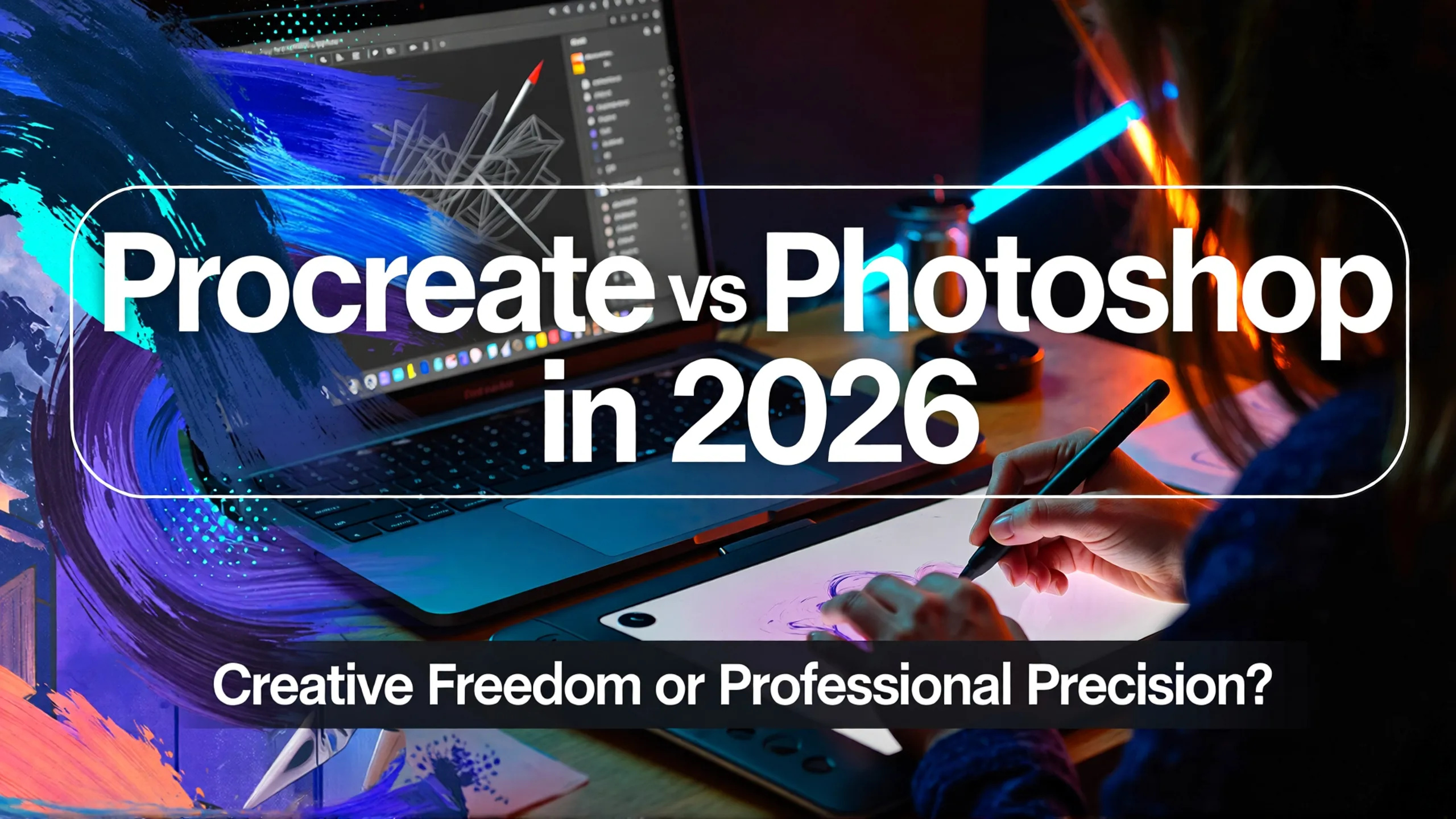
Procreate vs. Photoshop – Which is Best for Digital Design?
Introduction: Two Giants Shaping Modern Digital Creativity
Digital design has evolved rapidly over the past decade. Creative professionals now have access to powerful tools that allow them to sketch, paint, edit photos, and produce complex visual compositions from virtually anywhere.
Among these tools, Procreate and Photoshop stand out as two of the most influential applications in the industry. Procreate has gained massive popularity with over 30 million global users, becoming a favorite among illustrators and digital artists for its intuitive design and natural drawing experience. Meanwhile, Photoshop remains the industry standard, used by more than 90% of creative professionals worldwide for everything from photo manipulation to advanced graphic design workflows.
Choosing between Procreate and Photoshop is not simply about which software is better. The real question is which one aligns with your creative process, workflow requirements, and long-term goals as a designer.
This guide explores the key differences between Procreate and Photoshop, covering user experience, drawing features, device compatibility, workflow integration, and more, helping you determine which tool is right for your needs.
Understanding the Core Philosophy Behind Each Tool
Before comparing features, it helps to understand the philosophy behind both platforms.
Procreate focuses on simplicity and immediacy. It is designed primarily for artists who want to draw naturally without distractions. The interface removes unnecessary complexity so creators can focus entirely on the canvas.
Photoshop, on the other hand, is built as a comprehensive design ecosystem. It offers extensive features that allow professionals to handle complex projects, ranging from digital painting and photo editing to UI design and compositing.
In short:
- Procreate emphasizes creative flow.
- Photoshop emphasizes technical control.
User Experience (UX): Simplicity vs Flexibility
Procreate
Procreate’s interface is intentionally minimal. Most tools are hidden behind gestures or compact menus, allowing users to focus on drawing rather than navigating complex panels.
Benefits include:
- distraction-free canvas
- intuitive gestures for zooming and editing
- quick learning curve for beginners
Many artists describe Procreate as feeling closer to traditional drawing on paper.
Photoshop
Photoshop’s interface is more complex, offering multiple panels, tools, and customization options.
Advantages:
- extensive flexibility
- customizable workspace
- precise control over every element
However, beginners may initially find the interface overwhelming due to the number of available features.
Drawing Features: Natural Feel vs Technical Precision
Procreate Drawing Tools
Procreate is widely praised for its responsive brush engine. The app simulates real-world drawing tools with impressive accuracy.
Key highlights:
- customizable brushes
- pressure-sensitive strokes
- simple animation features
- smooth performance optimized for Apple Pencil
For illustration, character design, and concept art, Procreate offers a fluid experience that encourages experimentation.
Photoshop Drawing Tools
Photoshop also provides powerful drawing capabilities but with additional technical controls.
Features include:
- advanced brush settings
- smart objects for non-destructive editing
- extensive plugin ecosystem
Photoshop excels in projects requiring layered complexity or integration with other design processes.
Device Compatibility: Mobility vs Cross-Platform Power
Procreate
Procreate is exclusive to iPad, which defines both its strength and limitation.
Advantages:
- portability
- touch-based interaction
- offline functionality
This makes Procreate ideal for artists who value mobility and spontaneous creativity.
Photoshop
Photoshop runs on desktop, tablet, and web platforms. Its cloud integration allows users to move seamlessly between devices.
Benefits include:
- collaborative workflows
- access to large files and advanced processing power
- cross-device flexibility
Designers working in professional teams often prefer Photoshop because of this versatility.
Layer System: Simplicity vs Unlimited Complexity
Procreate Layers
Procreate offers simple layer management, making it easy for beginners to organize artwork.
However, the number of layers depends on the iPad’s RAM, which can limit extremely complex projects.
Photoshop Layers
Photoshop provides advanced layer capabilities:
- unlimited layers (within system limits)
- blending modes
- smart filters
- adjustment layers
These features make Photoshop ideal for professional workflows requiring precision and flexibility.
Workflow and Integration
Procreate Workflow
Procreate is a standalone application with a one-time purchase cost (approximately $12.99).
Advantages:
- no subscription required
- fast startup
- streamlined workflow
It works exceptionally well for freelancers or artists focused primarily on drawing.
Photoshop Workflow
Photoshop is part of Adobe Creative Cloud, integrating with tools such as Illustrator, Lightroom, and After Effects.
Benefits:
- collaborative workflows
- seamless asset sharing
- industry-standard file compatibility
Subscription pricing typically starts around $15 per month.
Typography and Design Workflow Considerations
Typography plays an essential role in digital design, and both tools support font integration.
Designers using expressive fonts such as Antiquera or Retro Cloud from Putracetol may find Procreate useful for conceptual artwork or lettering sketches. Meanwhile, Photoshop excels in typographic refinement, especially when working with display fonts like Mogzilla Bold or elegant serif styles such as Gilded Winter Serif Display.
Combining Procreate for initial creative exploration and Photoshop for final refinement is a workflow adopted by many professional designers.
Quick Comparison Table
| Aspect | Procreate | Photoshop |
|---|---|---|
| UX | Intuitive and simple | Complex and flexible |
| Drawing Features | Natural brushes | Advanced technical tools |
| Device | iPad only | Desktop, tablet, web |
| Layer System | Limited by RAM | Unlimited advanced layers |
| Workflow | Standalone purchase | Adobe ecosystem subscription |
Which Tool Should You Choose?
Choose Procreate If You:
- prefer a natural drawing experience
- work primarily on illustration or digital painting
- want a portable and lightweight solution
- value simplicity and intuitive workflows
Choose Photoshop If You:
- require professional-level editing tools
- work across multiple platforms
- need advanced layer control and integrations
- collaborate with teams using Adobe software
The Future of Digital Design Tools
The line between mobile creativity and professional software continues to blur. Procreate continues to evolve with powerful drawing features, while Photoshop integrates AI tools and cloud-based workflows.
Rather than replacing each other, both tools serve different creative needs. Many designers now use them together, leveraging Procreate for ideation and Photoshop for final production.
Conclusion
Procreate and Photoshop represent two different philosophies in digital design. Procreate excels in simplicity, mobility, and natural drawing experiences, making it a favorite among illustrators and artists. Photoshop remains the industry standard, offering unmatched flexibility, integration, and technical precision.
Ultimately, the best choice depends on your priorities as a creator. Understanding your workflow, creative style, and long-term goals will help determine which platform supports your vision most effectively.
For more insights into branding, typography, and creative design resources, visit Putracetol.com and explore inspiring fonts that enhance your digital projects.
Thank you for taking the time to read this article. If you are looking for more great articles, feel free to visit Putracetol Blog
Additionally, if you want to explore some free typography options, you can check out Putracetol Studio on Dafont. Happy reading and designing!