
Canva has become one of the most widely used design platforms for creators, students, small businesses, and professional designers. Its appeal lies in the fact that anyone, regardless of technical skill, can produce professional-looking visuals. But the choice between Canva Free vs Pro is not always straightforward. Both versions offer distinct benefits, and the decision to upgrade depends on design needs, workflow, and branding goals.
Canva Free is an accessible entry point for anyone new to design. It provides thousands of templates, a decent selection of fonts, and up to 5 GB of storage. These resources are enough to create social media graphics, school projects, or simple business flyers without paying a cent. Its simplicity is its strength minimal barriers, quick results, and a smooth interface.

Still, limitations exist. The asset library is restricted, advanced features like the background remover are locked, and customization options for consistent branding are limited. A font like Kids Sketch Handwritten Doodle Font reflects this playful accessibility it’s warm and fun, perfect for casual projects, but unsuitable for highly professional or corporate branding. In the same way, Canva Free is ideal for light users but not for more demanding design requirements.
Canva Pro is designed for frequent creators, small businesses, and professional teams. With over 100 million premium images, icons, and videos, plus advanced tools like the Brand Kit, background remover, and up to 1 TB of storage, it offers creative freedom that Canva Free cannot match. For users managing multiple social channels or business branding, the upgrade saves significant time.

This shift can be compared to choosing a bold, professional font like Condestro Bold Condensed Font. Just as this typeface communicates order and authority in design projects, Canva Pro communicates professionalism through advanced customization and scalability. Its advantage is efficiency and brand consistency, though it comes at the cost of a paid subscription.
There are many scenarios where Canva Free is more than sufficient. Occasional users who only need to design birthday invitations, classroom posters, or personal social media graphics may not benefit from investing in Canva Pro. Canva Free shines when the goal is simplicity and no recurring costs.

In design terms, it feels similar to Miko Wave Japanese Font, which offers creative charm and cultural flair but might not work for every professional context. Both Canva Free and this font thrive in casual or expressive environments but show their limitations when applied to structured branding or high-stakes projects.
For professional branding, small businesses, and content-heavy creators, Canva Pro’s advantages become clear. The Brand Kit, for instance, allows logos, color palettes, and fonts to be stored for consistent use. This saves time and ensures every visual asset aligns with brand identity. Similarly, the automatic background remover is invaluable for creating clean product images or marketing graphics.

This added value is akin to using Armor Legion Display Font. Its bold, commanding design suits entertainment or gaming brands where a strong presence is essential, but it might be too heavy for delicate or minimalist branding. Canva Pro, like this font, shines where strength, flexibility, and impact are needed most.
Ultimately, the choice between Canva Free vs Pro depends on how often you create designs and what you need them for. If you are a student creating occasional presentations, Free will do the job. But if you are managing business campaigns, designing for clients, or maintaining a consistent brand, Pro offers long-term value.
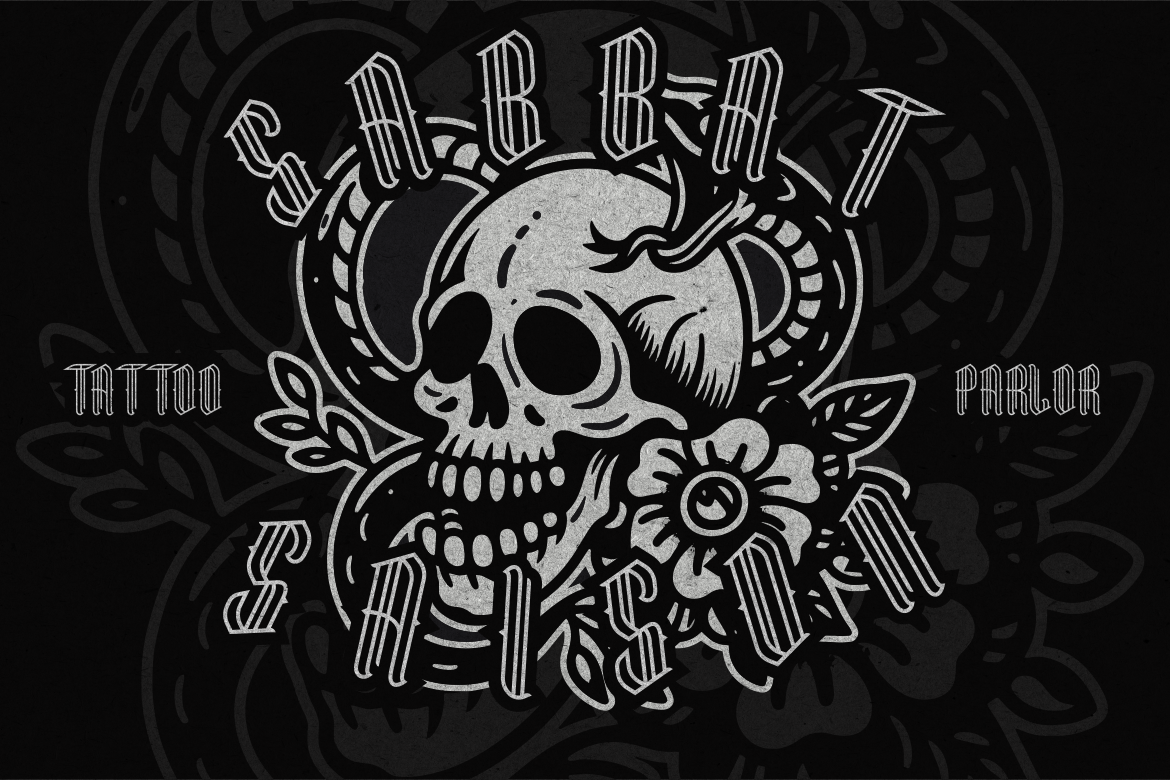
Think of Dark King Blackletter Font. Its strength lies in its heritage and authority, making it ideal for specific branding needs. However, it is not versatile enough for every context. Canva Pro works the same way, it’s a powerful tool for the right audience, but unnecessary for users with lighter needs.
The decision-making process should start with analyzing your workflow. Do you need high-resolution images regularly? Do you collaborate with teams on brand materials? Do you require consistent branding across multiple channels? If the answer is yes, Canva Pro is worth the investment. If not, Canva Free remains a reliable and cost-effective tool.
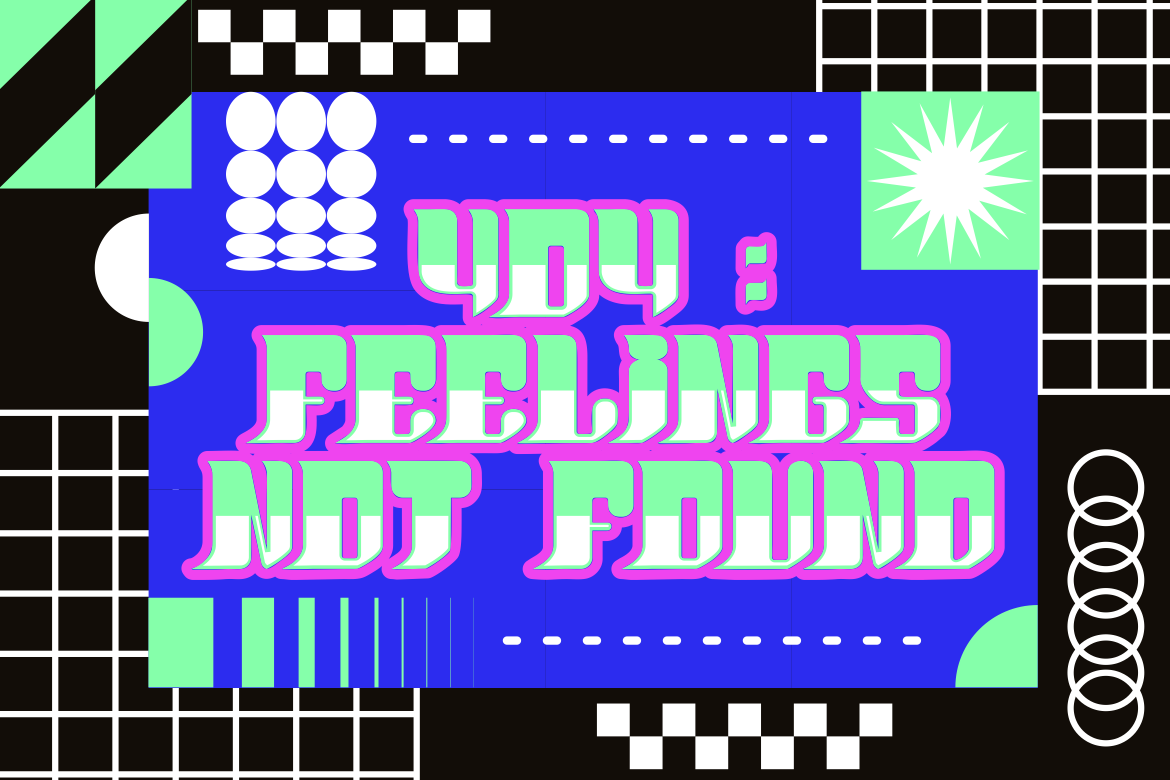
For comparison, Tegno Futuristic Techno Font captures innovation and adaptability, much like Canva Pro’s advanced tools. However, its futuristic style may not appeal to audiences who prefer more traditional visuals—highlighting how suitability depends on context. Canva Free provides a safer, more generalist option, while Canva Pro expands creative boundaries.
The Canva Free vs Pro debate is less about which is better and more about what works best for your situation. Canva Free is excellent for personal use, casual design, or entry-level projects. Canva Pro, however, is a time-saving powerhouse for professionals, businesses, and anyone seeking brand consistency and creative efficiency. Just like choosing the right font whether the playful Kids Sketch, the bold Condestro, or the futuristic Tegno the choice depends on your goals, audience, and long-term vision.
By aligning design needs with the right tools, creators can maximize both efficiency and impact. Whether you stick with Free or upgrade to Pro, Canva ensures that design remains accessible, empowering, and central to visual communication.
Thank you for taking the time to read this article. If you are looking for more great articles, feel free to visit Putracetol Blog
Additionally, if you want to explore some free typography options, you can check out Putracetol Studio on Dafont. Happy reading and designing!

